
Although Twitter was the first social media network to use hashtags to group posts on related topics together, it is on Instagram that hashtags have really flourished. Twitter has a finite limit on the characters you can use – 280, currently, but 140 for most of its life. Any hashtags used are included in your character quota. Instagram, on the other hand, encourages you to use up to 30 hashtags per post. Many social media experts believe you should use at least 20 per post.
However, there is one area where you need to be careful with your Instagram hashtag usage. Instagram now penalize people who reuse the same set of hashtags for every post they make. It's crucial to personalize your hashtags to match the content of each post.
Find the best tools to track your hashtags or simply use one of the leading hashtag generator tools below to generate hashtags that convert into higher post engagement rates.
Why Are Hashtags Important?
Hashtags help you wade through the mass of data on social networks. Think how many images, videos, captions, and other items have been posted on Instagram since its inception. Hashtags help you make sense of all that data. They aid your searching and sorting of posts into themes and categories.
They also allow you to see posts from a broader range of people than just your own circle of friends. You can search for posts relating to a topic, rather than just sifting through the photos your friends share on your feed. You can explore content that catches your eye, which you would never have found otherwise.
Here are the best Instagram hashtag generator tools you can use to find the perfect combination of hashtags for each of your posts.
1. Influencer Marketing Hub Instagram Hashtag Generator
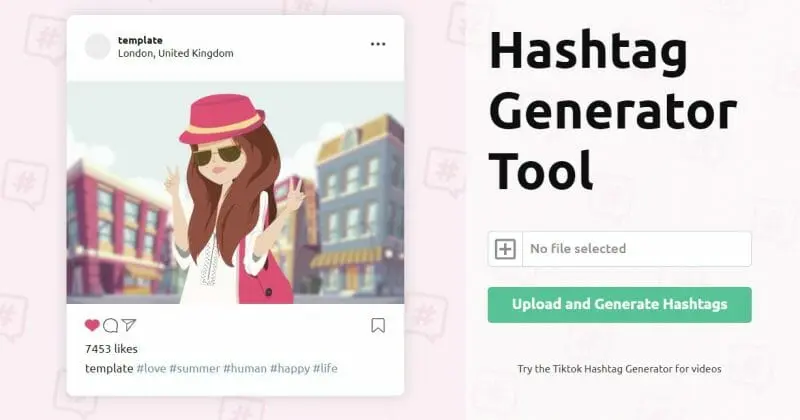
We’re justifiably proud of our Instagram Hashtag Generator. You upload a photo, and you can build up a selection of relevant hashtags that you can use when you share that image on Instagram.
You begin by clicking on the + symbol on the right-hand side. It asks you to select a file – this is the image file that you intend to upload to Instagram.
Once you have found your picture, click on the Upload and Generate Hashtags box.
At this point, you will see a sample of what your post could look like with ten potential hashtags.
Read More2. All Hashtag
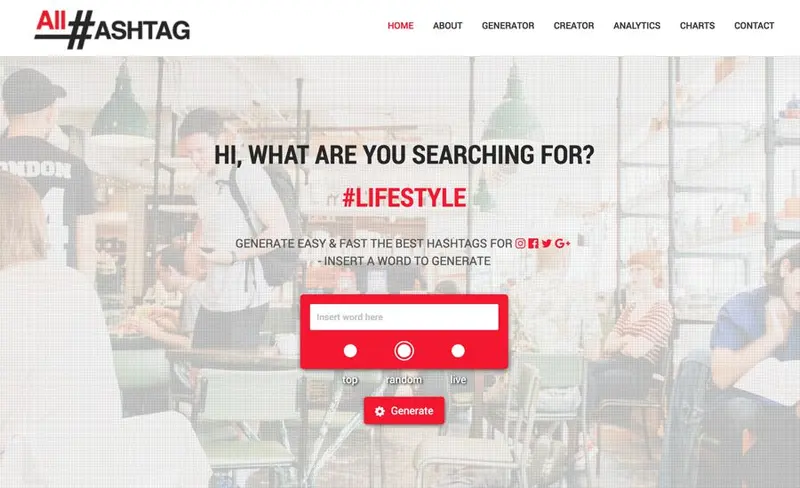
As its name suggests, All Hashtag is, well, all about hashtags.
The site began in 2015 as a simple hashtag generator tool. It has continually expanded and added new features since that time. It now allows you to generate, create, analyze and search for the top hashtags.
The site currently incorporates four hashtag tools:
Read More3. Ritetag
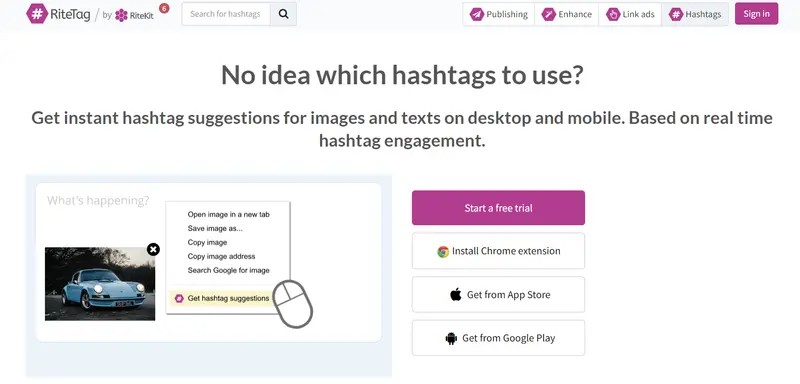
Ritetag is part of RiteKit’s social media toolkit for people who make their living on social. Ritetag can be used standalone from the rest of Ritekit, however.
Ritetag gives instant hashtag suggestions for images and texts on desktop and mobile, based on real-time hashtag engagement. You can use it to discover hashtag suggestions for either text or images. You can even install a Chrome extension that allows you to right-click or any picture or make a text selection and then choose Get Hashtag Suggestions.
Ritetag is a $49 per month paid tool, but you can undertake a free trial to test how suitable it is for your needs. Once you have signed up for Ritetag, you have access to:
Read More4. Photerloo Instagram Hashtag and Keyword Generator
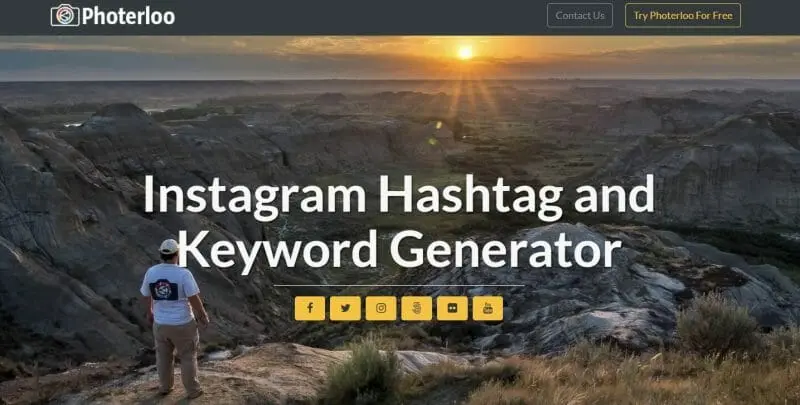
Photerloo allows you to share your photos online to social networks, photography sites, and stock sites automatically. It uses machine learning to look at any picture and suggest keywords.
To help improve this experience Photerloo also offers their Instagram Hashtag and Keyword Generator.
It has a clear, simple interface, with a box where you can drag a photo or click to upload it. Once you have uploaded the image you are given two lists: Suggested Photo Keywords and Suggested Instagram Hashtags.
You can select from 1-50 photo keywords and 1-30 Instagram hashtags. You can also decide the level of popularity you want for your hashtags. There are six popularity levels, from Least Popular to Most Popular.
Read More5. Hashtag Generator #HashMe
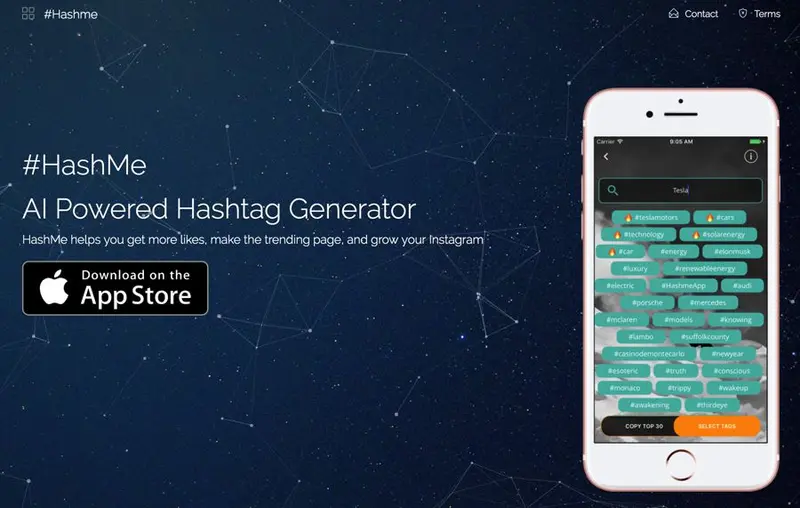
The #HashMe AI Powered Hashtag Generator is an iOS app available in the Apple app store. Although the app is free, you can buy an $8.99 monthly subscription for additional premium features.
It is popular with its users, currently rating 4.9 (out of 65) in the App Store, from 677 reviews.
#HashMe allows you to upload a photo, or search hashtags with text input. You can discover the currently trending hashtags, select the ones you like and paste them to Instagram.
Purchasing a subscription to #HashMe unlocks unlimited search queries and search by photo for trending hashtags.
6. Hashtagify
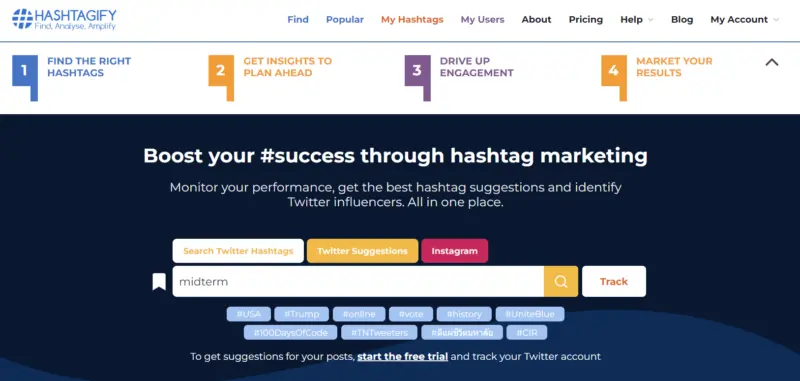
Hashtagify aims to find, analyze, and amplify your hashtag strategy.
You can use it to search real-time data and insights about any hashtag on Twitter or Instagram: popularity ranking, related hashtags, trends, and more. You can track any hashtag or user to get in-depth analysis. It helps you discover trending hashtags, monitor all the posts from your competitors and engage with the influencers who are relevant to you. You can enhance your social media strategy through hashtag marketing. Use top trending hashtags to reach a broader audience and amplify your message with custom suggestions based on your profile. You can download dashboards and charts of your tracked hashtags and users, and show how well your campaign is performing.
Read More7. Sistrix
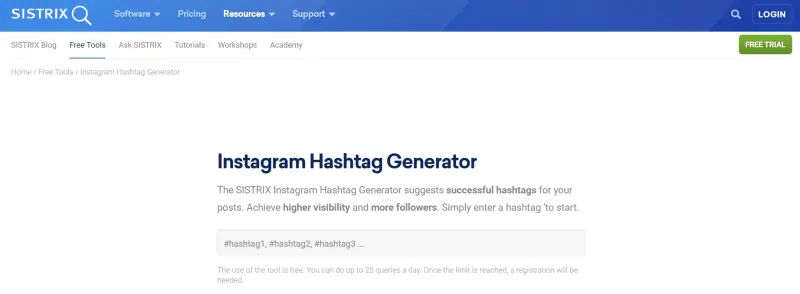
Sistrix was founded by Johannes Beus, an SEO consultant. He realised the need for a collection of tools to help him collect data and decided to build a suite of applications to do just that in 2008. Today, Sistrix boasts a collection of six premium tools. Instagram hashtag generator is a free tool.
Read More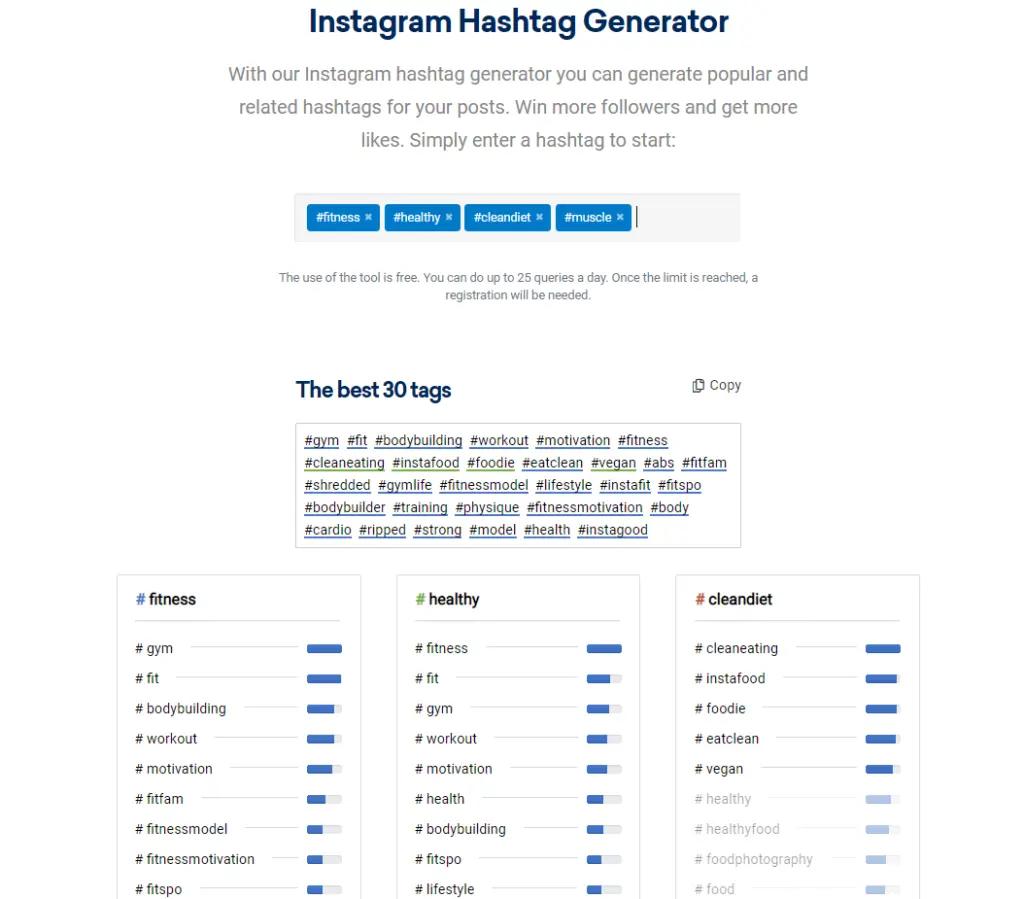
8. Daily Purpose
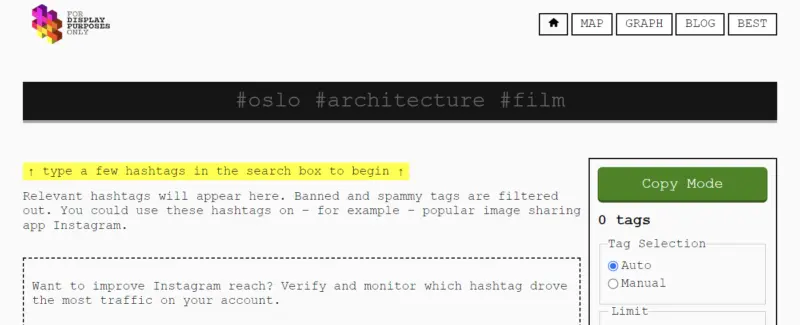
Daily Purpose offers one of the most fun, yet practical tools we’ve seen in a while. Your hashtag exploration starts with a keyword in the top search bar. Once entered, a list of hashtags automatically populates below. What makes this tool a favourite is its basic design. While the colour scheme is quirky, the results are invaluable. For example, you have the option of choosing Auto or Manual tag selection. Auto tag selection automatically populates your screen with hashtags selected by the tool. Manual selection allows you to pick checkboxes alongside each tag you’d like to use.
Read More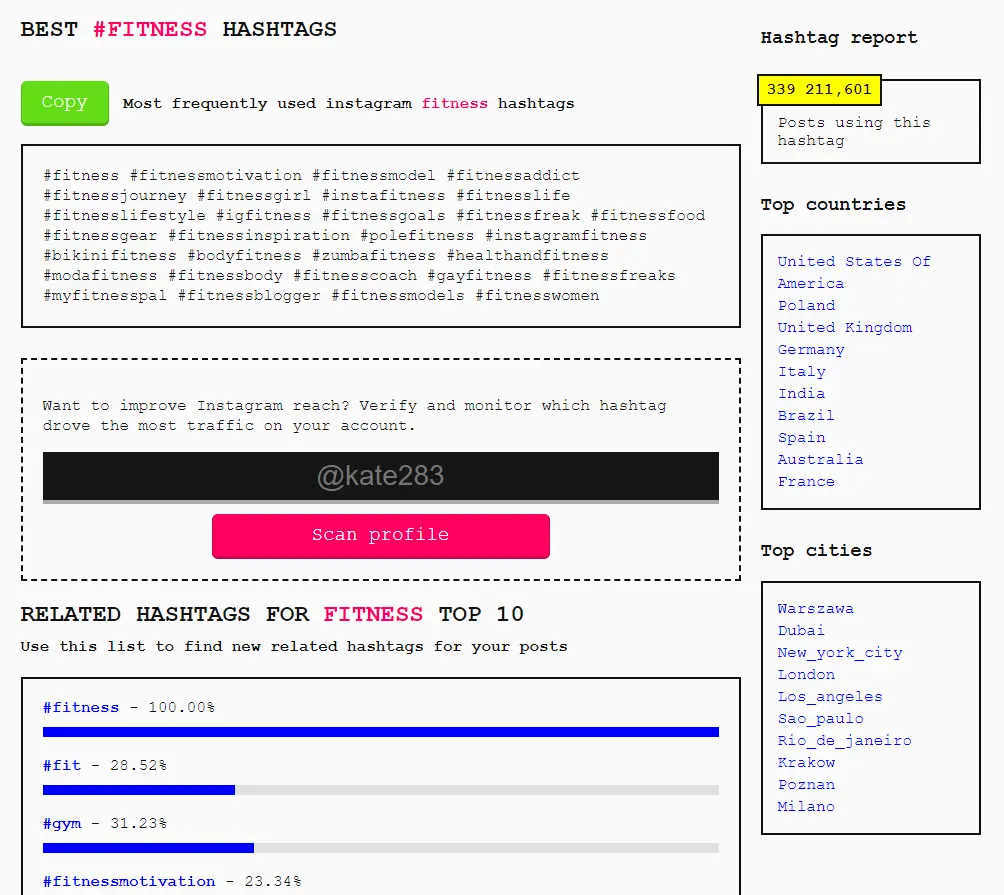
9. Hashtags For Likes
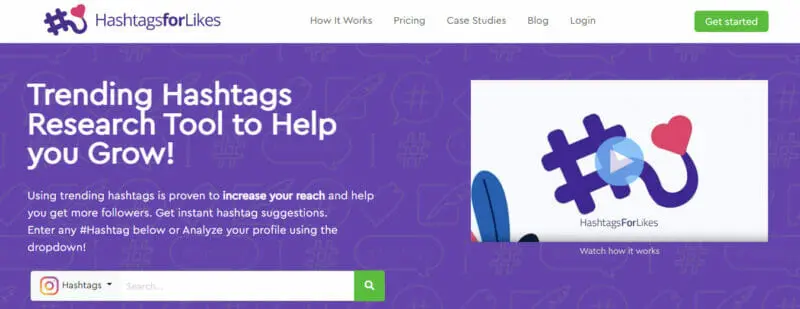
Hashtags For Likes offers more than just a hashtag generator. It comes with analytics features to help you identify the best hashtags and track post performance. Like other tools on our list, Hashtags For Likes groups results by category. Categories include “Popular”, “Trending”, and “Related” tags. Tag results are, however, hidden for “Popular” and “Trending” categories, and to see them, you’ll need to upgrade your package.
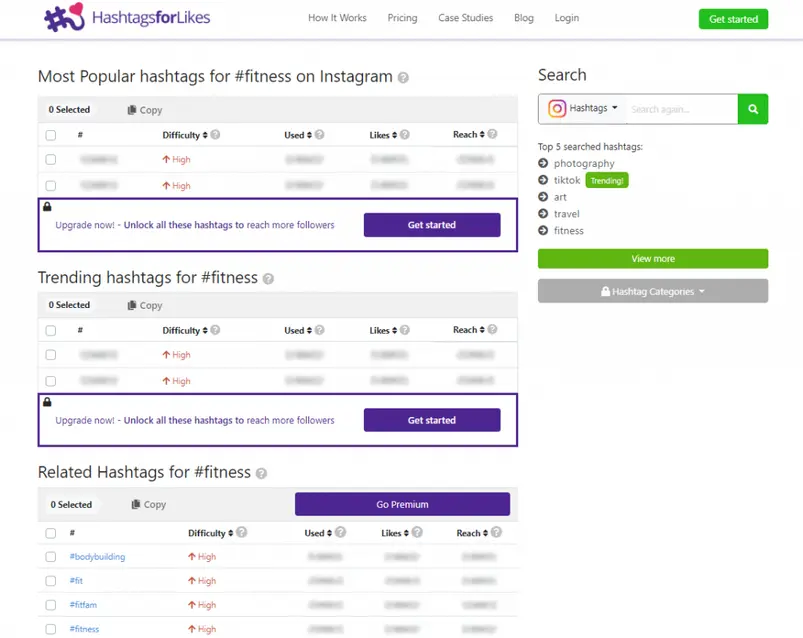
Source: hashtagsforlikes.co
Instead, you get to see related hashtags along with the difficulty rating. The tool also offers a Hashtag Popularity metre. Readings include “Not Popular”, “Long Life”, “Trending”, and Popular”. Other metrics include the number of unique posts (displayed), and hashtag reach and average likes (hidden).
Read More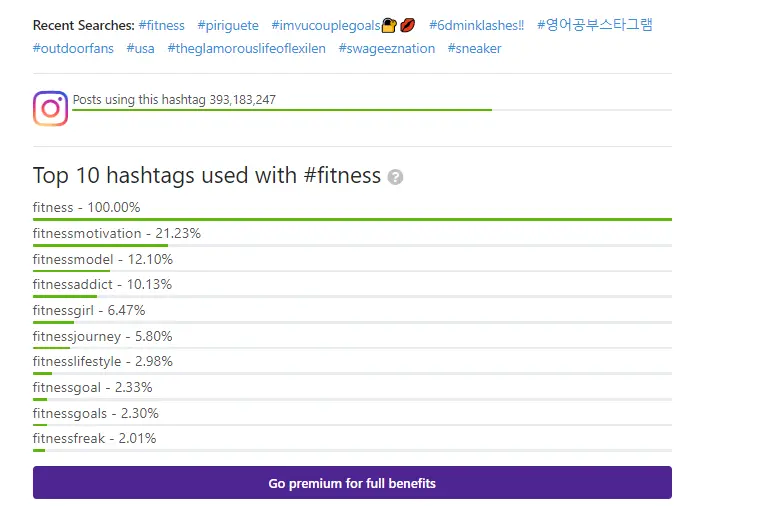
Frequently Asked Questions
What are the best Instagram hashtag generator tools?
In this article, we've taken a look at a selection of Instagram hashtag tools on the Web. We highlighted the Influencer Marketing Hub Instagram Hashtag Generator. You upload a photo, and it builds a range of relevant hashtags you can use when you share that image on Instagram. We also looked at:
All Hashtag
Ritetag
Photerloo Instagram Hashtag and Keyword Generator
Hashtag Generator #HashMe
Hashtagify
Sistrix
Daily Purpose
Hashtags For Likes
What's the best hashtag app for Instagram?
We believe the Influencer Marketing Hub Instagram Hashtag Generator to be the best hashtag app for Instagram. You upload a photo, and you can build up a selection of relevant hashtags that you can use when you share that image on Instagram. Click on the + symbol on the right-hand side, and it will ask you to select a file – the image you want to upload. Then click on the Upload and Generate Hashtags box. Select a keyword, and the tool suggests five suitable hashtags
How do you create a catchy hashtag?
You can create a hashtag specific to your brand, to help people include your brand in their online conversations. You want it brief, but unique – no more than a few words. Ideally, it should evoke an emotion. If you hold a special event, create a specific hashtag for that event, to unite all the Instagram posts about that event together. Look closely for any embarrassing hidden meanings. Make sure your hashtag fits the overall tone of your business and its marketing.
What's the most hashtags you can use on Instagram?
Instagram makes it easy to add hashtags in the captions or comments on any post. Once you use a hashtag in a post, then it will become visible to anybody who searches for that hashtag. However, Instagram limits you to use 30 hashtags in a post (much more than on Twitter or most other social platforms). If you include more than 30 tags on a single photo or video, your comment won't post. Note that you can only tag your own posts, not other people's.
What is a hashtag generator?
In this post, we have looked at 9 of the best Instagram hashtag generator tools on the Web, including the Influencer Marketing Hub Instagram Hashtag Generator. But what is a hashtag generator? It's a tool designed to help you find suitable hashtags for your posts based on keywords you use. In the case of our tool, Ai analyzes the content of the image you intend to upload, and it suggests keywords for you. It then creates hashtags based on your preferred keywords.
How do you use hashtags correctly?
Hashtag basics include:
- Start with a #, but don't use spaces, symbols, or punctuation.
- Ensure your account is public or your hashtags will be irrelevant
- Keep your hashtags relatively short, without too many words
- Keep your hashtags relevant and specific
- Don't use more than 30 hashtags on Instagram, and then only use relevant ones to the post you are making
- Don't use the same hashtags on every post
- Not all popular hashtags are valuable to you (e.g., #followme). Check their worth before using generic tags


![What's The Best Number of Hashtags for Each Social Network? [FREE Hashtag Counter]](https://s.influencermarketinghub.com/imaginary/resize?width=400&height=200&type=webp&url=https://influencermarketinghub.com/wp-content/uploads/2019/09/Best-Number-of-Hashtags-for-Each-Social-Network.jpg)
