
For many small and mid-sized teams, social media management begins with structure. A shared content calendar, basic approval flows, performance dashboards, and role-based access are often enough to move from ad-hoc posting to coordinated publishing.
Zoho Social has long occupied that space. It offers multi-network scheduling, monitoring, and reporting inside a clean interface, with added appeal for organizations already using the broader Zoho ecosystem.
But social media programs rarely stay static. As teams expand, reporting expectations increase, or agencies take on multiple clients, operational needs change. Some teams require deeper analytics and social listening. Others need stronger collaboration controls, AI-assisted publishing, or enterprise governance layers. In other cases, teams may simply want a more streamlined tool.
This article evaluates Zoho Social alternatives across the full spectrum, from lightweight publishing platforms to enterprise-grade social suites, helping you determine which structure best fits your next stage of growth.
- When Zoho Social Is Still the Right Choice
- How We Evaluated Zoho Social Alternatives
- Zoho Social Alternatives to Try in 2026
- 1. Sprout Social
- 2. Agorapulse
- 3. Hootsuite
- 4. SocialBee
- 5. Metricool
- 6. Buffer
- 7. OnlySocial
- Which Zoho Social Alternative Is Right for You?
- The Right Zoho Social Alternative Depends on What You’ve Outgrown
- Frequently Asked Questions
When Zoho Social Is Still the Right Choice
Before exploring alternatives, it is important to recognize where Zoho Social continues to deliver strong value.
For small to mid-sized teams, the platform provides structured publishing, brand monitoring, and role-based access without unnecessary complexity. Its calendar view and approval workflows help teams move beyond spreadsheet planning while keeping collaboration straightforward.

Businesses already operating within the broader Zoho ecosystem may also benefit from its native integrations, especially when aligning marketing activity with CRM data.
Zoho Social is particularly well-suited to:
- SMBs managing multiple social profiles with limited internal resources
- Marketing teams that prioritize affordability and predictable pricing
- Organizations that do not require advanced social listening or enterprise analytics
- Companies that want structured collaboration without agency-level governance layers
If your team’s primary goal is coordinated publishing and basic performance reporting, Zoho Social remains a practical and efficient solution. Switching platforms only makes sense when your operational requirements exceed its intended scope.
How We Evaluated Zoho Social Alternatives
To assess the most relevant Zoho Social alternatives, we focused on how each platform supports real-world social media operations rather than marketing claims.
Our evaluation included:
- Reviewing official product pages, documentation, and feature breakdowns
- Analyzing publishing workflows, including bulk scheduling, content calendars, and approval systems
- Comparing collaboration tools, such as role permissions, task assignment, and client access controls
- Examining analytics dashboards, reporting exports, and social listening capabilities
- Assessing pricing tiers and scalability across small teams, agencies, and enterprise environments
- Evaluating integration ecosystems, including CRM, advertising, and ecommerce connections
We excluded:
- Agencies and fully managed social media services
- Tools focused solely on analytics without publishing capabilities
- Single-network tools lacking multi-platform support
Each alternative was evaluated across five core dimensions:
- Publishing Workflow Depth: From simple scheduling to structured multi-layer approvals
- Collaboration Controls: From basic team access to enterprise governance
- Analytics Sophistication: From essential dashboards to advanced reporting and listening
- Scalability: Suitability for solo marketers, growing teams, agencies, or enterprise organizations
- Operational Fit: Alignment with specific team structures and workflow realities
The goal is not to rank tools from best to worst, but to clarify where each platform sits on the social media management spectrum relative to Zoho Social’s structured, mid-market positioning.
Zoho Social Alternatives to Try in 2026
1. Sprout Social
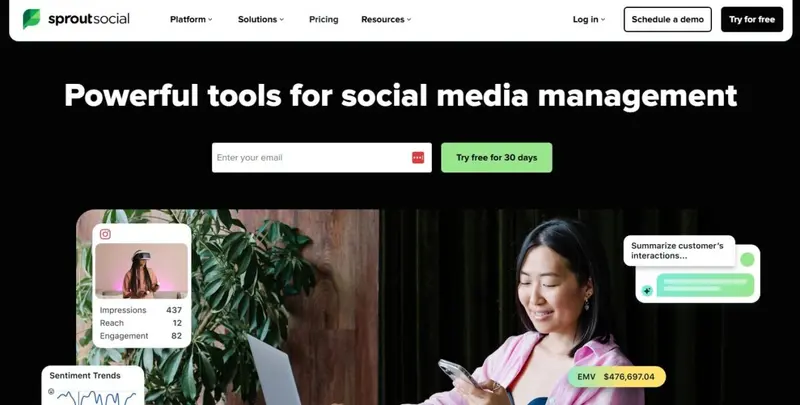
Best For: Mid-market and enterprise teams managing complex, multi-account social programs
Designed For: Organizations requiring structured reporting, listening, and governance workflows
Core Use Case: Unified publishing, analytics, and social listening at scale
Publishing Workflow Depth: Advanced
Collaboration Tools: Enterprise-level
Analytics Strength: Advanced reporting and listening tools
Pricing: Premium pricing; From $199 per month
Demo: Available via website
As social programs grow across brands, regions, and departments, coordination becomes a governance issue rather than just a scheduling task. Sprout Social is built for that operational stage.
Its structured dashboard supports dozens of accounts and channels, with shared inbox management and defined approval layers that reduce response errors across teams.
Read More2. Agorapulse

Best For: Agencies and multi-profile teams needing strong inbox and reporting
Designed For: Mid-market organizations managing high account volume
Core Use Case: Unified inbox, structured scheduling, and competitive reporting
Publishing Workflow Depth: Advanced with queue scheduling
Collaboration Tools: Strong approval and calendar sharing
Analytics Strength: Detailed reporting with competitor benchmarking
Pricing: Scales by profiles and users; From $79 per month
Demo: Available via website
For teams managing 20, 25, or even 40+ profiles, Agorapulse has long been considered one of the most structured mid-market solutions.
Read More3. Hootsuite
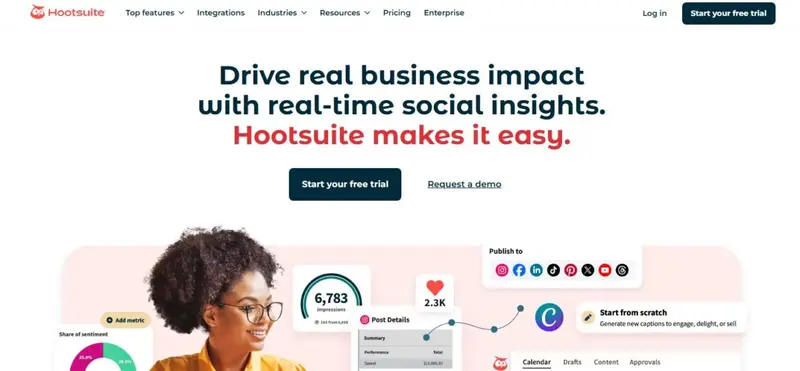
Best For: Enterprise teams and agencies managing multi-layered social operations
Designed For: Marketing organizations requiring governance, reporting depth, and compliance structure
Core Use Case: Multi-network publishing, monitoring, and performance analysis at scale
Publishing Workflow Depth: Advanced
Collaboration Tools: Enterprise-level
Analytics Strength: Advanced reporting and social listening
Pricing: Tiered plans; From $199 per month
Demo: Available via website
Hootsuite has evolved from a simple scheduler into a structured social operations platform. Its primary strength is consolidation: multiple networks, scheduled content, monitoring streams, and reporting dashboards exist within a centralized command center.
For agencies or global marketing teams managing numerous accounts, that consolidation reduces platform switching and operational risk.
Read More4. SocialBee
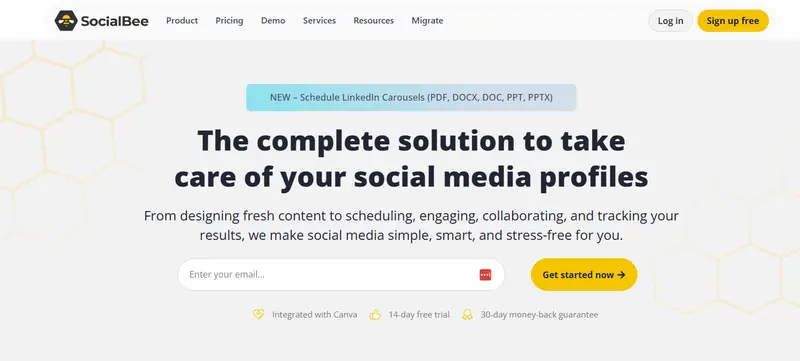
Best For: Small businesses and agencies prioritizing structured content recycling
Designed For: Teams that rely on evergreen queues and category-based scheduling
Core Use Case: Automated social publishing with organized content buckets
Publishing Workflow Depth: Structured with automation emphasis
Collaboration Tools: Moderate
Analytics Strength: Standard engagement reporting
Pricing: Tiered plans; From $24 per month
Demo: Available via website
Unlike platforms built around listening or enterprise governance, SocialBee is built around content structure. Its category-based scheduling system allows teams to assign posts to defined buckets such as promotions, educational content, or testimonials.
For agencies and small businesses managing recurring themes, this approach reduces manual calendar planning and supports evergreen recycling.
Read More5. Metricool
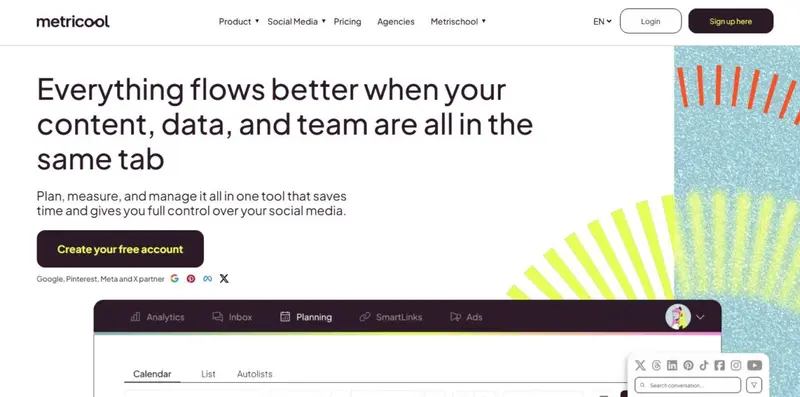
Best For: Budget-conscious teams needing multi-platform publishing
Designed For: Non-profits, agencies, and SMBs managing many profiles
Core Use Case: Crossposting, unified analytics, and basic inbox management
Publishing Workflow Depth: Strong calendar with Autolists
Collaboration Tools: Limited but functional
Analytics Strength: Clear and easy-to-read performance dashboards
Pricing: Tier plans; Free plan available while paid plans start from $18 per month
Demo: Available via website
If Zoho Social is positioned around CRM integration, Metricool is built around accessible publishing and analytics at scale.
Read More6. Buffer

Best For: Solo marketers and small teams prioritizing simplicity and affordability
Designed For: Businesses that want clean scheduling and essential analytics without enterprise overhead
Core Use Case: Streamlined cross-platform scheduling with lightweight reporting
Publishing Workflow Depth: Structured but minimalist
Collaboration Tools: Light to Moderate
Analytics Strength: Basic performance reporting; advanced analytics in higher tiers
Pricing: Tiered plans; Free plana available while paid plans start from $5 per month
Demo: Available via website
For teams evaluating Zoho Social alternatives, Buffer often surfaces as the “simpler” option. Its appeal lies in clarity. The interface is intentionally minimal, with queue-based scheduling that is easy to understand even for non-technical users.
Read More7. OnlySocial
Best For: High-volume scheduling at flat pricing
Designed For: Agencies and freelancers managing many profiles
Core Use Case: Cost-efficient cross-platform publishing
Automation Depth: Basic automation and chatbot features
Analytics Strength: Platform-level metrics, limited advanced reporting
Support Reputation: Mixed but generally responsive
Pricing: From $29 per month
Demo: Free trial available
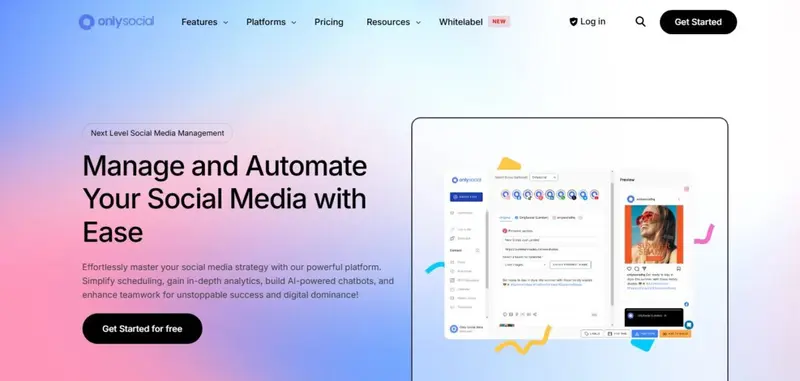
OnlySocial positions itself as an all-in-one social marketing platform built around affordability and automation flexibility. Unlike Zoho Social, which leans heavily into CRM integrations and structured team workflows, OnlySocial markets itself around scale and value pricing.
Read MoreWhich Zoho Social Alternative Is Right for You?
After reviewing real user feedback, pricing structures, stability concerns, and feature depth, the decision largely comes down to your team size and operational complexity.
Below is a scenario-based breakdown to help you match the tool to your use case.
Best for Agencies Managing 20+ Profiles
- Recommended: Agorapulse or Sprout Social
If you are running dozens of accounts and need approval workflows, competitor tracking, reporting exports, and structured inbox management, these two platforms provide the strongest governance capabilities.
Agorapulse stands out for:
- Queue-based scheduling
- Shared calendars
- Competitor benchmarking
- Reliable inbox management
Sprout Social offers:
- Advanced reporting dashboards
- Enterprise workflow structure
- Multi-seat collaboration
Tradeoff: Both become expensive as you scale, especially with seat-based pricing.
Best for Budget-Conscious Teams or Nonprofits
- Recommended: Metricool or SocialBee
If cross-posting and basic reporting are your priorities, these tools offer strong value for money.
Metricool is particularly strong for:
- Cross-platform scheduling
- Visual calendar planning
- Affordable multi-profile pricing
SocialBee works well for:
- Evergreen content recycling
- Category-based posting
- Structured content libraries
Tradeoff: Some users report onboarding complexity or occasional publishing glitches.
Best for Simplicity and Clean Publishing Workflows
- Recommended: Buffer
Buffer excels when you need:
- A lightweight interface
- Simple scheduling
- Easy team collaboration
- Clear publishing calendars
It is particularly suited to:
- Small in-house teams
- Two to five social profiles
- Brands prioritizing publishing over deep analytics
Tradeoff: Analytics depth and reporting customization are limited compared to enterprise tools.
Best for Automation and Chat-Based Engagement
- Recommended: OnlySocial
OnlySocial positions itself as an all-in-one automation platform, including:
- Auto-replies
- Chat-based workflows
- Sales bot integrations
- Multi-platform publishing
Tradeoff: Feature maturity varies. Some users report development delays or publishing inconsistencies, so it is better suited to teams comfortable testing evolving platforms.
If Analytics Accuracy Is Your Primary Concern
If Zoho Social’s analytics are your main frustration, focus on:
- Sprout Social for structured enterprise reporting
- Agorapulse for competitor benchmarking
- Metricool for fast, digestible visual dashboards
Remember: third-party platforms depend on social network APIs. No tool is immune to metric shifts or reporting delays when Meta, TikTok, or X update their systems.
If You’re Scaling Fast
As your number of profiles increases, watch for:
- Seat-based pricing inflation
- Limited profile caps
- Inbox performance bottlenecks
- Renewal contract rigidity
- Tools that appear affordable at 5 profiles can become significantly more expensive at 25+.
Final Decision Framework
Ask yourself:
- Is publishing reliability more important than advanced reporting?
- Do I need governance and approvals across a team?
- How many profiles will I manage in 12 months?
- Am I comfortable signing annual contracts?
- Do I need automation beyond scheduling?
The right Zoho Social alternative is less about feature volume and more about operational alignment.
|
Platform |
Best For | Publishing Workflow | Analytics & Reporting | Collaboration & Governance | Inbox/Engagement Tools | Scalability |
Pricing Risk |
| Sprout Social | Enterprise teams needing robust reporting & governance | ✔️ Advanced | ⭐⭐⭐⭐ High-depth, customizable | ⭐⭐⭐⭐ Strong • approvals & roles | ⭐⭐⭐⭐ Unified inbox + monitoring | ⭐⭐⭐⭐ High | ❗ Higher cost; contract rigidity |
| Agorapulse | Agencies needing inbox + reporting balance | ✔️ Advanced | ⭐⭐⭐ Moderately robust | ⭐⭐⭐ Good • roles & approvals | ⭐⭐⭐ Strong unified inbox | ⭐⭐⭐ Scales well | ⚠️ Moderate pricing increase |
| Hootsuite | Large multi-brand operations | ✔️ Advanced | ⭐⭐⭐ Reporting + monitoring | ⭐⭐⭐ Governance & permissions | ⭐⭐⭐ Unified inbox | ⭐⭐⭐⭐ High | ❗ Pricing escalates at scale |
| SocialBee | SMBs with evergreen content focus | ✔️ Structured | ⭐⭐ Standard metrics | ⭐⭐ Basic team roles | ⭐⭐ Light engagement tools | ⭐⭐⭐ Moderate | ✔️ Lower cost |
| Metricool | Budget-conscious cross-posters | ✔️ Moderate | ⭐⭐⭐ Clear dashboards | ⭐⭐ Limited governance | ⭐⭐ Basic inbox features | ⭐⭐⭐ Moderate | ✔️ More accessible pricing |
| Buffer | Small teams wanting simplicity | ✔️ Clean & easy | ⭐⭐ Basic reporting | ⭐⭐ Light | ⭐⭐ N/A to moderate | ⭐⭐ Mid-level | ✔️ Reliable pricing |
| OnlySocial | Cost-efficient multi-profile scheduling | ✔️ Bulk scheduling | ⭐⭐ Basic | ⭐⭐ Simple team access | ⭐⭐ Chatbot/automation features | ⭐⭐⭐ High profile capacity | ⚠️ Mixed support experience |
The Right Zoho Social Alternative Depends on What You’ve Outgrown
Zoho Social remains a solid option for structured publishing and CRM-connected teams, but once your needs expand beyond lightweight scheduling and basic reporting, tradeoffs become clearer. Larger teams may require deeper analytics and governance, where Sprout Social or Hootsuite fit better. Agencies managing high profile volumes often lean toward Agorapulse. Budget-conscious teams prioritizing evergreen scheduling and cross-posting flexibility may prefer SocialBee or Metricool. Buffer appeals to teams that value simplicity, while OnlySocial targets affordability at scale.
The best alternative depends on what feels limiting: reporting depth, collaboration controls, inbox functionality, or scalability. Identify the friction first, then choose the platform built to solve that specific gap.
Frequently Asked Questions
What tools help manage comments and community interactions at scale?
For moderating brand mentions, community replies, and user comments efficiently across platforms, teams often turn to dedicated social media moderation tools that filter, tag, and respond at scale. Social media moderation tools can reduce response time and help maintain consistent brand tone.
Which platforms support content creation, planning, and optimization?
When your focus is producing and distributing valuable content, especially for blogs, social, and campaigns, content marketing tools help with ideation, SEO optimization, editorial calendars, and analytics to inform your strategy.
How can I show more credibility and proof to website visitors?
To increase conversions and build trust, brands use social proof software that displays authentic customer feedback, reviews, activity notifications, and user behaviors directly on their site.
What kind of software helps combine CRM with social interactions?
If you want to treat social followers as prospects and nurture them like leads, social CRM software integrates social engagement with customer profiles, tracking interactions across touchpoints.
Which platforms enable scheduling and publishing for social marketing?
For planning, publishing, and optimizing posts across channels like Instagram, Facebook, LinkedIn, and TikTok, social media marketing tools provide centralized dashboards, calendars, and performance reports.
What tools help manage social media crises and reputation issues?
When a brand faces elevated negative mentions or a fast-moving public issue, social media crisis tools enable monitoring at scale, alerting teams instantly so issues can be identified and addressed before they escalate.
Are there tools specifically for enhancing social video content?
Yes — a suite of social media video marketing tools exists to help create, edit, optimize, and analyze video content specifically for platforms like YouTube Shorts, TikTok, Instagram Reels, and Facebook video.
How can I automate repetitive social tasks across networks?
To reduce manual workload, social media automation tools let you schedule posts, automate responses, trigger content workflows, and manage recurring campaigns without constant oversight.


