
Telegram has quietly evolved from a messaging app into a platform where real work gets done. From managing daily tasks and tracking content to automating conversations and pulling updates from across the web, bots now handle actions that once required multiple apps and manual effort.
But with thousands of Telegram bots available, which ones are actually worth using and which simply add noise?
A clear pattern has emerged. Users are no longer looking for novelty bots, but for tools that reduce friction, save time, and fit naturally into existing workflows. At the same time, automation and AI-powered assistants are becoming standard expectations, not premium extras.
The result is a new generation of Telegram bots that focus on practical outcomes rather than gimmicks.
In this guide, we break down 10 of the best Telegram bots that help you automate repetitive tasks, stay organized, and make Telegram a more powerful part of your daily routine.
1. Skeddy
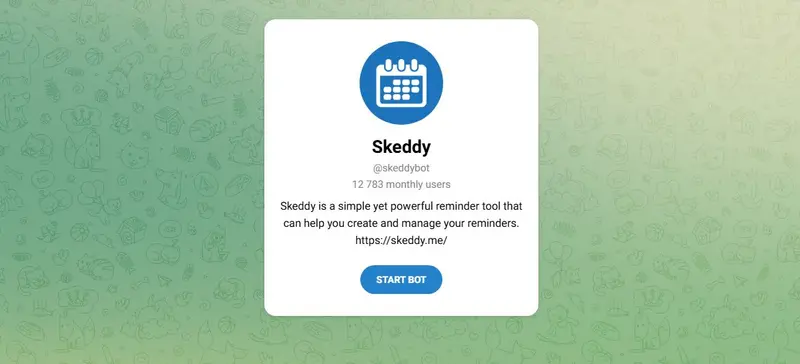
Best For: Telegram users who want a simple way to create reminders, recurring alerts, and notes directly inside chat, especially individuals managing personal tasks, routines, and follow-ups without a separate productivity app.
Pricing: Free to use with optional voluntary donations to support development.
Key Functionalities: Natural language reminder creation, recurring schedules via a web interface, and inline reminder management directly inside Telegram.
Skeddy is a Telegram-based reminder and notes bot that helps users stay organized without leaving the app. It supports one-time reminders, recurring alerts, and unscheduled notes created through natural language messages or a companion web interface.
Read More2. Inst4YouBot
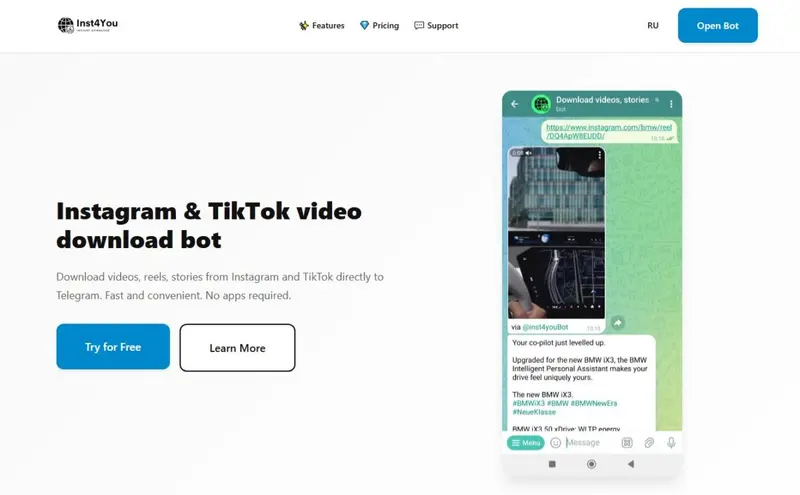
Best For: Telegram users who want to download and save Instagram and TikTok content directly in chat, including reels, stories, highlights, and videos. Especially useful for users who frequently archive content, follow multiple creators, or want offline access without installing additional apps.
Pricing: Free plan with daily download limits and ads. Premium plans start at approximately $0.60 for 1 day and scale up to around $14 for 6 months, paid via Telegram Stars.
Key Functionalities: Instagram and TikTok video downloads, story and highlight saving, auto-watch for new stories, watermark-free TikTok downloads, and profile-based content retrieval.
Read More3. WhoWhere
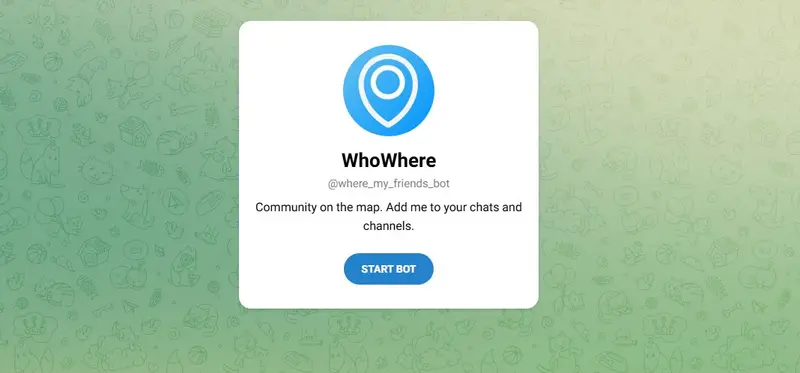
Best For: Telegram users who want to share and track real-time location within trusted groups, such as friends, classmates, or nomadic communities coordinating meetups, travel plans, or co-living arrangements.
Pricing: Free to use.
Key Functionalities: Location sharing within groups, visibility of who is currently in which city or country, and simple group-based coordination without external maps or apps.
WhoWhere is a Telegram bot designed to help groups quickly answer the question “who is where right now.” It allows users to share their current location within a trusted group, making it easier to coordinate meetups, track friends while traveling, or stay connected across cities and countries.
Read More4. ManyChat

Best For: Telegram users who want to build interactive bots, automate conversations, and manage structured messaging flows. Best suited for advanced users, creators, communities, and businesses that need scalable automation rather than simple single-purpose bots.
Pricing: Free plan available with limitations. Paid plans start at approximately $15 per month, depending on connected channels and automation usage.
Key Functionalities: Visual chatbot flow builder, automated replies and triggers, Telegram bot connection via BotFather, multi-platform automation, and AI-assisted message handling.
Read More5. UChat

Best For: Telegram users who want to build custom chatbots and automated conversation flows, especially those managing communities, content updates, or structured interactions that go beyond simple command-based bots.
Pricing: Free trial available. Paid plans vary based on features, channels, and usage, with Telegram bot support included in standard plans ($15/month).
Key Functionalities: No-code drag-and-drop chatbot builder, Telegram bot integration via BotFather, multi-channel deployment from one flow, AI-assisted conversations, and CRM-style user management.
Read More6. SendPulse
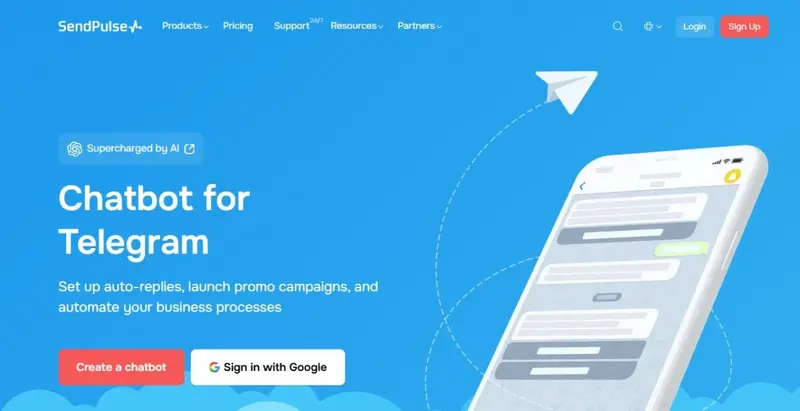
Best For: Telegram users who want to create structured chatbots, automated replies, and broadcast messages for channels or groups, especially those managing communities, customer communication, or recurring notifications.
Pricing: Free plan available with basic chatbot functionality. Paid plans start from $8 per month and scale based on features, message volume, and connected tools.
Key Functionalities: Visual chatbot flow builder, Telegram bot and channel automation, subscriber tagging and variables, scheduled campaigns, and API access for advanced integrations.
SendPulse is a multi-purpose automation platform that includes a dedicated builder for Telegram chatbots and campaigns. It allows users to create bots that respond to messages, guide users through flows, send scheduled posts, and manage subscribers using tags and variables.
Read More7. SuchChat
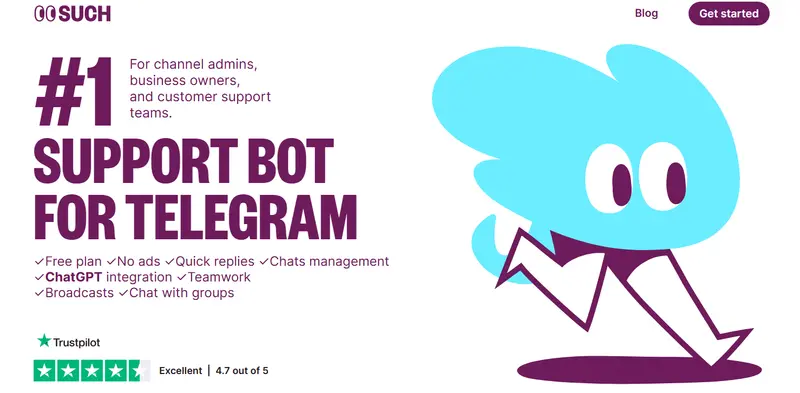
Best For: Telegram users who need a dedicated support or inbox-style bot to manage conversations from channels, groups, or private chats, especially creators, communities, and small teams handling frequent messages.
Pricing: Free plan available with core functionality. Paid plans unlock advanced features such as AI integration, team collaboration, and higher chat volumes.
Key Functionalities: Telegram support bot creation, shared inbox with chat management, quick replies, broadcasts, group messaging, and optional ChatGPT-powered automation.
SuchChat is a Telegram support bot platform that turns incoming messages into a structured chat system similar to a shared inbox or ticketing tool. It allows users to create a bot in minutes and manage conversations through both Telegram and a web app.
Read More8. Lunabot's Telegram Bot

Best For: Telegram users who want an AI assistant inside chat for writing, research, voice interaction, and everyday tasks, especially those who frequently use ChatGPT-style tools and want access across devices.
Pricing: Free plan available with usage limits. Paid plans start at $5.59/month for unlimited messages.
Key Functionalities: AI chat via Telegram, voice input and output, multi-model AI support, document-based chat, image generation, and cross-platform synchronization.
Lunabot’s Telegram bot connects users to an AI assistant directly inside Telegram, allowing text and voice conversations with multiple AI models. It supports persistent chat memory, document-based questions, and image generation while syncing across devices such as web, mobile, desktop, and browser extensions.
Read More9. IFTTT
Best For: Telegram users who want to automate actions between Telegram and other apps or services, especially those managing notifications, content sharing, alerts, or cross-platform workflows without building a custom bot.
Pricing: Free plan available with limited applets. Paid plans start from $2.99 per month and scale up to $8.99 per month for unlimited automations and advanced features.
Key Functionalities: Trigger-based automations using the @IFTTT Telegram bot, cross-app integrations, message and media posting to chats or channels, keyword-based triggers, and multi-action workflows.
Read More10. TheFeedReaderBot
Best For: Telegram users who want to receive automatic updates from websites and social platforms inside Telegram, especially those following blogs, news sites, creators, or multiple content sources in one place.
Pricing: Free plan available with basic feed refresh intervals. Premium plans unlock faster refresh rates, more subscriptions, and advanced delivery options, with Elite tiers offering near real-time updates and additional integrations.
Key Functionalities: RSS feed monitoring, social account subscriptions, automatic message delivery to chats, groups, or channels, AI-generated summaries, and cross-platform message forwarding.
Read MoreWhich Telegram Bot Best Fits Your Needs?
Choosing the right Telegram bot depends on what you actually want to do inside Telegram, not on how many features a tool claims to have. Below are the most common real-world usage scenarios and the bot that best fits each one, based on how these tools are designed to work in practice.
- Simple reminders, routines, and lightweight personal task management -> Skeddy
- Downloading and archiving Instagram or TikTok videos, reels, stories, and highlights -> Inst4YouBot
- Group coordination for travel, meetups, co-living, or location-based communities -> WhoWhere
- Advanced chatbot automation with structured flows and scalable logic -> ManyChat
- No-code chatbot building with flexible conversation design and multi-step logic -> UChat
- Managing high volumes of inbound messages with a shared inbox or support-style workflow -> SuchChat
- Automatically receiving updates from websites, RSS feeds, and social platforms inside Telegram -> The Feed Reader Bot
- Cross-app automation that connects Telegram with external services and triggers -> IFTTT
|
Bot |
Best For | Pricing | Key Functionalities |
Use For |
| Skeddy | Simple reminders, routines, and lightweight task management inside chat | Free (optional donations) | Natural language reminders, recurring schedules, inline reminder controls | Staying organized with reminders and to-dos without external apps |
| Inst4YouBot | Downloading and saving Instagram/TikTok content | Free with ads; Premium ~$0.60–$14 via Telegram Stars | Reels, posts, stories, highlight and video downloads; auto story watch | Archiving social content directly in Telegram at original quality |
| WhoWhere | Group location sharing and meetup coordination | Free | Group location sharing, simple visibility of where users are | Real-time group location awareness without external maps |
| ManyChat | Advanced chatbot automation and structured messaging flows | Free; Paid plans ~$15+ per month | Visual flow builder, automated replies, triggers, multi-platform bot logic | Creating robust conversational bots with complex logic |
| UChat | No-code chatbot building with flexible conversation design | Free trial; Paid plans (varies) | Drag-and-drop chatbot builder, multi-channel deployment, AI support | Designing custom automated chat experiences without coding |
| SendPulse | Structured chatbots with broadcast and automation capabilities | Free; Paid plans from ~$8 per month | Visual flow builder, channel automation, scheduled campaigns, API | Running segmented campaigns and scheduled messaging |
| SuchChat | Support-style bots and shared chat inbox management | Free; Paid plans unlock advanced features | Support bot creation, shared inbox, quick replies, broadcasts | Managing high volumes of inbound conversational messages |
| Lunabot’s Telegram Bot | AI assistant inside Telegram for text/voice interaction | Free plan; Paid plans ~$5.59/month | AI chat, voice input/output, multi-model support, sync across devices | Accessing AI assistance and content generation inside Telegram |
| IFTTT | Cross-app automation connecting Telegram with external services | Free; Paid plans ~$2.99–$8.99 per month | Trigger-based workflows, message posting, integration triggers | Automating cross-platform triggers without custom development |
| The Feed Reader Bot | Receiving automatic updates from RSS and social platforms | Free; Premium unlocks faster refresh & more feeds | RSS monitoring, social account subscriptions, AI summaries | Delivering content updates from multiple sources into Telegram |
The Right Telegram Bot Can Change How You Use the App
Telegram bots are no longer just add-ons. They have become practical tools that shape how people plan their day, manage conversations, consume content, automate workflows, and interact with AI.
As this guide shows, the best bot for you depends entirely on what you want Telegram to do for you, whether that is simple reminders, content tracking, automation, support management, or cross-platform integrations.
The key is choosing a bot that fits naturally into your existing habits instead of adding complexity. From lightweight utilities to powerful automation platforms, Telegram’s ecosystem offers something for every type of user.
Pick the bot that solves your most frequent problem first, and you will quickly see how much more capable Telegram becomes.
Frequently Asked Questions
Can Telegram bots be useful for niche communities like NFTs?
Yes. Many NFT-focused communities rely on bots for announcements, moderation, and content distribution, especially within active NFT Telegram groups where speed and automation matter for engagement.
How do Telegram bots compare with broader social media automation tools?
Telegram bots focus on in-chat actions, while social media marketing platforms typically manage scheduling, analytics, and publishing across multiple networks from a centralized dashboard.
Are Telegram bots a replacement for WhatsApp chatbots?
Not exactly. Telegram bots offer more flexibility, while WhatsApp chatbot tools are better suited for regulated, opt-in customer messaging tied to phone numbers and verified business profiles.
Can Telegram bots help brands improve customer engagement?
Yes, especially when combined with customer engagement platforms that focus on lifecycle messaging, automation logic, and consistent interactions across different communication channels.
What role do Telegram bots play in building online communities?
They are often used alongside community building tools to automate onboarding, deliver updates, and keep members active without requiring constant manual moderation.
Are chatbots on Telegram different from those on TikTok or Instagram?
Very much so. Telegram bots are more flexible and open, while TikTok and Instagram chatbots are designed to work within tighter platform rules and comment-to-DM workflows.
How does AI change what Telegram bots can do?
AI enables bots to summarize content, answer questions, and automate conversations, similar to how AI marketing automation tools are used to scale personalized interactions.
Can Telegram bots support eCommerce-related workflows?
Yes, particularly for notifications, support, and updates, and they often complement AI tools for ecommerce that handle recommendations, customer queries, and post-purchase communication.


