In 2024, content still reigns king, even more so video content. According to YouTube statistics, YouTube’s brand awareness is estimated at 94% in the United States. That said, it doesn’t just stop at brand awareness. Users are also actively enjoying all the cpubontent that the platform has to offer and spend on average 23.7 hours on its mobile app per month.
Though, if you don’t have the right tools at your disposal to schedule your YouTube videos, you’re not going to be able to capitalize on the popularity of the platform. So, to help you, we’ve compiled this list of the top YouTube scheduling tools and platforms.
While there are many great social media scheduling tools (some of them are even free), only a few offer integration with YouTube. Before we take a closer look at 11 of the best tools with YouTube integration, we’re first answering some FAQs about which features a scheduling tool should ideally offer.
What Should YouTube Scheduling Tools Do?
Nowadays, it’s an expectation that brands should be active online, yet maintaining your online presence can quickly take a big chunk of your resources. To make it more challenging, you should also consider the time that your target audience is most active to boost engagement. Without a social media scheduling tool, this is virtually impossible. We recommend that you look for software that offers the following features when shopping for the top YouTube scheduling platform for your needs:
User Interface
Remember, the reason why you’re getting a tool is to make scheduling and posting less challenging. The best tools will have an intuitive interface. It should be easy to navigate your way around the tool and learning how to use its features shouldn’t take too much time.
Reports and Analytics
There are several benchmarks that you'll want to measure regularly, especially if you’re managing clients’ social media accounts. Selecting a tool that offers reporting and analytics will help you to assess if you’re meeting your clients’ goals and show your worth.
If you’re using it to manage your own brand’s social media marketing campaigns, the reports will help to demonstrate to decision makers the value of social media and improve future marketing strategies. For example, access to individual network reports will show you which channels aren’t delivering results. This way, you can make more informed choices and identify when to stop using a social platform.
Scheduling and Queueing
A good YouTube scheduling tool should make it easy for you to plan weeks or months in advance. Ideally, the tool should also allow you to see your entire content calendar in a single view. This makes it a lot easier to spot gaps in your posting schedule.
Approval System
If you’re part of a bigger team, a message approval system is a must. This way, you can rest assured knowing that a senior member has approved all the posts before publishing.
Mobile App
Social media marketing is 24/7. As you’ll not always be able to access your desktop immediately, it’s best to get a tool that offers a mobile app with the same functionality as the desktop platform. It should at least offer push notifications and the ability to respond to your inbound messages.
Top 11 YouTube Scheduling Tools & Platforms
1. Brandwatch Social Media Management
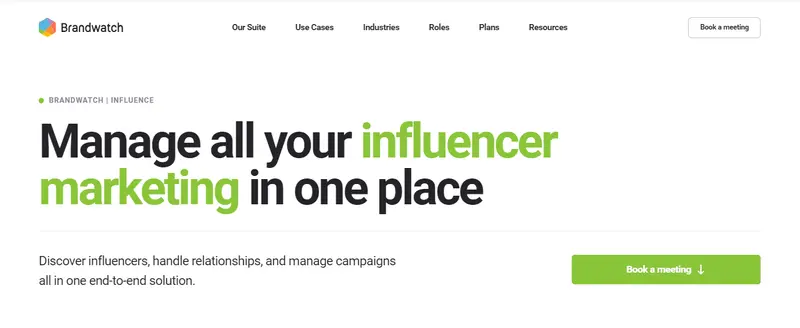
Brandwatch is much more than simply a YouTube scheduler. In addition to offering a comprehensive suite of social media management tools that’s trusted by global brands like Unilever and Toyota, it can also help with consumer intelligence.
For help specifically with social media scheduling, Brandwatch enables you to plan, schedule, edit, and publish all your YouTube content via a unified, comprehensive content calendar. Thanks to its clean look and drag-and-drop functionality, it’s all very easy to use.
Read More
2. Sendible
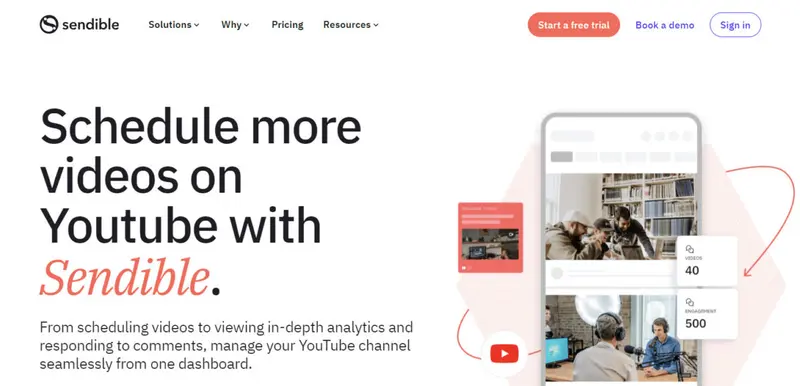
With Sendible, you can schedule YouTube videos, view analytics, and reply to comments for your YouTube account. It also offers integration with Facebook, Twitter, Instagram, Facebook Ads, LinkedIn, Google My Business, Pinterest, and a number of blogging platforms, making it one of the best tools if you’re active on multiple platforms.
Read More
3. eClincher
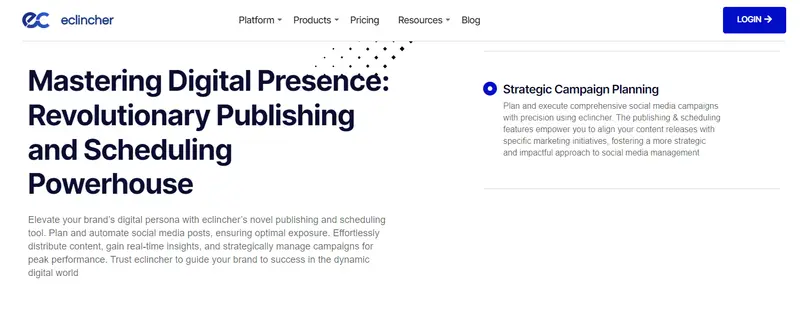
Luckily the only dated element of eClincher is its name. The interface is clean and modern, while the setup process is simple. After your profiles are all set up, you’re ready to start exploring its impressive list of features.
If there’s one feature that needs special mention, it’s the publishing and scheduling. You can publish unlimited posts as well as auto-post by means of smart queues. Though, if you’ve signed up for the Basic plan, the number of posts you can publish automatically are limited to 15 with queues and 3 via RSS feeds.
Read More4. Hootsuite
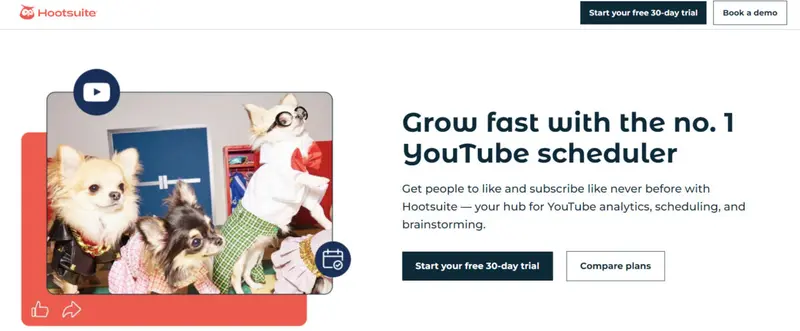
If your needs are basic, Hootsuite is one of the more affordable social media management apps on the market. Though, if you would like to use it for social listening (which many of the other apps include in its core product), you’ll need to sign up for Hootsuite Insights, a separate app.
Similarly to Loomly, one of its best features is its comprehensive list of integrations. It integrates with YouTube, Facebook, Instagram, LinkedIn, Twitter, and Pinterest. With its YouTube integration specifically, you can easily schedule your YouTube videos directly via Hootsuite or, alternatively, find relevant videos to schedule by means of a custom search stream.
Read More
5. Swat.io
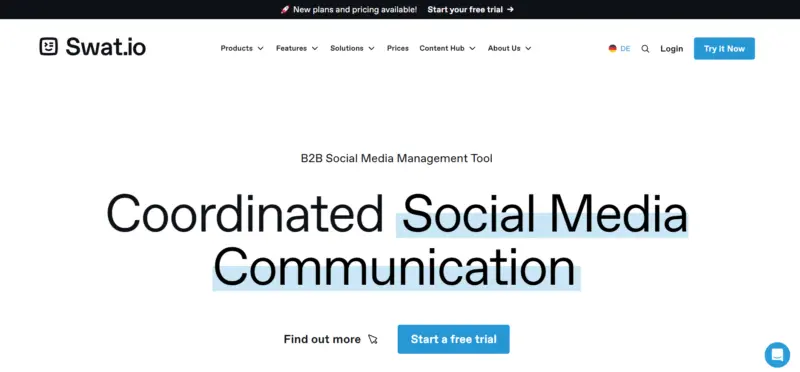
Swat.io is an all-in-one tool that helps you to manage your YouTube and other social media channels, freeing up time that you can devote to creating captivating content instead. From content planning and publishing to analytics, it covers all the key areas of social media marketing. With the clear editorial calendar, you can directly schedule (or, if you’re all set to go, immediately publish) your posts on YouTube without first having to log into YouTube. The single-calendar view also makes it easy to get a quick overview of what you’ve lined up already and coordinate with your team.
Read More6. MavSocial
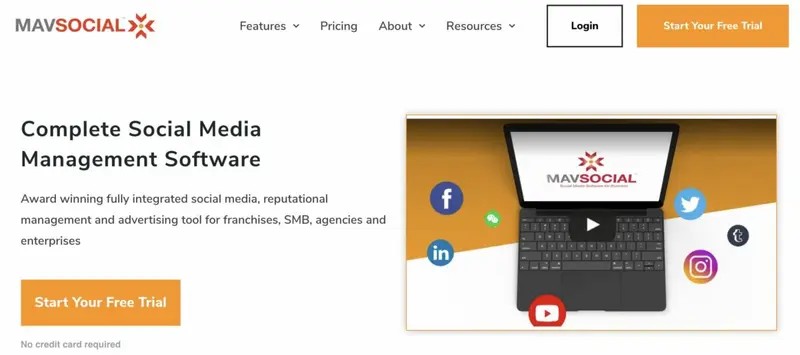
MavSocial is a comprehensive social media management tool that lets you manage all your different social accounts via a single dashboard. Not only does it support YouTube (which is actually quite rare), but it also supports Facebook, Instagram, Twitter, LinkedIn, WeChat, and Tumblr. Though, support for WeChat is only included in its Business and Enterprise plans.
With MavSocial, you can create on-brand content that you can schedule in advance. As you can decide at which time it should be posted automatically, you remain in total control. Plus, this feature makes it easier to engage global target audiences.
Read More7. Publer.io
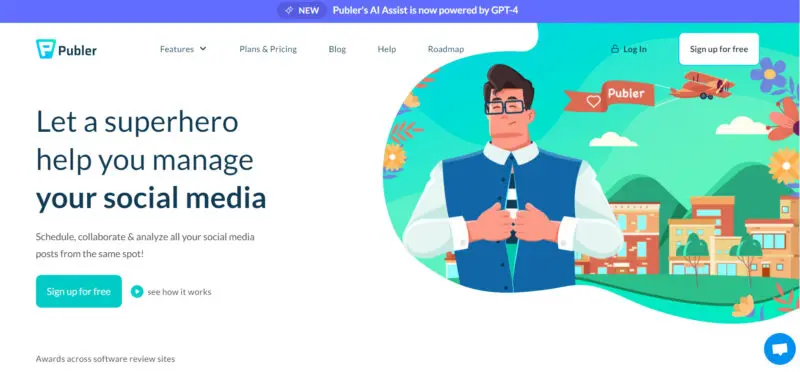
Publer describes itself as a virtual superhero ready to help you collaborate, schedule, and analyze your posts for YouTube, Facebook, Instagram, Twitter, LinkedIn, Pinterest, and Google My Business.
With its YouTube scheduling feature, you can easily import videos of up to 12 hours or 1GB from Dropbox, Google Drive, or your computer. While you can’t schedule recurring videos (YouTube doesn’t allow duplicate videos), the tool lets you post as many as 15 videos per day on each of the channels that you’ve added to Publer. It also lets you schedule auto-hiding via its platform for removing a video from your channel after a set time. This can be especially useful if you regularly run promotions.
Read More8. Zoho Social
While Zoho Social is part of the Zoho suite of products, it’s also conveniently available on its own. You can use it for scheduling, monitoring, collaboration, and analytics.
Its drag-and-drop publishing calendar makes it easy to schedule, reschedule, and publish content to the leading social networks – Facebook, Twitter, Instagram, LinkedIn, Google My Business, and YouTube. To ensure optimal engagement, you can use its SmartQ predictions to post content when your target audience is most likely to be active online.
Read MoreWhich Tool Should You Choose?
There’s a lot to give thought to when selecting a tool. To help, we’ve identified a list of subcategories. These include small, medium and enterprise recommendations. We also dive into which platforms are easiest to use, most affordable, and more.
1. Best Free YouTube Scheduling Tool
Individual creators often don’t have a big budget for third-party apps. While most tools sadly don’t offer a free plan, there are a few that do. Here are two platforms we’ve found to be the best considering that you can use their free plan for YouTube scheduling.
Agorapulse - Good choice for individuals posting more frequently
Hootsuite - Perfect for individuals listing on multiple sites
Here’s a quick comparison of how the free plans of these two platforms stack up:
| Feature | Agorapulse | Hootsuite |
| Support | Email support (response time is typically 1 business day) | 24/7 support on social media |
| App | Yes | Yes |
| Number of social accounts | 3 | 2 |
| Scheduled posts | 40 posts per month | Unlimited |
2. Recommended for Small Businesses
Small businesses often have to balance cost and functionality, but that doesn’t mean they have to lose out on functionality. To strike a balance between both, here are two platforms we’ve found to be the best for small businesses.
eClincher - Good fit for small businesses that need support
Loomly - Perfect for small businesses that focus on trending topics
Here’s a snapshot of the key features included in the entry-level plans of these two platforms:
| Feature | eClincher (Basic Plan) | Loomly (Base Plan) |
| Users | 1 | 2 |
| Social accounts | 10 | 10 |
| Hashtag suggestions | Yes | Yes |
| Analytics | Yes | Yes |
| Support | 24/7 live support | FAQ, chat, and email |
| Approval workflows | No (only available in Premier and Agency plan) | Yes |
| Price | $59 per month | $25 per month |
3. Recommended for Midsized to Enterprise Businesses
Midsized businesses often value reliability and functionality over support. If these requirements are met, price is not such a big factor in the decision-making process. If you’re in this fortunate position, here are two platforms we’ve found to be the best for midsized to enterprise businesses.
Swat.io - Best for engaging with subscribers
Zoho Social - Perfect for team collaboration
Here’s a summary of the key features these two platforms offer:
| Feature | Swat.io | Zoho Social |
| Unified inbox | Yes | Yes |
| Support | Live chat, email, and telephone | 24/5 email support |
| Analytics | Yes | Yes |
| Monitoring of brand names and topics | Yes | Yes |
| Price | Starting from $350 | $37.50 per month |
4. Best Overall Integrations
Few social media management tools integrate with YouTube and even fewer integrate with YouTube and Pinterest. If you list on multiple social media channels, here are two tools we’ve found offer the most integrations.
Sprout Social - Ideal for bigger businesses with heavy-duty needs
Sendible - Best for content creators and businesses that rely on blogs
Here’s a snapshot of the key features these two platforms offer:
| Feature | Sprout Social | Sendible |
| Unified inbox | Yes | Yes |
| Support | Live chat | Live chat and email (average email response time is 6 hours) |
| Analytics | Premium analytics available as an add-on | Yes |
| Monitoring of brand names and topics | Yes | Yes |
| Price | Starting at $99 per month | Starting at $29 per month |
5. Best for Visual Content
For brands that mostly publish visually rich content, we recommend these two platforms:
MavSocial - Great choice for stock images and other visual elements
Publer - Good choice for Instagram users
Here are some of the key features these two platforms offer to help you create eye-catching posts:
| Feature | MavSocial | Publer |
| Image editor | Yes | Yes |
| Pinterest integration | No | Yes |
| Unlimited post scheduling | Yes | Yes |
| Support | 24/7 | Email or live chat from 9:00 a.m. to 8:00 p.m. during the week. Limited support after office hours and during the weekend. |
| Price | Starting at $19 per month | Starting at $10 per month |
Frequently Asked Questions
Is Agorapulse easy to use?
The interface of Agorapulse is really intuitive and the setup process is also straightforward, compared to similar tools. If you get stuck, you can refer to the tutorials available that will teach you how to use the features to their full potential. It also has an Inbox Assistant that makes it easy to read all the messages you have received via your social sites.
Is Hootsuite aimed at only small businesses?
Hootsuite is sufficiently established to satisfy the needs of any business, it doesn’t matter its size. The Professional plan is suitable for midsized businesses that don’t need detailed analytics or team access, but if you’re a bigger business, get ready to pay significantly more. While its cheaper plan is reasonably priced, the other plans that are more aimed toward bigger businesses are quite expensive.
Is Sprout Social a good tool for team collaboration?
Sprout Social offers a range of features that makes it easy to collaborate with everyone in your team. It makes it simple to assign tasks to different team members and offers total task workflow visibility. What’s more, you can also integrate it with Zendesk, UserVoice and HubSpot to create, track, manage and resolve problems without having to leave the individual dashboards. You can also use it to create a message-approval workflow to ensure that the right person gives approval for every post before publishing.
Which is better: Hootsuite or eClincher?
Two of the big pros that eClincher has over Hootsuite are its interface and pricing.
While eClincher’s mid-level plans offer almost the same features, they are slightly more affordable. For small businesses, eClincher is a much better option, but bigger businesses will also find that eClincher is a good alternative worth considering. All in all, it offers very close competition for Hootsuite.
Which platforms does Sendible integrate with?
Sendible supports an impressive list of social platforms and blogging platforms. These include:
- Google My Business
- YouTube
- WordPress
- Tumbler