According to Search Engine Land,
“Social media marketing refers to the process of gaining traffic or attention through social media sites.”
Nowadays, most businesses engage in some form of social media marketing as they realize that it is a vital component of their marketing stack. Need more convincing? Then check out the Influencer Marketing Hub Social Media Benchmark Report for to date stats and data on all things social media.
Over the last decade, numerous companies have released tools, apps and other forms of social media marketing software. Social media can be a huge time suck, and anything that can free up valuable time for a firm’s employees must be of value.
These tools and software all simplify, in some way, how businesses spread their message via blogs, Facebook, Twitter, Instagram, LinkedIn, YouTube, and the other social networks. Some simplify content creation, others focus more on content delivery, and there is even software designed to provide useful information and analytics, reviewing the success of social campaigns.
Here are the top social media marketing software you should consider.
- Top Social Media Marketing Software You Should Consider in 2025:
- 1. Brandwatch Social Media Management
- 2. YouScan
- 3. Constant Contact
- 4. GAIN
- 5. Hotjar
- 6. Hootsuite
- 7. HubSpot Marketing
- 8. BuzzSumo
- 9. AgencyAnalytics
- 10. Outbrain Amplify
- 11. Qualifio
- 12. Reputology
- 13. Sync2CRM
- 14. TapClicks
- 15. Bitrix24
- 16. Zoho Social
- 17. Emplifi
- 18. Agile CRM
- 19. Private: Mention
- 20. Meet Edgar
- 21. CoSchedule
- 22. Feedly
- 23. Bitly
- 24. Buffer
- 25. IFTTT
- 26. Vista Social
- 27. Reputation
- What are the advantages of using social media marketing software?
- Final Thoughts
- Frequently Asked Questions
Top Social Media Marketing Software You Should Consider in 2025:
1. Brandwatch Social Media Management
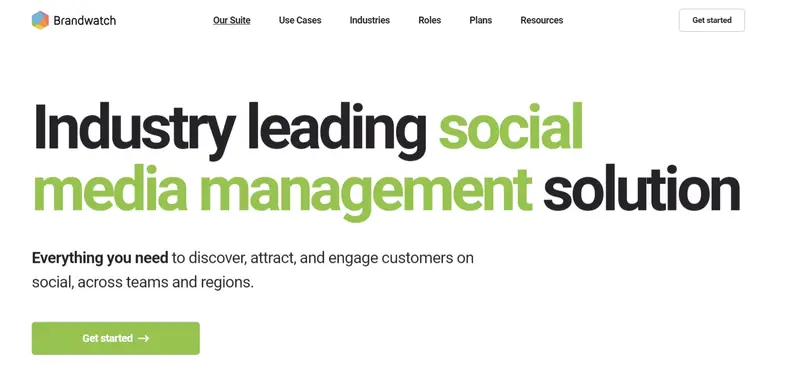
Best for: Integrated social media management underscored by consumer intelligence.
Brandwatch epitomizes sophisticated social media management. For enterprises navigating the intricate landscape of multi-platform interactions, Brandwatch unveils an elegant solution. It introduces a unified content calendar that centralizes the orchestration of content, be it organic or paid, across diverse regions.
The challenge of maintaining a resonant brand voice amidst a cacophony of interactions finds its remedy in Brandwatch. The platform’s tailored inbox automates cross-channel engagements, ensuring a cohesive brand narrative. With its industry-leading social listening tool, businesses can adeptly position themselves at the forefront of evolving trends, effectively augmenting their audience reach.
Read More
2. YouScan
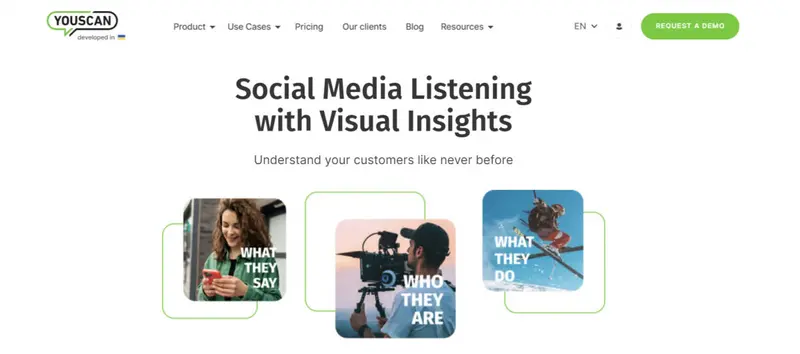
Best for: AI-enhanced social media monitoring and analytics.
YouScan elevates the realm of social media listening with its state-of-the-art AI capabilities, primarily focused on industry-leading image recognition. With YouScan, businesses can delve deep into consumer perspectives, unlocking invaluable insights from opinions and managing brand reputation seamlessly. One of its standout features, Visual Insights, not only detects logos but provides an in-depth analysis of images, including objects, activities, and demographic information. This grants brands unprecedented access to consumer insights, aiding in activities ranging from competitor analyses to influencer identification.
Read More
3. Constant Contact
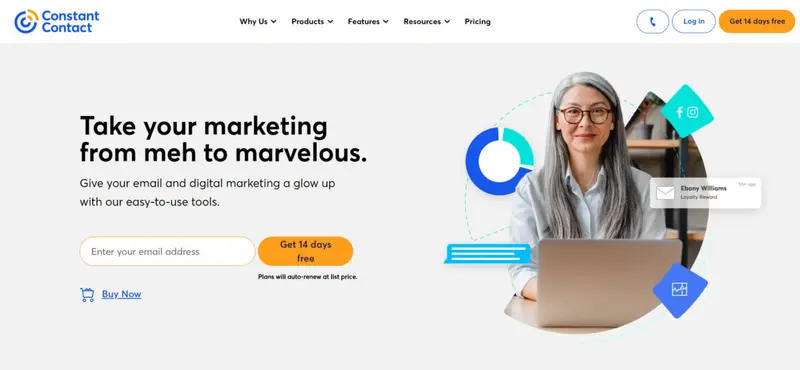
Best for: holistic brand engagement across major social platforms.
In the bustling arena of social media, Constant Contact makes its mark by amplifying brand presence across major platforms. It’s not just about broadcasting content but also creating meaningful interactions that convert followers into advocates.
Read More4. GAIN
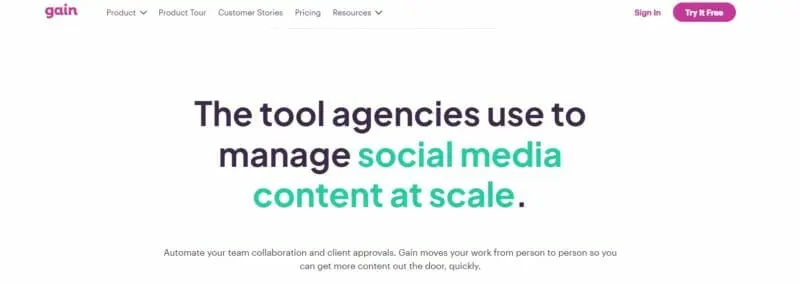
Best for: centralized content collaboration and multi-format approval workflows.
GAIN helps businesses automate and streamline their content marketing.
GAIN gives you a centralized content command center, where you can create social media content, get client approval, and schedule all in one place. It allows your whole team to collaborate.
You can automate your collaboration and approval workflow. Just define your approval workflow, and GAIN takes it from there. GAIN automatically notifies each team member, client, or stakeholder when he or she has content to review.
Firms can use GAIN for both social media content (Facebook, Twitter, Instagram, and LinkedIn) and other marketing assets, such as PDFs, Photoshop and Illustrator files, Word and PowerPoint files, videos, text, and images.
Read More5. Hotjar
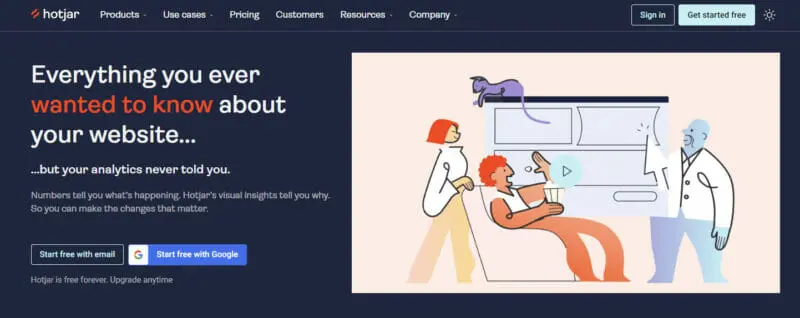
Best for: visual user behavior analytics on websites and social pages.
Hotjar provides a visual way for companies to understand what their users do on their website and social pages. It makes heat maps of web pages, highlighting the parts that people actually use, click on and scroll.
You can use Hotjar for instant visual feedback. It helps you see how people really use your site. You can also use it to ensure that you make the right changes, and aren’t just altering things in hope.
Read More6. Hootsuite
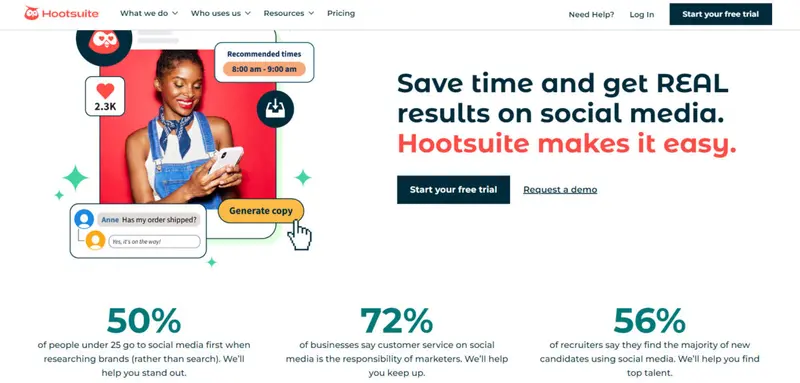
Best for: comprehensive social media management, monitoring, and analytics on a singular platform.
Hootsuite, arguably the most popular and biggest social media management software, has been operating since 2008. The platform has over 18 million users in more than 170 countries. It is also the chosen platform for big and small businesses and 800 of the Fortune 1000 companies. Hootsuite’s success can be attributed to several factors, including the premise that it is the only platform that allows you to manage all your social media accounts on one place.
Read More
7. HubSpot Marketing
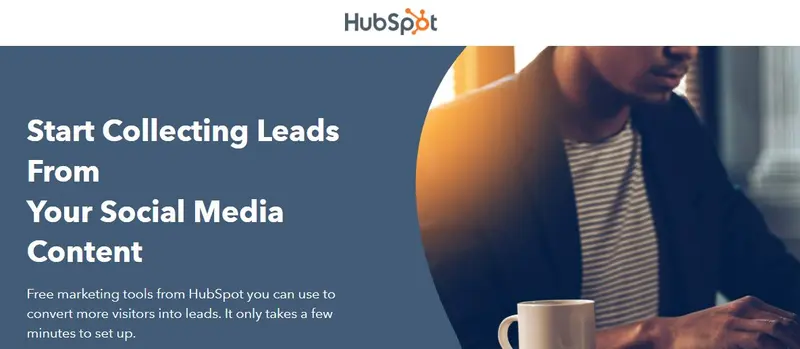
Best for: an all-inclusive marketing solution with CRM integration and lead enhancement.
HubSpot provides many marketing and sales-related tools designed to help businesses. They have their own CRM platform.
Their all-in-one marketing solution includes a combination of analytics, automated publishing, contact management, content management, conversion tracking, customer targeting, and post scheduling.
HubSpot Marketing allows you to collect every qualified lead through your website. It then searches the net to find out as much additional contact information as possible about the lead – including their social network addresses, company name, and title.
HubSpot provides in-depth analytics so you will know the success of your social media posts, pages, and offers.
Read More8. BuzzSumo
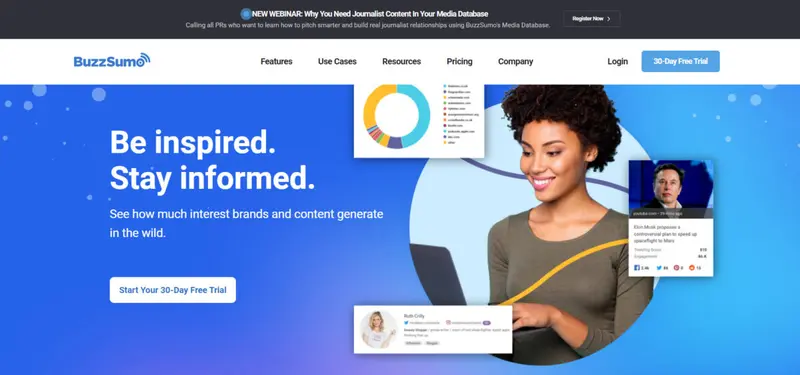
Best for: content discovery, influencer tracking, and competitive content analysis with historical insights up to five years.
BuzzSumo is an inescapable force of nature. While you could spend time collecting data from various sources as you build a stronger case for your content strategy, using this tool would simplify the process and save you countless hours. It comes with powerful search engine capabilities that enable you to find the best content and influencers and devise a plan of action to power your content strategy.
Read More
9. AgencyAnalytics
Best for: agencies seeking an integrated reporting platform with customizable dashboards, SEO tools, and extensive marketing integrations.
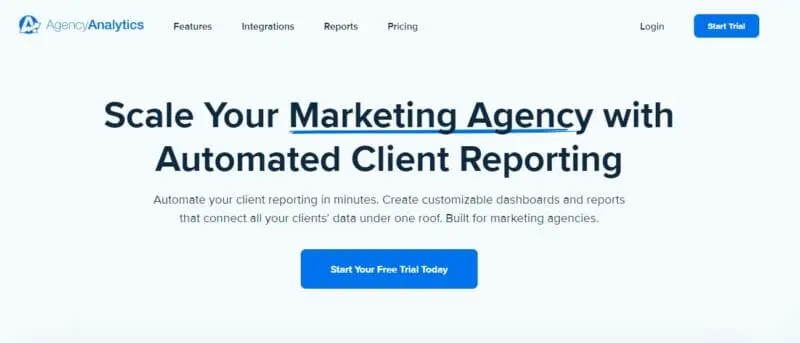
AgencyAnalytics is an all-in-one reporting platform designed for agencies. You can build automated marketing reports easily, scheduling them to be sent to your clients daily, monthly, or weekly. You can even personalize these reports, emphasizing the parts you feel most important for your clients.
It connects well with your other software, with over 30 marketing integrations. This means that you can streamline your campaign in a single interface.
It allows you to drag and drop custom widgets, giving you a custom mobile-friendly dashboard. You can select how you want your data to show – bar charts, line graphs, pie graphs, tables, or statistics.
Read More10. Outbrain Amplify
Best for: promoting content on top-tier publishing sites, providing a cost-effective alternative to traditional display advertising.
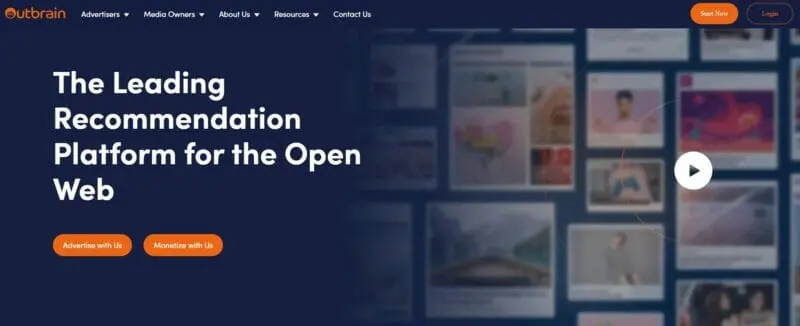
Although Outbrain is predominantly known as a native advertising platform, it does offer a range of features useful to those involved in content and social media marketing.
Its principal use is to help you advertise your content on major publishing sites, such as Fortune, ABC News, CNN, People, Wired, and Time.
It claims to provide results that give a 50% better CPA than display advertising.
You use Outbrain to create a campaign. They publish ads that link to your content on top publisher sites, and in turn, you receive a targeted, engaged audience taking notice of your content.
Read More11. Qualifio

Best for: generating interactive content ranging from quizzes to surveys, facilitating engagement and data collection without technical expertise.
Qualifio is an interactive marketing and data collection platform that allows publishers, brands, and agencies to easily create and publish interactive content on websites, mobile apps, and social media, without any technical skills.
You can create quizzes, personality tests, contests, and more than 40 other innovative content formats. These include everything from prize draws, to jackpots, to photo competitions, to surveys, and even team selectors.
Read More12. Reputology
Best for: review monitoring, management, and analysis across major platforms, integrating seamlessly with Hootsuite for timely review engagement.
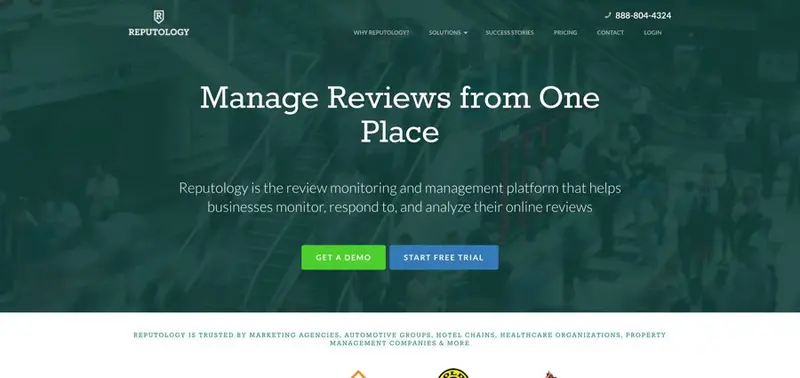
Reputology is a review monitoring and management platform that helps businesses monitor, respond to, and analyze their online reviews. It includes an app for Hootsuite that allows companies to engage reviewers quickly on Google My Business, Facebook and more directly from their Hootsuite interface.
Reputology provides 24/7 review monitoring of Google, Facebook and local search directories, employee review sites, app directories, and more.
If you don’t use Hootsuite, you can respond directly from the Reputology interface.
Read More13. Sync2CRM
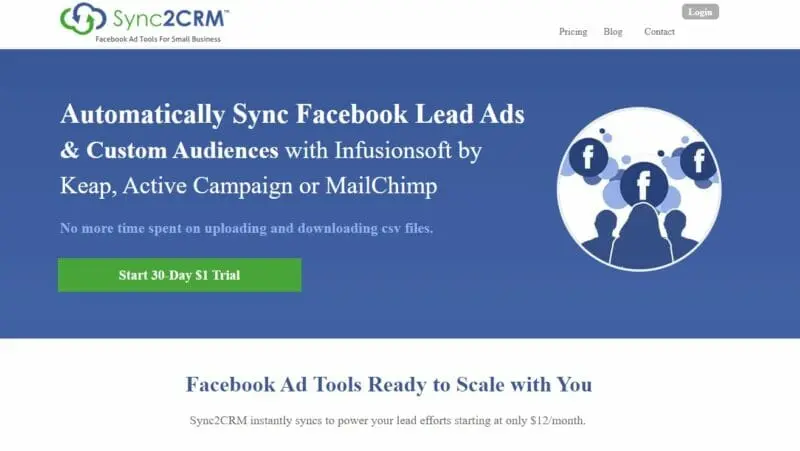
Best for: seamless synchronization of Facebook leads and custom audiences with major email marketing platforms.
You can use Sync2CRM to automatically synchronize Facebook lead ads and custom audiences with Infusionsoft, Active Campaign, or MailChimp.
This can be particularly useful if you have an active email list, as it allows you to target your Facebook advertising directly to your email list.
With Sync2CRM, you can instantly synchronize Active Campaign & Mail Chimp lists, and get automatic 1-hour batch sync of Infusionsoft tags & saved searches. You can match against all CRM email & phone fields
Sync2CRM allows you to integrate marketing campaigns using both Facebook ads and email campaigns, ensuring that they work together.
Pricing: Starting at $12/month.
14. TapClicks
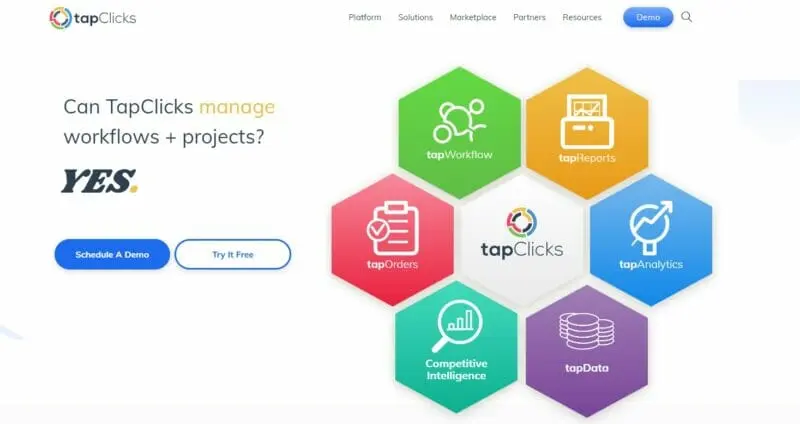
Best for: marketing attribution, web analytics, and reporting.
TapClicks is a marketing attribution and web analytics platform. It features a unified database, providing you with a single screen for all of your reporting data.
You can use it to see exactly how your marketing campaigns are pacing, prioritize action, and calculate ROI.
It offers an astounding 1,400 + data source integration, including all the leading social networks.
You can export and schedule automatic reports into email, Word, Excel, PowerPoint, and PDF.
TapClicks allows you to create relevant metrics for analysis and visualization. You can even use pre-built visualizations or browse our library of widgets to set up your own.
Pricing: Pricing by request. 14-day free trial is available.
15. Bitrix24
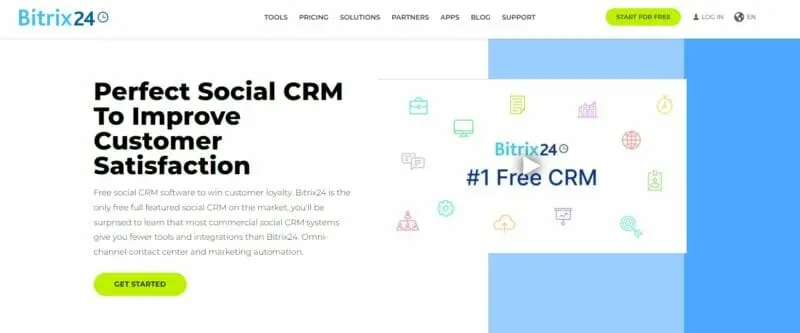
Best for: teams that need robust CRM solution for monitoring client interactions, tracking opportunities, and managing online shops.
Bitrix24 is a fully featured CRM. Although it offers four cloud pricing tiers, one of these is a free plan that permits unlimited users and 5 GB of online storage. If you have higher needs and want an on-premise version of the software, Bitrix provides three options, depending on the size of your business.
One of Bitrix24’s uses is as a social CRM. You can use it to manage data from Facebook (pages, comments, Messenger, and Facebook lead Ads), Viber, Instagram, Telegram, VK, Slack, Skype, and others.
Read More16. Zoho Social
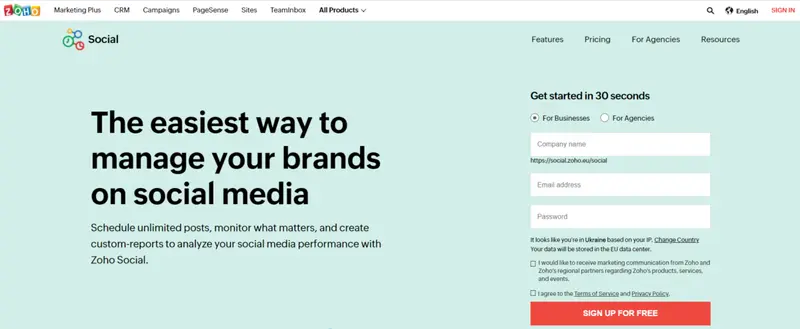
Best for: businesses and agencies looking for an all-in-one social media management platform with scheduling, monitoring, and in-depth analytics.
Zoho Social is a complete social media management platform for businesses and agencies. It allows you to manage multiple social channels, schedule unlimited posts, monitor keywords and collaborate with your team—all from a single dashboard.
You can connect Zoho Social to all of the leading social networks. You can create an integrated content calendar, organizing your posts in whatever way you want them. It helps you schedule your posts for when your audience is most active on each of the social networks.
Read More17. Emplifi
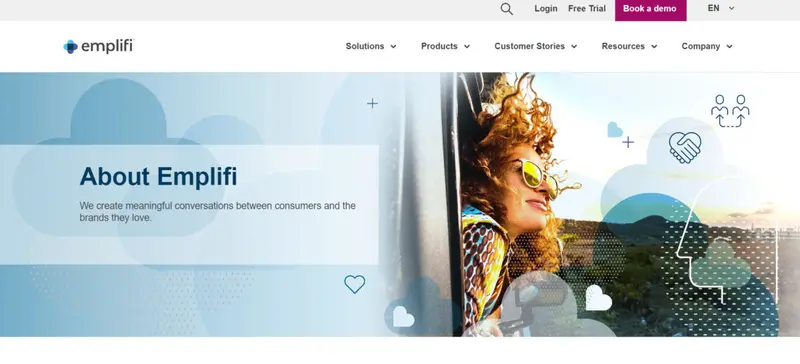
Best for: leveraging AI in social media marketing, aiding in persona discovery, content optimization, and comprehensive audience engagement across multiple platforms.
Among some of the most impressive software developments in the last decade, the use of AI ranks high. In fact, one could argue that AI has been the missing link that all industries need to evolve. And when it comes to social media marketing software, Emplifi seems to have incorporated all that social media needs from AI. The tool helps marketers discover their personas and the types of content they appreciate. This makes for smarter advertising spend and higher quality content and customer engagements.
Read More18. Agile CRM
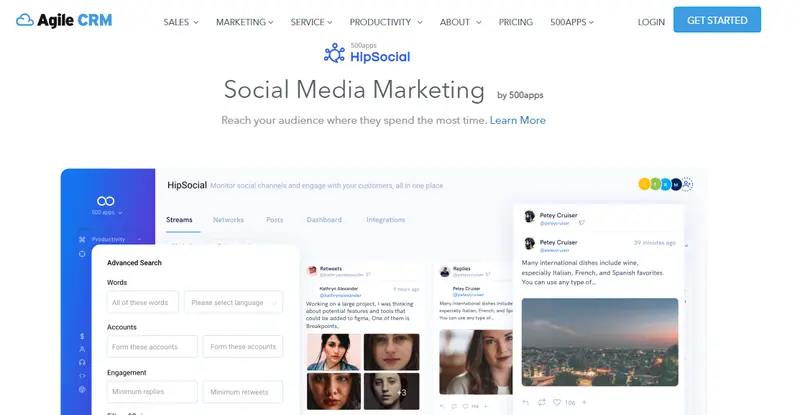
Best for: startups and small businesses needing to track and analyze social mentions of their brand.
Agile CRM provides all the services you would expect of a CRM package. It is purpose built for keeping up with a growing start-up or small business.
One specific use that Agile CRM highlights is the assistance it can give an organization with its social media marketing. Agile CRM includes social integrations, social listening capabilities, and more.
Businesses can use it to monitor social mentions of their brand. They can create data streams that alert them when someone mentions the company on social media. They can use Agile CRM to aggregate those comments and analyze them.
Read More19. Private: Mention
Best for: in-depth social media and competitor monitoring with sentiment analysis for strategy refinement.
Mention is a social media and web listening platform. It helps brands monitor conversations, analyse content (and conversations), and report back on results of social marketing initiatives. The extent to which these features allow brands to elevate their social media presence is really what makes Mention stand out from the crowd. Monitoring is something that can be applied to competitors (including alerts for mentions of their brand names, or keywords), giving you the right level of insight into conversations taking place around competitive brands.
Read More
20. Meet Edgar
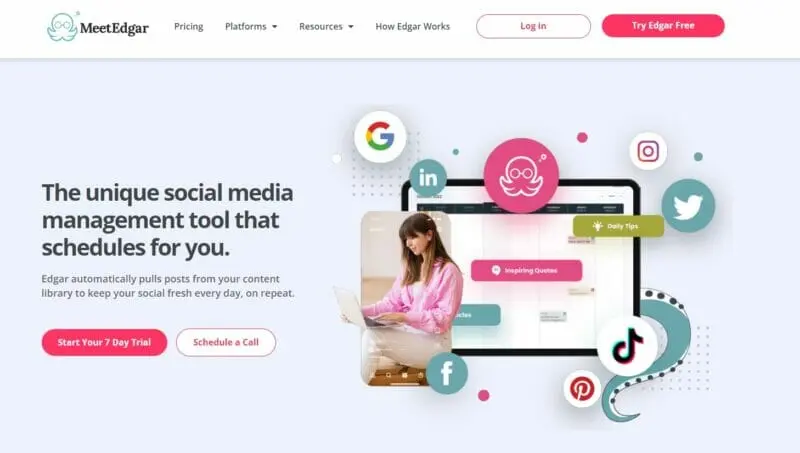
Best for: brands seeking automation in social media management, especially through smart content repurposing.
MeetEdgar is likely one of the smartest and most powerful tools available on the market. It’s also one of the most affordable considering how robust its feature set is. You get social media automation and scheduling, the ability to automatically generate posts on your behalf by pulling quote-worthy text from blog posts you’ve published, category-based scheduling, continuous posting, unlimited library content, evergreen and time-sensitive posting, and so much more.
Read More
21. CoSchedule
Best for: integrated content management with tools for optimizing headlines, social messages, and email subject lines.
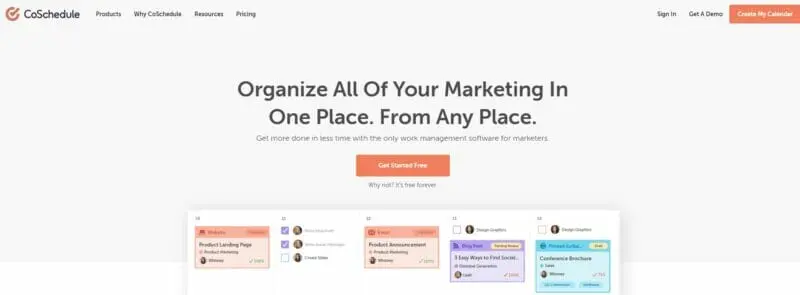
CoSchedule is more than a social media management tool. It’s a central hub for managing all of your content. On the social front, it offers everything you’d expect from a state-of-the-art platform. Your marketing calendar shows all posts for all social media platforms (including blog posts), a content organiser will make it easier to map-out content for your editorial calendar, making easier to create completely integrated social, blog and email marketing campaigns. You can also create, schedule, publish and measure posts, collaborate with team members, and organise all content in a centralised library.
Read More
22. Feedly
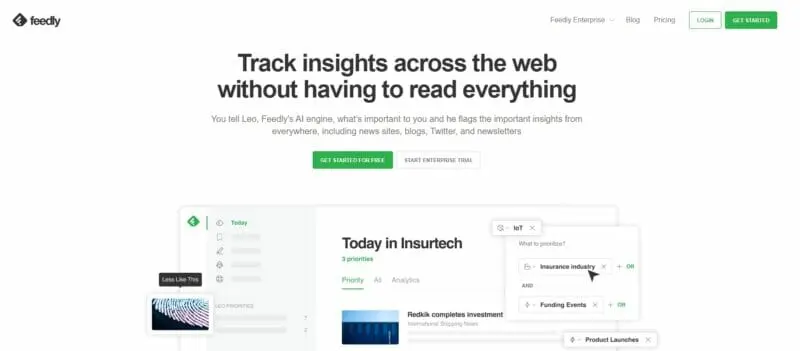
Best for: filtering and curating content using AI, especially in the face of information overload.
Read More23. Bitly
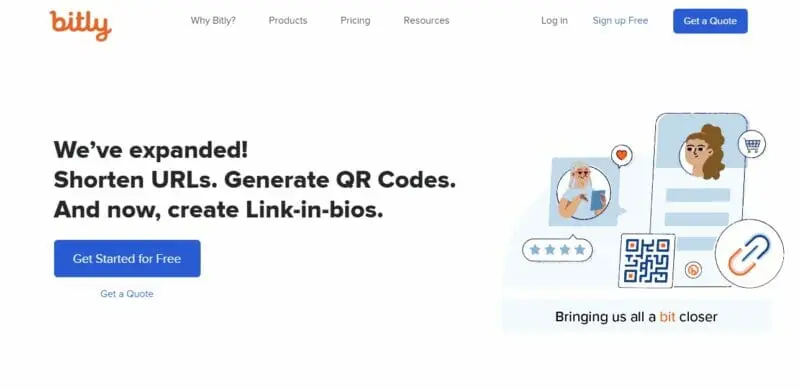
Best for: branded shortened URLs with granular tracking analytics.
The web is a noisy place. It’s hard to stand out amongst the barrage of content from all angles. Bitly’s goal is to empower brands through association. Using shortened links, brands can present easier-to-identify URLs. But short links are not the only value one derives from using Bitly. Bitly links also come with powerful analytics. You get over 20 data points tracked and insights go as deep as city level. This kind of data helps brands develop more of the kind of content that enables greater reach and engagement. Bitly also offers API integrations with tools like Twillo, Salesforce, Adobe, Khoros and Sprinklr to streamline productivity.
Read More24. Buffer
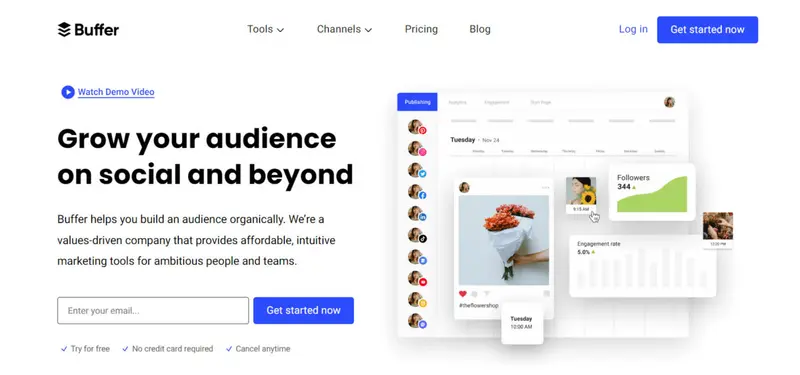
Best for: straightforward scheduling and publishing across multiple platforms with a user-friendly interface.
Buffer is an easy-to-use tool to schedule content and publish posts throughout the day. This tool can save you a lot of time as it posts regularly, and you can focus on building a more engaged audience organically. It’s used by over 75,000 companies worldwide and has some impressive features up its sleeve. These include content recommendations, post scheduling, influencer outreach, an analytics suite and team collaboration tools.
Read More
25. IFTTT
Best for: automating cross-platform tasks with no-code workflows.
IFTTT, which stands for “If this, then that,” is a low-code social media tool that connects your favorite apps and devices through Applets so you can post your content from one place. This connected experience ensures all your social media channels are managed efficiently because tasks can be automated across them. For example, you can share your latest YouTube video across accounts or have a private chat with someone on Discord while you stream from Twitch. You can also post Instagram photos to Twitter without having an account for each network separately. This is all possible through IFTTT’s recipes that are made easy by the no-code workflow system they offer.
Read More26. Vista Social
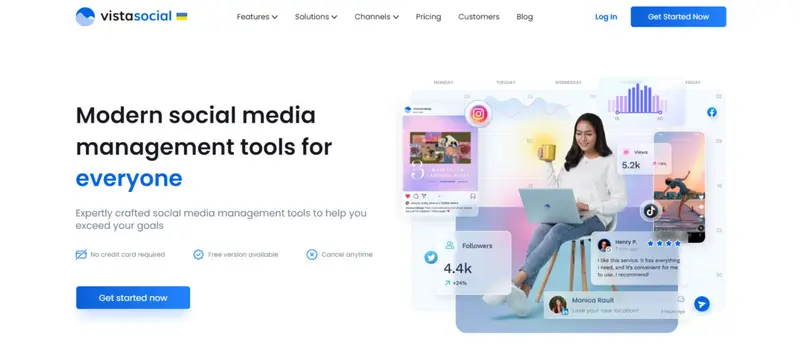
Best for: holistic social media management focusing on content collaboration, engagement, and reputation monitoring.
Distinguishing itself in the digital space, Vista Social emerges as a beacon of sophistication for brands and agencies keen on optimizing their social media strategies. A trusted partner for industry giants like Sony Music, Wix, Zillow, and Oracle, Vista Social’s reputation is bolstered by endorsements from over 20,000 agencies. These partnerships underscore its pivotal role in revolutionizing social media management.
Read More27. Reputation
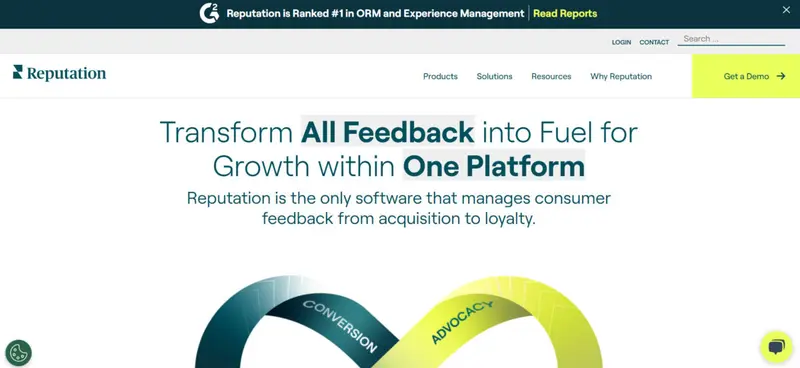
Best for: actionable insights into brand perception and industry trends with integrated social management tools.
Reputation invites brands into a realm where customer sentiment isn’t just understood but transformed into actionable strategies. Through its robust suite, the software elegantly bridges the gap between listening and publishing, offering a unified space where brands can be both reactive and proactive in their approach.
Read MoreWhat are the advantages of using social media marketing software?
One of the most significant advantages of using marketing software for social media is greater brand recognition. By regularly publishing high-quality content, and with the right strategy, you can reach a vast audience and build up a positive reputation as you introduce your brand and attract new leads. Plus, marketing through social media can help to drive more traffic to your website or landing pages. By sharing links to blog posts and landing pages, you can drive back traffic over to your website and convert more leads into customers. And since most people are actively scrolling through their feeds, you're more likely to grab their attention than with other forms of marketing.
Using social media management software can also improve your search engine rankings. By creating high-quality content with the best hashtags and building backlinks from authoritative sites, you can increase your visibility in search results. In turn, this can lead to more website visitors and potential customers with the right tool. Social media marketing may also assist in increasing conversion rates by developing trust and credibility with potential customers. And finally, happy customers are more likely to leave positive reviews and spread the word about your business.
Final Thoughts
In today's digital age, social media marketing software is an essential tool for businesses of all sizes. Not only does it provide a platform for promoting your brand, but it also allows you to connect with customers and build relationships. And while organic reach is slowly declining on some platforms, there's no denying the power of social media when it comes to marketing.
There are many amazing social media marketing software tools out there. No matter if you’re looking for team building tools, social media sharing tools or design applications – you’ll need social media analytics to help you decipher activity on your social media accounts. Reach out for a demo and get your insight organized as a great first step!
Frequently Asked Questions
Is ContentCal easy to use?
All things considered, ContentCal is easy to use. It offers an intuitive interface and easy learning curve. On the main dashboard, there is a selection of tutorial videos (there is about a total of an hour of video content). These videos deal with the platform’s different features. There is also an overlay that offers you a short orientation about how you can use the platform the first time that you enter any of the modules.
Does Monday.com offer SMM?
Social media marketers and agencies can use Monday.com to create a logical workflow that will help them to manage their social media accounts. That being said, it is not your standard social media management platform. It offers a campaign planning template that is useful for anyone working in social media marketing. You can use the template to create campaign progress and status and campaign ideas and requests boards. This will help everyone part of your team to suggest upcoming social media posts.
What tool can I use to create quizzes?
You can check out Qualifio. It is an interactive marketing and data collection platform that helps brands and agencies to create and publish interactive content on apps, sites and social media. It is easy to use and does not require any technical skills. You can use it to create personality tests, quizzes, contests and many other types of innovative interactive content formats.
How can a business monitor online reviews?
A social media marketing tool like Reputology can help businesses to monitor, respond to, and analyze their online reviews. It is a review monitoring and management platform that offers 24/7 reviews monitoring of Google, Facebook and local search directories, employee review websites and app directories. You can either respond directly from Reputology’s interface or Hootsuite.
How can I shorten links?
You can use a tool such as Bitly. With Bitly, brands can shorten links to create URLs that are easier to identify. What is more, Bitly also offers powerful analytics. You also get more than 20 data points tracked. With this data, brands can create more relevant content that will help them boost their reach and engagement.


![46 Social Media Marketing Tools That Will Give You an Edge in 2025 [Updated]](https://s.influencermarketinghub.com/imaginary/resize?width=400&height=200&type=webp&url=https://influencermarketinghub.com/wp-content/uploads/2019/11/43-Social-Media-Marketing-Tools-That-Will-Give-You-an-Edge-in-2022.png)