
If you want to download TikTok videos, you are not alone. With 1.58 billion monthly active users worldwide, TikTok has become one of the largest social media platforms on the internet.
Engagement is equally impressive. Among major social networks in the United States, TikTok records the highest average daily time spent per user at 53.8 minutes, reflecting how central the platform has become for discovering and sharing short-form video.
Many users download TikTok videos to watch offline, share with friends, or save creative ideas for later. While TikTok allows downloads for many public videos through its built-in save feature, some videos have downloads disabled, and most saved clips include a watermark.
In this guide, we explain how to download TikTok videos using several methods, including native downloads, workarounds, and tools that allow downloads with or without watermarks.
A Word of Caution:
While we’re sharing how to download any TikTok video, it’s important that you understand that online content can be protected by copyright law. This means that unless content (including videos downloaded from TikTok) is expressly licensed under Creative Commons licenses, it is subject to copyright...
- How to Download TikTok Videos Using the App
- Why Some TikTok Videos Cannot Be Downloaded
- How to Download TikTok Videos Without Watermarks
- Best Tools to Download TikTok Videos
- 1. SSSTik
- 2. SnapTik
- 3. TTDownloader
- 4. Collabstr
- 5. Publer
- How to Download TikTok Videos on Desktop
- Legal and Copyright Considerations When Downloading TikTok Videos
- Downloading TikTok Videos the Right Way
- Frequently Asked Questions
How to Download TikTok Videos Using the App
The easiest way to download TikTok videos is by using the platform’s built-in download feature. TikTok allows users to save many public videos directly from the app, making it simple to store clips on your phone for offline viewing or sharing.
How to Download TikTok Videos Through the TikTok App
Step 1: Open the Video You Want to Download
Find the video in your feed or by visiting the creator’s profile.

Step 2: Tap the Share Icon
On the right side of the screen, tap the Share button, usually represented by an arrow.
Step 3: Select “Save Video”
From the menu that appears, tap Save Video. TikTok will automatically download the video to your device.

Step 4: Locate the Video On Your Device
Once the download is complete, the video will appear in your phone’s camera roll or gallery, depending on your device settings.
This method works on both Android and iOS devices and requires no additional tools or apps. However, there are two important limitations to keep in mind.
- First, not every video can be downloaded. Creators can disable the download option in their privacy settings, which prevents other users from saving the video directly from TikTok.
- Second, videos downloaded using TikTok’s native feature will include the TikTok watermark, along with the creator’s username. This watermark helps preserve attribution when videos are shared outside the platform.
Why Some TikTok Videos Cannot Be Downloaded
If you try to download TikTok videos and don’t see the Save Video option, the creator has likely disabled downloads for that specific post. TikTok allows users to control whether their content can be saved by others, which is why some videos can be downloaded directly while others cannot.
Creators can turn off downloads in their privacy settings. When this option is disabled, the Save Video button will not appear in the Share menu. This is common for creators who want to limit how their content is redistributed outside the platform.
There are a few other situations where downloads may not be available:
- Private Accounts
Videos from private accounts typically cannot be downloaded unless the creator has specifically allowed it.
- Age or Safety Restrictions
TikTok may limit downloads for certain accounts or content categories to protect younger users or comply with platform policies.
- Regional or Platform Limitations
In some cases, device settings or regional restrictions may affect whether downloads are available.
If the download option is unavailable, users typically rely on alternative methods such as copying the video link and using a web-based tool or recording the video directly from their screen.
These approaches allow users to save videos even when TikTok’s built-in download feature is disabled.
How to Download TikTok Videos Without Watermarks
When you download TikTok videos using the platform’s built-in save feature, the file will include a TikTok watermark along with the creator’s username.
This watermark helps attribute the original creator when the video is shared on other platforms. However, some users prefer to download a version of the video without the watermark for editing, archiving, or content analysis.
One of the most common ways to download TikTok videos without watermarks is by using a web-based downloader tool. These tools allow you to paste a TikTok video link and generate a downloadable file that removes the watermark.
How to Download TikTok Videos Without Watermarks
Step 1: Copy the TikTok Video Link
Open the video in TikTok and tap the Share icon. Select "Copy Link" to copy the video URL.
Step 2: Open a TikTok Downloader Tool
Visit a browser-based downloader and paste the copied link into the input field.
Step 3: Generate the Download File
After pasting the link, the tool will process the video and provide download options, often including a version without the watermark.
Step 4: Save the Video to Your Device
Select the preferred download option and save the video to your phone or computer.
Many of these tools work directly in a browser, which means they can be used on Android, iOS, or desktop devices without installing additional software.
While watermark-free downloads can be convenient, it is important to remember that TikTok content may still be protected by copyright. If you plan to reuse or redistribute downloaded videos, make sure to respect the creator’s rights and follow TikTok’s platform guidelines.
Now, let's look at the best tools to download TikTok videos.
Best Tools to Download TikTok Videos
If TikTok’s built-in download feature is unavailable or you want to save a video without the watermark, several browser-based tools can help you download TikTok videos quickly.
These tools typically work the same way: you copy the TikTok video link, paste it into the downloader, and generate a downloadable file.
Below are a few commonly used options.
1. SSSTik
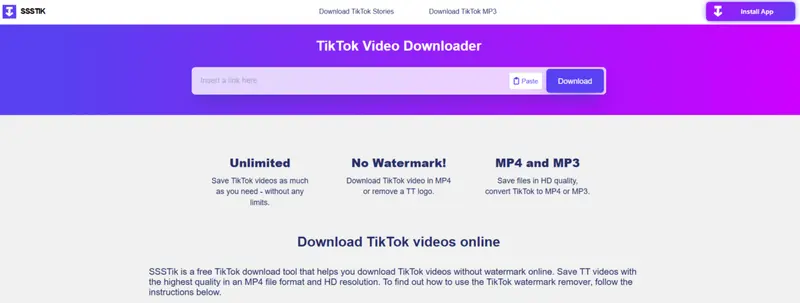
SSSTik is one of the most widely used web tools for downloading TikTok videos without watermarks. The service runs in a browser, but there’s also an app available, which means you can use it on Android, iOS, Windows, or Mac without installing additional software.
The tool works by processing a TikTok video link and generating a downloadable file, typically in MP4 format. In some cases, it also allows users to extract the audio as an MP3 file, which can be useful for saving music or sound clips from TikTok videos.
Key features include:
Read More2. SnapTik
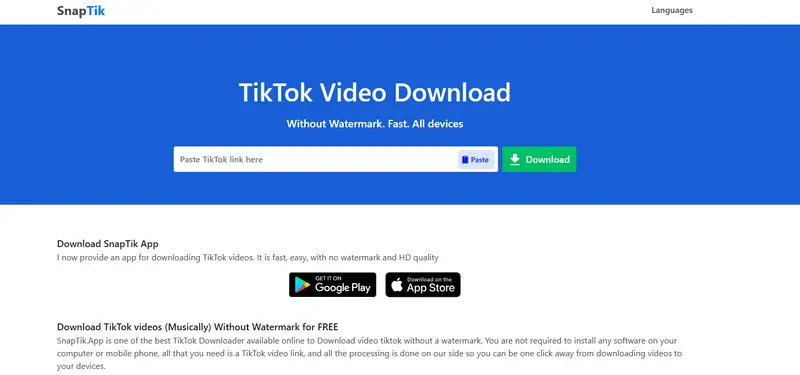
SnapTik is another widely used browser-based tool designed to help users download TikTok videos without watermarks. Like many TikTok downloader services, SnapTik works by processing a copied TikTok video link and generating a downloadable version of the file.
One of SnapTik’s advantages is its simplicity. The tool runs entirely online, allowing users to download videos on mobile phones, tablets, or desktop devices without installing additional software.
Key features include:
Read More3. TTDownloader
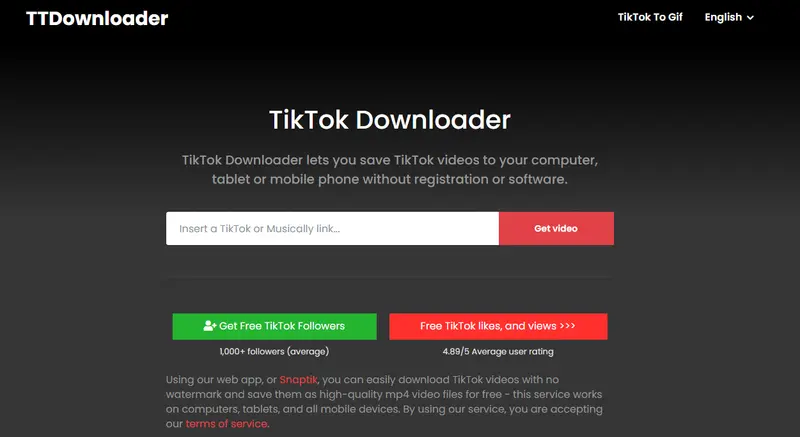
TTDownloader is a simple web-based tool that allows users to download TikTok videos without installing software or creating an account. Like other TikTok downloaders, it works by processing a copied TikTok video link and generating downloadable file options.
The platform focuses on flexibility, giving users several ways to save TikTok content depending on their needs.
Key features include:
Read More4. Collabstr
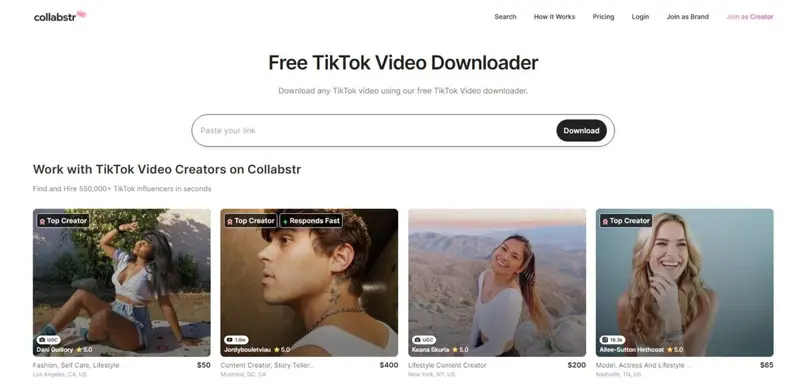
The Collabstr TikTok Video Downloader is a browser-based tool that allows users to download TikTok videos quickly without installing additional software. The tool is integrated into the broader Collabstr platform, which connects brands with creators across TikTok, Instagram, and YouTube.
Like other TikTok downloader tools, Collabstr’s solution works by processing a copied TikTok video link and generating a downloadable file.
Key features include:
Read More5. Publer
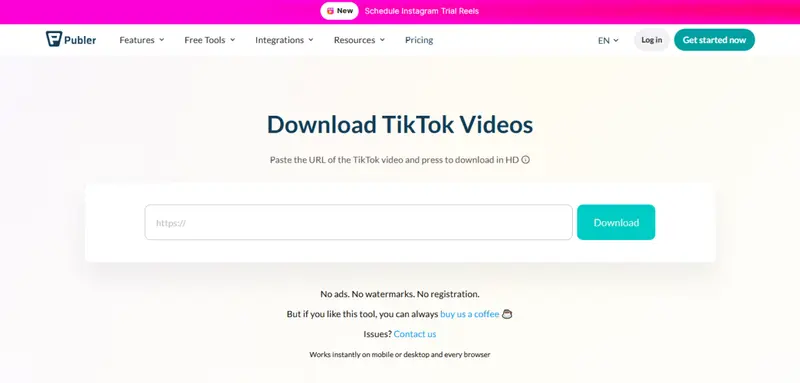
The Publer TikTok Video Downloader is a lightweight browser-based tool designed to help users download TikTok videos quickly in high quality. The downloader is part of the broader toolkit offered by Publer, which provides scheduling, analytics, and content management tools for social media teams.
The tool follows a simple link-paste workflow. Users copy the URL of a TikTok video, paste it into the downloader field, and generate a downloadable file that can be saved directly to their device.
Key features include:
Read MoreHow to Download TikTok Videos on Desktop
You can also download TikTok videos on desktop using a web browser. This approach works well if you are browsing TikTok on a computer or want to save videos directly to your PC or Mac.
In most cases, downloading a TikTok video on desktop involves copying the video link and using a browser-based downloader tool.
How to Download TikTok Videos on Desktop
Step 1: Open TikTok in Your Browser
Visit the TikTok website and locate the video you want to download.
Step 2: Copy the Video Link
Click the Share icon on the video and select Copy Link. You can also copy the URL directly from your browser’s address bar.
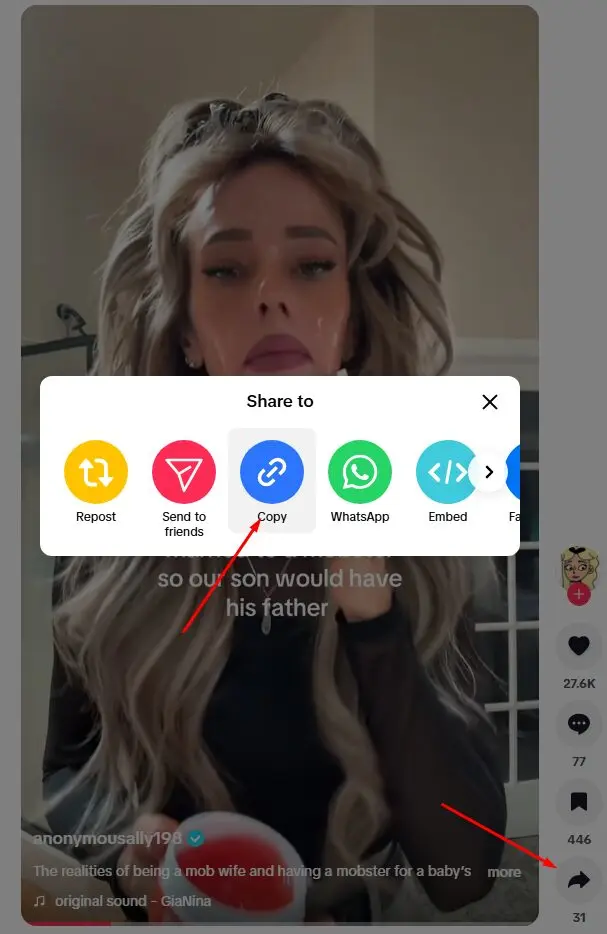
Step 3: Open a TikTok Downloader Tool
Navigate to a browser-based TikTok downloader such as the tools mentioned earlier in this guide.
Step 4: Paste the Video Link
Paste the copied TikTok link into the downloader’s input field.
Step 5: Download the Video File
After processing the link, the tool will generate a downloadable file. You can then save the video directly to your computer.
Most browser-based downloaders work across Windows, macOS, and Linux, and they typically do not require any software installation. This makes them one of the easiest ways to download TikTok videos when working from a desktop device.
Legal and Copyright Considerations When Downloading TikTok Videos
While it is easy to download TikTok videos using the platform’s built-in features or third-party tools, it is important to understand the legal and ethical considerations surrounding how those videos are used afterward.
In most cases, the original creator retains the rights to the content they publish on TikTok. Even if a video is publicly accessible or downloadable, that does not necessarily mean it can be freely reused, especially for commercial purposes.
Here are a few important points to keep in mind.
Respect Creator Ownership
Downloading a video does not transfer ownership. The creator still holds the rights to the content, including how it is distributed or reused.
Give Proper Attribution
If you plan to repost or reference a TikTok video, it is good practice to credit the original creator. The built-in TikTok watermark helps maintain this attribution when videos are shared across platforms.
Be Cautious With Commercial Use
Using someone else's TikTok video in marketing materials, advertisements, or branded campaigns may require explicit permission from the creator. Many brands work directly with creators or obtain licenses before repurposing content.
Follow Platform Guidelines
TikTok’s terms and community guidelines outline how content can be downloaded, shared, and reused. Reviewing these policies can help ensure that downloaded videos are used appropriately.
By respecting creator rights and platform policies, users can download TikTok videos for personal viewing, research, or inspiration while avoiding potential copyright or usage issues.
Downloading TikTok Videos the Right Way
Downloading TikTok videos is straightforward once you understand the different options available. The platform’s built-in save feature works well for many public videos, while browser-based tools can help when downloads are disabled or when you need a version without a watermark.
Whether you are saving content for offline viewing, creative inspiration, or marketing research, the key is choosing the method that best fits your device and needs. At the same time, it is important to respect creator rights and platform guidelines when reusing downloaded content.
By combining TikTok’s native features with reliable downloader tools, users can easily save videos across mobile devices and desktop browsers while maintaining responsible content practices.
Yes, it is possible to download TikTok videos without the watermark. When you use TikTok’s built-in Save Video feature, the downloaded file will include the platform watermark and the creator’s username. However, many browser-based downloader tools allow you to paste a TikTok video link and generate a version of the video without the watermark. Some TikTok videos cannot be downloaded because the creator has disabled downloads in their privacy settings. When this option is turned off, the Save Video button will not appear in the Share menu. Downloads may also be unavailable for private accounts or certain restricted content. You typically need access to the video link to download a TikTok video. If you are using TikTok’s built-in download feature, you must open the video inside the app. However, many browser-based downloader tools allow you to download TikTok videos using just the video URL, without requiring a TikTok account. When you download TikTok videos using the app, they are usually saved to your device’s camera roll or gallery. If you download a video on desktop using a browser-based tool, the file is typically saved to your computer’s Downloads folder. Yes, you can download TikTok videos on a computer by using a browser-based downloader tool. Simply copy the link to the TikTok video, paste it into the downloader’s input field, and generate the download file. The video can then be saved directly to your computer.Frequently Asked Questions
Can you download TikTok videos without the watermark?
Why can’t I download some TikTok videos?
Do you need a TikTok account to download videos?
Where are TikTok videos saved after downloading?
Can you download TikTok videos on a computer?


