
Twitter (X) remains one of the fastest-moving and most conversation-driven social platforms, but engaging an audience there is no longer as simple as posting frequently.
- How do brands stay visible when timelines refresh by the second?
- And how do marketers balance publishing, engagement, analytics, and brand safety without burning out their teams?
As X continues to prioritize relevance, timing, and interaction, marketers are leaning more heavily on tools that help them work smarter, not harder. The rise of AI-assisted publishing, real-time analytics, community management, and automation reflects a clear shift. Twitter marketing is becoming more structured, more data-informed, and more collaborative.
At the same time, brands are using X in very different ways, from customer support and thought leadership to product launches and community-driven growth.
This guide breaks down 10 powerful Twitter marketing tools designed to help you cut through the noise, engage your audience meaningfully, and turn everyday activity into measurable results.
- What Do You Need In A Twitter Marketing Platform?
- 10 Powerful and Effective Twitter Marketing Tools
- 1. Sendible
- 2. Buffer
- 3. Meet Edgar
- 4. Metricool
- Which Twitter (X) Marketing Tool Best Fits Your Brand's Needs?
- Choosing the Right Twitter (X) Tool Is a Strategy Decision, Not a Software One
- Frequently Asked Questions
What Do You Need In A Twitter Marketing Platform?
Before you pick the best option to manage your brand’s Twitter profile, you need to be aware of what you need from the platform. Twitter marketing tools offer so many different ways to use Twitter and take advantage of the social media platform. Many marketing platforms offer a huge variety of tools, and some of them cost a premium. Why pay more for something you don’t need?
Consider these factors before you pick a social media marketing platform:
- Do you want to grow your influence on Twitter?
- Do you want to increase your engagement on Twitter?
- Do you want tools to monitor your brand?
- Do you need a marketing tool that allows you to manage your account and customer interactions?
- Is price a factor?
Different platforms will offer different services. It’s important to look at what you will pay for, and what you don’t actually need.
10 Powerful and Effective Twitter Marketing Tools
It can be overwhelming to find the perfect Twitter marketing tool. Here are our top tools for powerful and effective marketing tools to help automate and enhance your Twitter presence.
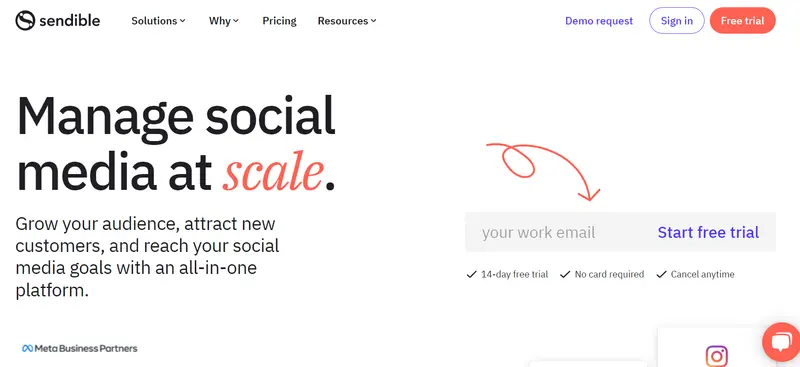
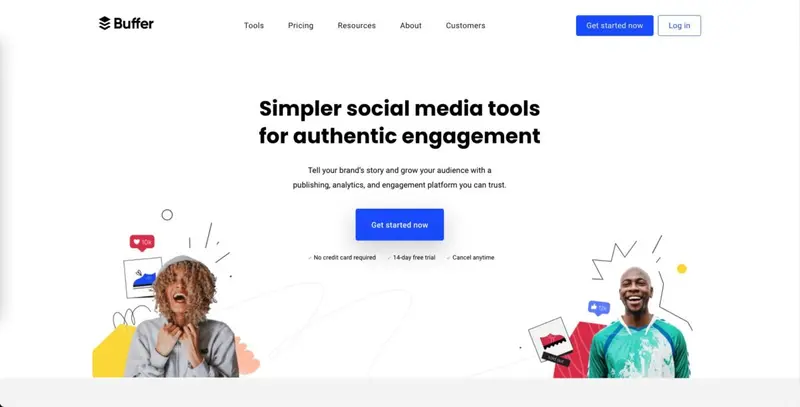
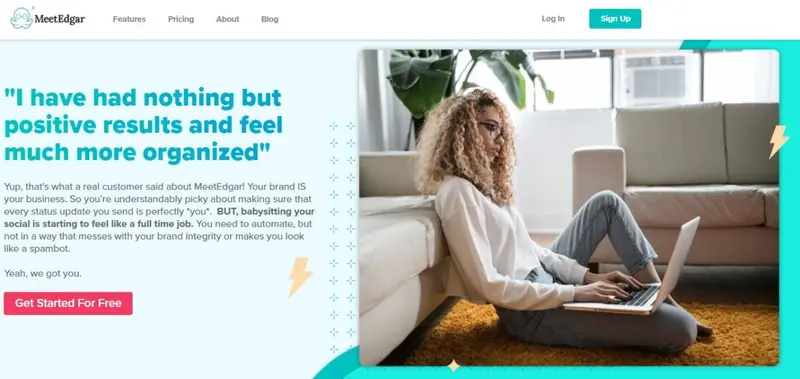
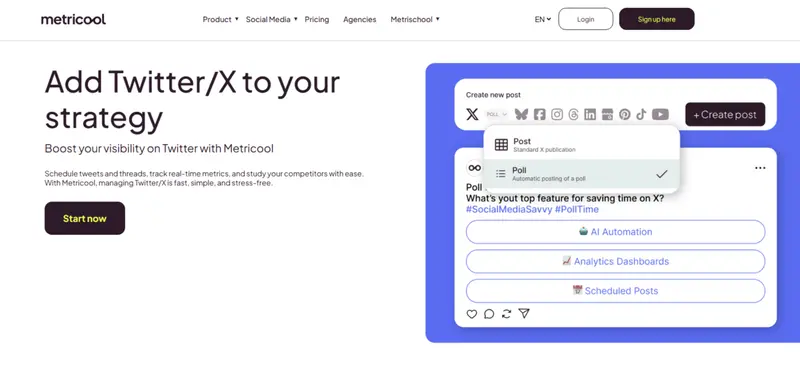
Best For: Businesses of all sizes and agencies Pricing: Paid plans start at $25 per month with a 14-day free trial and no credit card required Demo: Interactive product demo and live walkthroughs available Key Twitter Marketing Features: Sendible positions itself as a full-scale social media management platform with strong Twitter capabilities baked into a broader multi-network workflow. For marketers managing Twitter as part of a larger content mix, it provides a centralized way to plan posts, collaborate with stakeholders, and track engagement without switching tools. Best For: Publishers, mid-stage startup teams, non-profits, higher education, sports teams, e-commerce, solopreneurs, businesses Pricing: Free plan available, paid plans start at $5 per month Demo: No formal demo, but instant access through a free account Key Twitter Marketing Features: Best For: Businesses of all sizes Pricing: Subscription plans with a 30-day free trial and no contract required Demo: On-demand product demos available, with full access through the free trial Key Twitter Marketing Features: MeetEdgar does not try to be everything to everyone. Instead, it focuses heavily on automation and content reuse, making it stand out from traditional scheduling tools. The platform is built around the idea that strong Twitter content should continue working long after it is first published. Best For: Social media managers and agencies Pricing: Free plan available with paid tiers starting at $22 per month Demo: Self-serve onboarding with immediate access through free and paid plans Key Twitter Marketing Features: Metricool positions itself as a practical co-pilot for Twitter marketing rather than a heavy enterprise suite. Its focus is on helping teams stay active and informed without constant manual oversight, which makes it appealing to managers juggling several platforms at once.1. Sendible

2. Buffer
3. Meet Edgar
4. Metricool
Which Twitter (X) Marketing Tool Best Fits Your Brand's Needs?
Choosing the right Twitter (X) marketing tool is less about feature count and more about how well the platform aligns with your operating model.
Different teams use Twitter in very different ways, from automation-heavy publishing to real-time engagement, analytics, or advocacy-driven amplification. The scenarios below map common Twitter use cases to the tools best equipped to support them.
- Multi-account scheduling with approvals and client governance → Sendible
- Data-first Twitter optimization and performance diagnostics → Iconosquare
- High-volume engagement management and community conversations → Agorapulse
- Lightweight scheduling and consistent posting for small teams → Buffer
- Enterprise-scale monitoring, listening, and brand risk management → Hootsuite
- Evergreen Twitter automation with minimal ongoing effort → MeetEdgar
- Organic amplification through customer advocacy and UGC → CrewFire
|
Tool |
Best For | Pricing | Demo | Key Twitter (X) Marketing Offering |
Use For |
| Sendible | Businesses of all sizes & agencies | Paid plans start at ~$25/mo; 14-day free trial | Interactive demos & walkthroughs | Bulk tweet/thread scheduling, approval workflows, campaign reporting | Structured multi-account scheduling and team governance |
| Iconosquare | Brands & agencies focused on performance | Plans from ~$38/mo; 14-day free trial | Live guided demos available | Deep analytics, benchmarking, customizable dashboards | Data-driven performance optimization |
| Agorapulse | Mid-sized agencies & mid-sized businesses | Subscription plans start ~$49/mo | Personalized demos | Unified calendar scheduling + engagement inbox | Engagement-centric publishing and conversation management |
| Buffer | Solopreneurs, startups, small teams | Free tier; paid from ~$5/mo | No formal demo (free access) | Simple scheduling, basic analytics, AI idea tools | Easy, no-friction posting and consistency |
| Hootsuite | Small → Large enterprise teams | Plans start at ~$99/mo | Enterprise demos available | Scheduling + listening + sentiment + analytics | Scalable enterprise social oversight |
| MeetEdgar | Businesses of all sizes | Subscription plans with 30-day free trial | On-demand demos available | Evergreen tweet recycling and automated publishing | Automated content recycling and consistency |
| CrewFire | Ecommerce & advocacy-driven brands | Custom pricing (demos on request) | Live demos available | Ambassador-driven engagement, UGC campaigns | Social proof amplification via customer advocates |
| Later | Visual-first brands, cross-platform teams | Paid plans from ~$18.75/mo; 14-day free trial | Guided demos available | Visual calendar scheduling + social listening | Cross-platform content planning with Twitter |
| SocialPilot | Agencies & SMBs | Paid plans from ~$25.50/mo; 14-day free trial | Live demos available | Bulk scheduling + hashtag generation + white label reports | Scalable bulk publishing with client reports |
| Metricool | Social media managers & agencies | Free plan; paid from ~$22/mo | Self-serve onboarding | Smart Planner scheduling + real-time analytics | Fast scheduling + live performance tracking |
Choosing the Right Twitter (X) Tool Is a Strategy Decision, Not a Software One
Twitter (X) marketing success does not come from using the most popular tool. It comes from using the one that matches how your brand actually operates. Some teams need structure, approvals, and reporting. Others need deep analytics, real-time engagement, automation, or community-driven amplification.
The tools covered in this guide show how diverse Twitter marketing has become, from lightweight schedulers to enterprise platforms and advocacy engines. Each serves a distinct purpose, and the best choice depends on whether your priority is consistency, insight, engagement, scale, or efficiency.
Before committing, define what Twitter needs to do for your brand today, not just what features look impressive on paper. When your workflow and your tools align, Twitter stops feeling like a chore and starts delivering measurable impact.
Frequently Asked Questions
Do brands still need partners to succeed on Twitter (X)?
Many brands work with experienced partners to speed up growth, especially when launching campaigns or entering competitive niches, which is why some rely on trusted Twitter marketing partners to combine strategy, execution, and platform expertise efficiently.
What is the difference between a Twitter marketing tool and an agency?
Tools help you schedule, analyze, and manage content internally, while agencies handle strategy and execution end to end, which is why companies with limited in-house resources often turn to Twitter marketing agencies for hands-on campaign management.
How can brands estimate the revenue impact of Twitter marketing?
Estimating potential returns often starts with understanding reach, engagement, and monetization potential, and many marketers use a Twitter money calculator to model earnings based on audience size and engagement patterns.
Does paying for X Premium actually improve reach?
Some brands experiment with paid features after seeing research suggesting that X Premium users get more reach, which can influence visibility strategies for creators and businesses alike.
Are Twitter DMs still effective for brand communication?
Direct messages remain useful for customer support, partnerships, and lead nurturing when handled correctly, and understanding how Twitter DMs work helps brands avoid spammy outreach while building genuine conversations.
What should brands tweet when engagement drops?
When content ideas run dry, revisiting proven formats and prompts can help, and many teams lean on curated what to tweet ideas to restart conversations and maintain posting consistency.
How important are visuals in Twitter engagement?
Visual formatting plays a major role in stopping the scroll, so marketers often double-check Twitter banner sizes to ensure profile branding looks professional across devices.
Do image dimensions really affect tweet performance?
Incorrect formatting can lead to awkward crops or reduced clarity, which is why knowing the correct Twitter image size helps brands present visuals cleanly and maintain a polished feed.


