
One of the early challenges that marketers, advertisers, and content creators had in using Instagram was that it lacked any robust analytic tool to give you feedback on the success or otherwise of your posts. As a result of this, many private developers created their own Instagram analytics tools for influencers, brands, and anybody else who cared how their posts performed.
Instagram eventually introduced their Instagram Insights, limiting access to it to those operating a business account. We have previously explained how this is one of the main benefits of an Instagram Business Profile. This has not altered the development of alternative apps and online services providing analytical tools for influencers and other serious Instagram users, however.
As we have said many times previously, any successful influencer campaign begins with setting your campaign goals. For this to be of use, however, you need to be able to measure your progress towards meeting your goals. This is where Instagram analytics tools come to the fore. They provide the evidence you need and allow you to fine-tune your campaigns, so you can better meet your goals.
Top Instagram Analytics Tools:
1. Brandwatch Consumer Intelligence
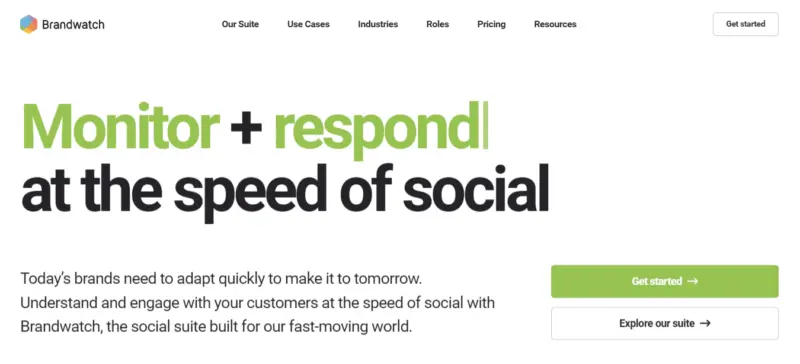
Brandwatch aims to give brands a stronger competitive advantage by offering the best and most accurate data to make informed decisions. It provides data for firms posting on Facebook, Messenger, Instagram, Twitter, LinkedIn, WhatsApp, and YouTube.
Although Brandwatch isn’t free, you gain access to Brandwatch’s advanced analytics dashboards in their $108/mo Essentials plan.
Read More
2. Brand24
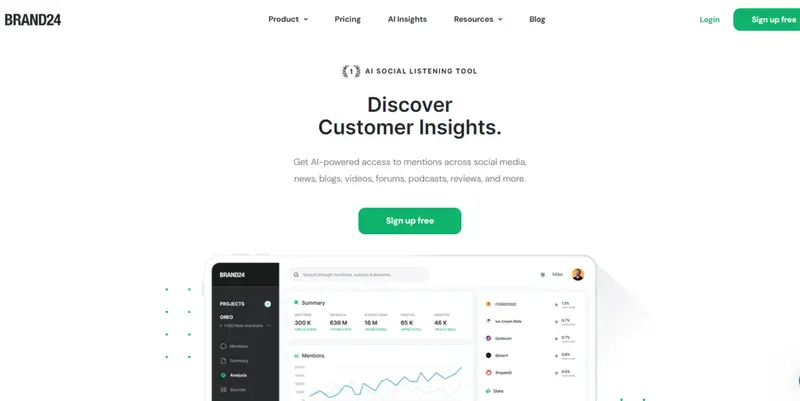
Brand24 distinguishes itself as an Instagram Analytics tool. This tool transcends mere data collection, providing in-depth insights into Instagram metrics like social media reach, mention volume, sentiment analysis, and engagement metrics. It’s an essential tool for businesses focused on enhancing their Instagram strategy with data-driven decisions.
Brand24’s pricing is thoughtfully structured to cater to a diverse range of needs. Their plans start at $79 per month for the ‘Individual’ plan, which is ideal for monitoring a small brand. They also offer ‘Team’, ‘Pro’, and ‘Enterprise’ plans, scaling up to meet the needs of startups, growing businesses, bustling agencies, and large corporations. This tiered approach ensures affordability and scalability, making Brand24 a viable option for any business size.
Read More
3. Instagram Insights
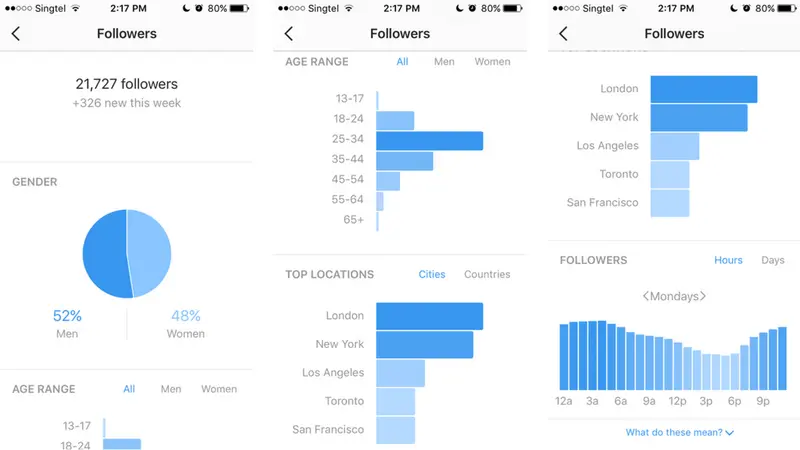
Instagram Insights is the free analytics tool Instagram provides to any user who converts to a business profile.
You will notice a graph icon in the upper-right section of your profile. Click on this to access your Instagram insights. This will show you essential insights into how your Instagram account performs.
At the top of the page, you will see total impressions and the change from the previous week. You can swipe through this summary section to find other key metrics:
Read More4. Hootsuite
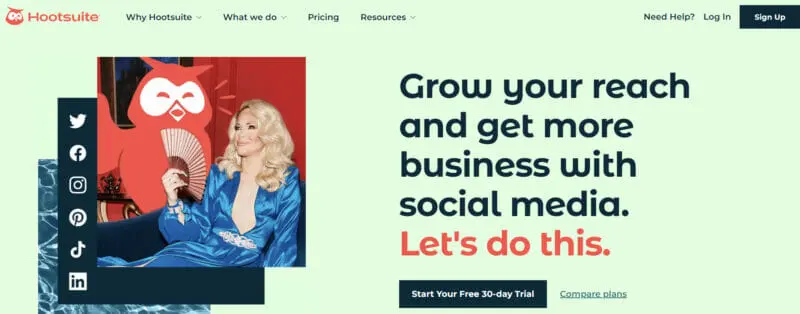
Hootsuite is primarily known as a social media scheduling tool. Their free account allows you to manage two social profiles, create five scheduled posts at the same time, and get detailed metrics across your networks with Hootsuite Analytics.
It offers a long list of metrics. It includes basic metrics like the total number of followers, the total number of inbound messages, new followers gained per day and more advanced metrics like the number of taps on the email link in your profile, post engagement rate, and loads more.
Read More
5. Crowdfire
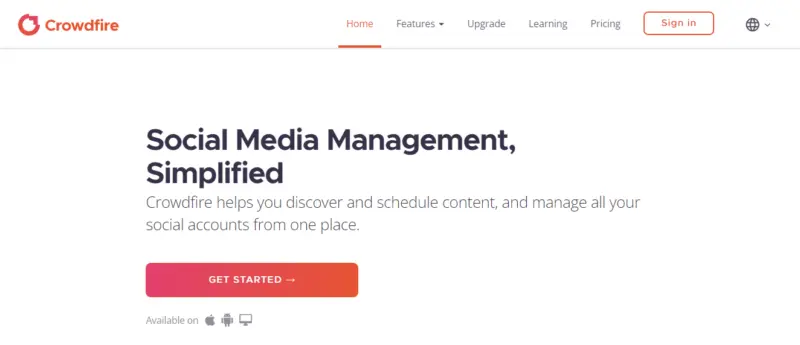
Crowdfire’s primary purpose is to help you discover and schedule content and manage all your social accounts from one place. It is principally a post scheduler across your various social network accounts. It has a free plan, as well as a range of paid plans. You can schedule and work with your Instagram account at all pricing levels, including the free one.
Read More
6. Preppr
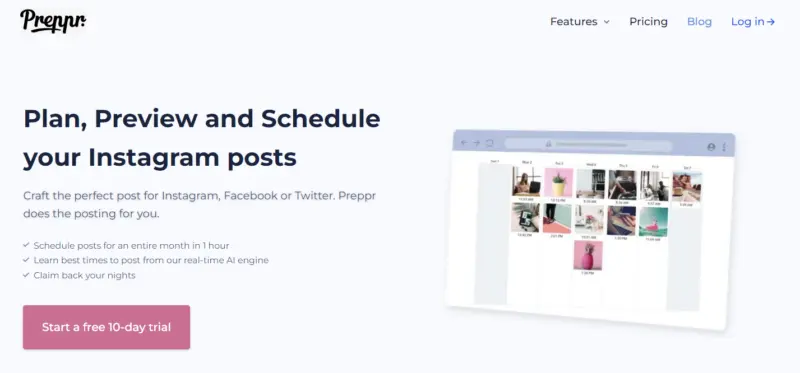
Preppr is primarily an Instagram management tool that provides audience insights as part of its package. At the moment there is just the free version, but there are plans to make available a Pro plan in the future with more powerful features.
Read More7. Keyhole
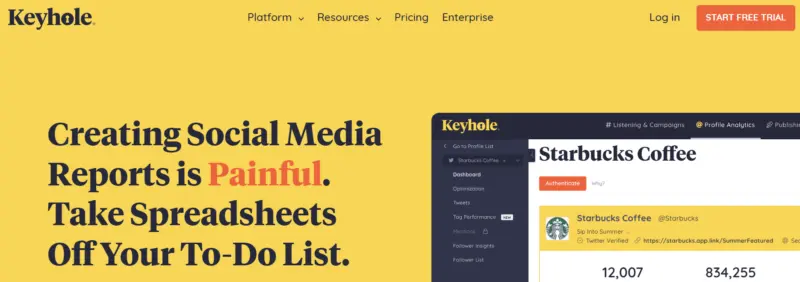
Keyhole is a comprehensive paid service. One of its capabilities is account tracking and reporting. It allows you to monitor all of your brand’s Instagram posts, as well as those of your competitors, showing you how they perform. With this knowledge, you can optimize future content strategy for growth and engagement. Keyhole also includes comprehensive hashtag and keyword tagging.
The cheapest plan (Professional) is probably beyond the reach of most influencers, but it gives a free preview of what it offers. With the preview, you can check data going back a year (but with a maximum of 99 posts).
8. Emplifi
Emplifi is primarily a platform to assist enterprises with their social media marketing. “We help brands engage & grow their customer base through content personalization based on actionable AI-powered audience insights.”
However, they do include a range of social tools. One of these is the Emplifi Instagram Analytics Tool. This allows anyone with either a personal or business Instagram profile to discover statistics about their most popular Instagram posts, track their success, and learn what gets your audience interested.
For those with greater analytical needs, you can gain more Instagram analytics by purchasing a Emplifi Suite subscription.
9. SocialRank
SocialRank is a tool for both Instagram and Twitter that allows you to manage your followers better. It is an audience segmentation tool helping you to identify, organize, and manage your audience on social media.
Once you log into SocialRank, you can segment your audience by using various sorting and filtering options. You can sort your audience by Most Valuable, Most Engaged —likes, comments, and tags, best followers, most followed, alphabetized and chronological. You can filter and pinpoint your audience by filters ranging from bio keyword, word/hashtag search and geographic location to verified, number of followers, activity, and other ways
Read More10. Squarelovin
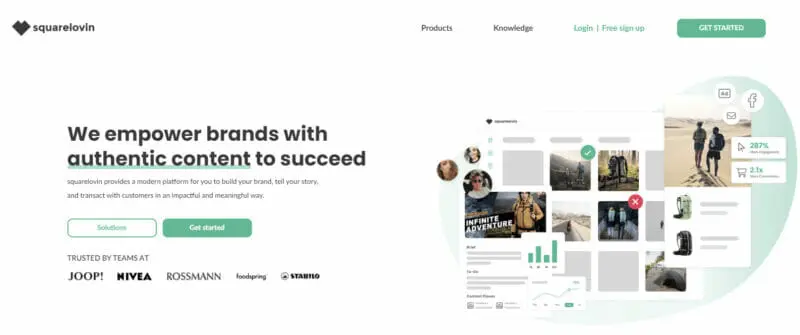
Although Squarelovin is primarily a user-generated content platform, it includes an in-depth analytics tool, also called Instagram insights. You can gain access to this tool for free.
Squarelovin Instagram Insights begins with an overview of your Instagram account. It gives you the essential information about your audience. It also tells you about your account’s growth, your likes, your followers, and your post-performance.
It then tells you about your engagement, with detailed metrics about which types of posts attracted the most likes and comments. You can easily compare engagement rates, to help you better understand your followers.
Read More11. Listen
Listen has recently joined its social marketing intelligence capabilities with TrendKite’s AI-driven earned media measurement platform and Insightpool’s social influencer data to create one company Its primary product is a social platform that provides the analytics every marketing team needs to build an effective social strategy and inform day-to-day execution on social media. The various level of paid account all include analytics for Instagram, Twitter, and Facebook.
Regarding Instagram, their paid plans report on reach and impressions, profile engagement, influencer identification, topic and mention monitoring, audience geography, and sentiment analysis.
Read More12. Curalate
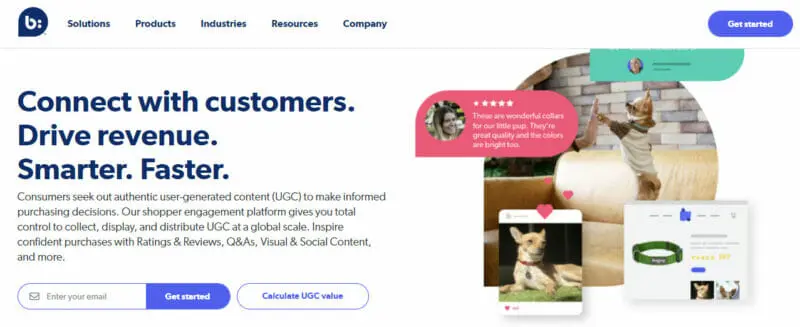
Curalate provides tools that enable you to encourage your followers to buy your products, plus track their behavior through custom links, which can be included in your bio. Its Visual Insights feature uses image recognition technology to generate analytics about which of the brand’s products have the highest shares on particular platforms. It also tracks mentions and tags.
The following features gather the data for Visual Insights:
Read More13. Minter
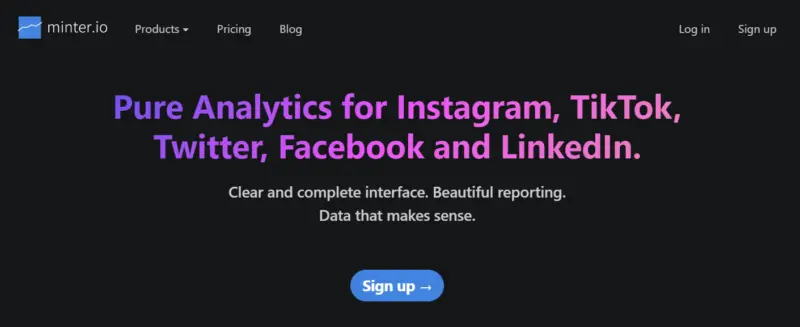
Minter is what you need if you have several IG accounts or rely heavily on this social channel for your marketing. It’s an advanced tool that allows you to monitor these multiple accounts (and your competitors) from a single dashboard. You can transfer Instagram metric data to Excel or save reports in PDF format.
The solution generates demographic information such as the gender of your visitors and followers and their geographical location. You can even discover what photo or video filter is most effective for your brand by comparing the metrics of your individual posts.
Read More14. Pallyy
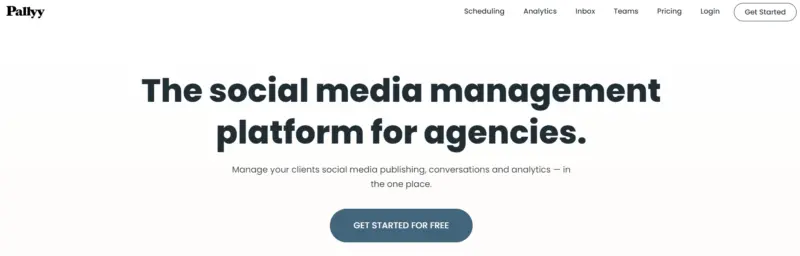
Pallyy is mainly a scheduling tool but it’s also optimized to show you how users are interacting with your Instagram account. Its analytics overview gives a numeric summary of the number of likes and comments your account received as well as your current engagement rate. It also gives a breakdown of how many new followers you have daily, how many comments each of your posts got, and what posts and stories your users liked the most. You can package all these data in a customizable report that you can download and e-mail to clients.
Read More15. Tailwind
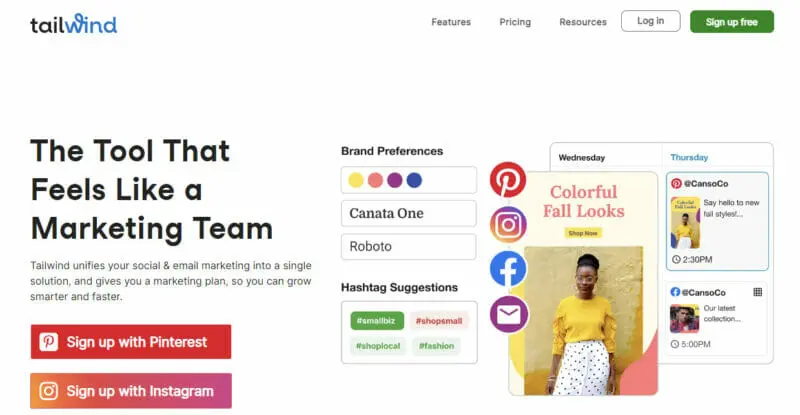
Another Instagram and Pinterest auto-publishing tool, Tailwind doesn’t only make scheduling posts easier. It also helps you better analyze the performance of each post you make.
Tailwind’s Profile Performance Tab shows your number of new followers, comments, likes, and re-pins. You can pick the metrics to include when generating a daily, weekly, or monthly analytics report for your company or client.
Meanwhile, its Hashtag Finder suggests the most engaging hashtag for your post. You can also save your top-performing lists.
Smart.Bio is Tailwind’s unique bio link tool, which creates branded landing pages.
Read MoreFrequently Asked Questions
How do I pull Instagram Analytics?
You can pull Instagram analytics by having an Instagram business or Instagram creator profile. If you have one of those profiles, you can easily access your analytics through the Insights tab in the Instagram app. To do this, tap the menu icon in the top right corner of your profile and then click on the insights tab. That will open analytics for your business or creator profile.
How do you see someones Instagram analytics?
It is not possible to see someone's full Instagram analytics without access to their account. You can ask someone for their analytical data, which can be found in their Insights tab if they have a business or creator profile. The only analytics you can see are their followers, their likes, and their comments on each post.
What are the tools of monitoring Instagram?
There are many powerful tools to better monitor Instagram. Try these:
Sprout Social.
Iconosquare.
Phlanx.
TapInfluencer.
Curalate.
Listen.
Bitly.
Keyhole.
How do you track Instagram Insights?
To access live Instagram Insights, go to your analytics screen, scroll down to Live, and click the right arrow next to your number of streams. You can then view your metrics related to live streams, including accounts reached, peak concurrent viewers, comments, and shares. You can track additional Instagram Insights through the Insights tab in the Instagram app.
Who stalked my Insta?
There is no way to find out who viewed your Instagram profile or Instagram account - or find out who stalked your Instagram. Instagram as an application does not let you track your profile visits. It is therefore not possible to track Instagram stalkers.


