
If you want to get the most out of your social media strategy, you need the right tools.
- 1. Sendible
- 2. Hootsuite
- 3. Foursixty
- 4. Buffer
- 5. BuzzSumo
- 6. Adobe Spark
- 7. CoSchedule
- 8. Canva
- 9. Sked Social
- 10. SOCi
- 11. Google’s Campaign URL Builder
- 12. Socialoomph
- 13. Revive Old Post
- 14. Wistia
- 15. Semrush
- 16. e-clincher
- 17. Flick
- 18. Statusbrew
- Which Is the Best Social Media Management Tool for You?
- Factors to Consider When Choosing a Social Media Management Tool
- The Evolution of Social Media Management Tools
- About the Author: Werner Geyser
Well, you’re in luck! Here you’ll find the best social media management tools you need to do everything from creating killer content to monitoring your performance. You spend a lot of time (and probably money) to create great content for your followers. But if you’re not using the right social media management tools, you’re making things harder on yourself than they need to be.
If you’re just getting started, this post applies to you, too. Maybe even more so, because you have the chance to do things the right way, from the beginning. You’ll probably even be able to grow your accounts faster by being organised so early on.
Really, it doesn’t matter where you are in your social media marketing efforts—if you’re on social media, then you need to manage it properly. That’s not just a matter of posting and engaging, but also understanding how good (or not) you are at doing all that. Without good reporting, there’s no point in doing it at all.
Using the right tools to manage your social media presence will help you create better content, reach more followers, gain a deeper understanding of your target audience, and get more conversions—no matter if those conversions are sales, subscribers, or some other measure entirely.
1. Sendible
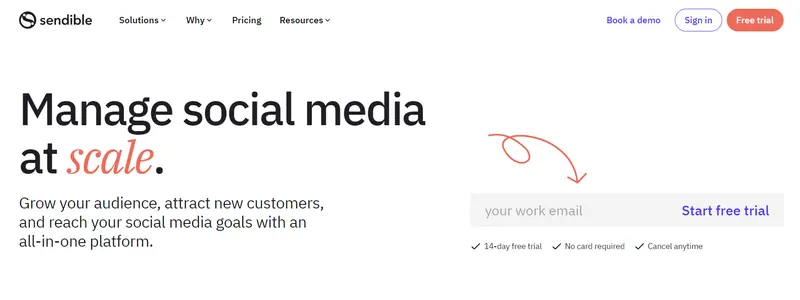
Sendible is an all-in-one social media management tool that works with 20+ social networks and blogging services. It includes a full suite of scheduling tools, allowing you to queue posts for your social networks, blogs, and even mailing lists.
The smart queue can adjust publication times for you so you can set your evergreen content to republish over time.
Sendible Key Features:
- Tailor posts and images for each social network
- Interactive calendar to visually plan, schedule, and review your social media campaigns
- See messages and respond from the dashboard (including delegating conversations to specific team members)
Sendible Pricing:
Sendible offers a 14-day free trial. Pricing starts at $25/month (annual billing).

2. Hootsuite
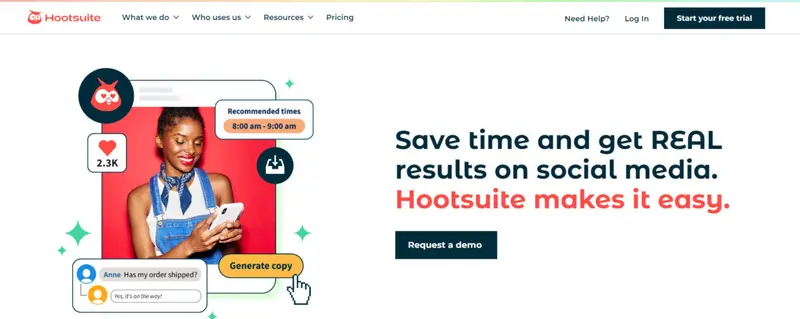
Hootsuite is an all-in-one social media management tool that lets you plan, create, and schedule posts across social media platforms. It lets you search and filter through existing social media to find brand mentions, demographics, and other insights.
Hootsuite’s analytics reports are customizable to let you focus on the data you need to meet your KPIs. And, it integrates with 35+ social networks as well as a number of third-party tools like Slack, Trello, Asana, and more.
Hootsuite Key Features:
Read More
3. Foursixty
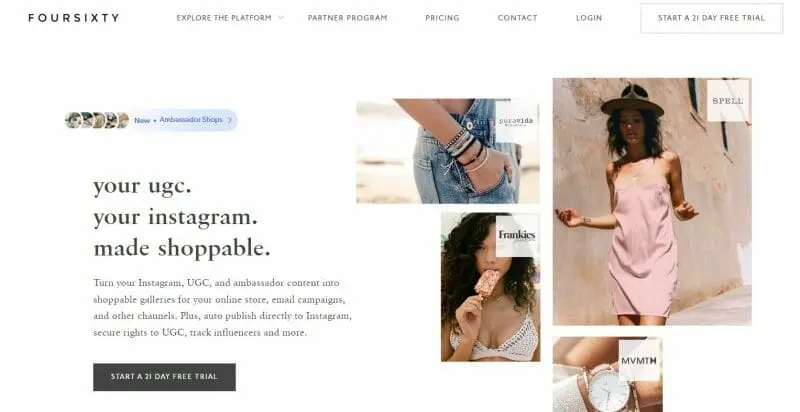
Foursixty lets you turn your Instagram content and user-generated content into shoppable galleries, track creators and gifting programs, secure the rights to user-generated content, and get advanced Instagram insights and analytics.
Foursixty is great for eCommerce businesses and lets you showcase your products in gorgeous, shoppable galleries. You can even customize and show off your content on product pages, in your email newsletters, and pretty much anywhere you can embed code.
Foursixty Key Features:
- Integrate fully customized shoppable Instagram & UGC galleries
- Showcase product-specific Instagram galleries in your product detail pages
- Integrate eCommerce platform-specific conversion pixels in your site
- Customize the galleries so they look like a cohesive part of your brand identity
Foursixty Pricing:
Read More4. Buffer
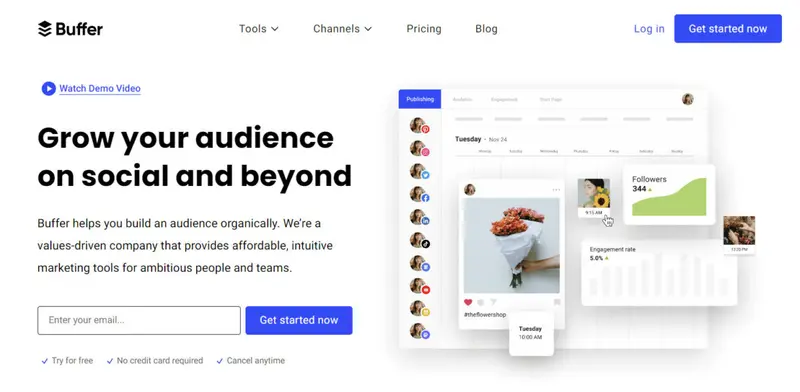
Buffer is one of the most popular social media management tools for influencers, solopreneurs, and businesses. It lets you schedule posts across social media platforms with a simple, easy to use interface.
Buffer’s Publish tool makes it easy to plan and publish your content for Instagram, Facebook, Twitter, Pinterest, and LinkedIn from a single dashboard. With the Analyze tool, you can easily measure your social media performance, create visually appealing reports, and get recommendations to grow your reach, engagement, and sales.
Buffer Key Features:
Read More
5. BuzzSumo
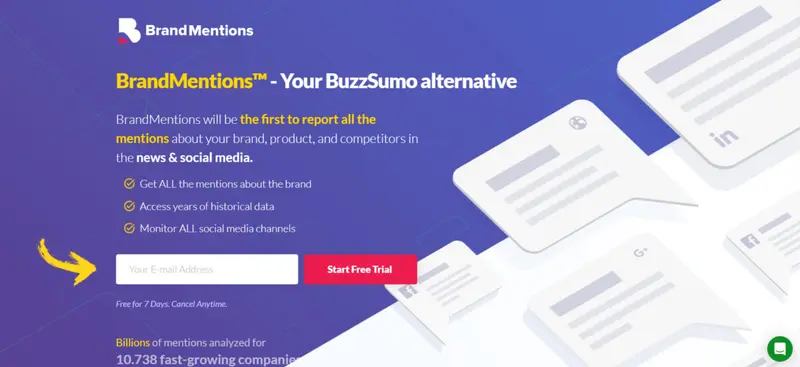
BuzzSumo isn’t really a social media management tool in that you don’t use it to manage and monitor your accounts. Instead, its chief use is to measure the social performance of content on websites. This isn’t just showing you what’s trending, but gives you a detailed breakdown of social engagement for each piece of content across Facebook, Twitter, Pinterest, and Reddit.
Read More
6. Adobe Spark
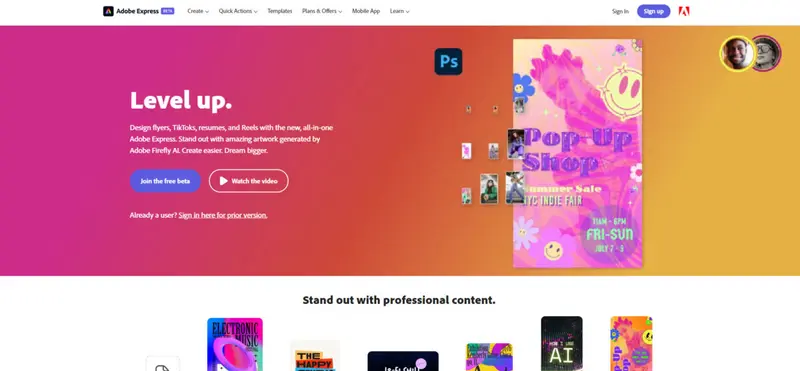
Adobe Spark helps you create social graphics, web pages, and short videos in minutes. Then, you can share your creations instantly.
Adobe Spark lets you use the images you want to make the most impact with your target audience. You can upload images from your own device or cloud storage, or choose from thousands of free online images.
Adobe Spark Key Features:
- A variety of free professionally designed fonts
- Wide variety of best-in-class layouts and colors
- Share via social media or emails
Adobe Spark Pricing:
Adobe Spark has a limited free plan. Pricing starts at $9.99/month (with 1-year commitment).
7. CoSchedule
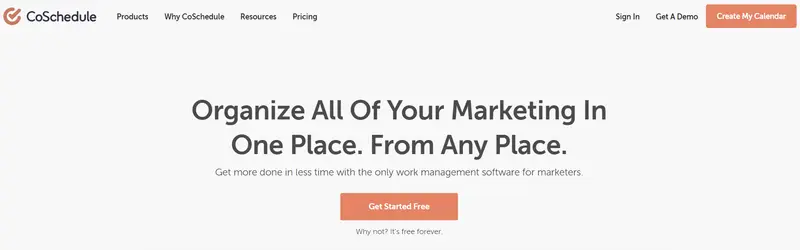
CoSchedule has a great social calendar feature that makes it easy to schedule and organize your social media posts. It’s another social media management tool that has a social inbox so you can answer questions quickly, support your customers, and build your community.
CoSchedule includes analytics, making it easy to identify your top social content, measure campaign performance, and gain valuable insights on specific social profiles.
CoSchedule Key Features:
- Templatize your social schedule to create and publish more content
- Share content at the perfect time to increase reach and engagement
- Connect with your audience in real-time
- Schedule and share recurring analytic reports
CoSchedule Pricing:
CoSchedule pricing starts at $29/month.
8. Canva
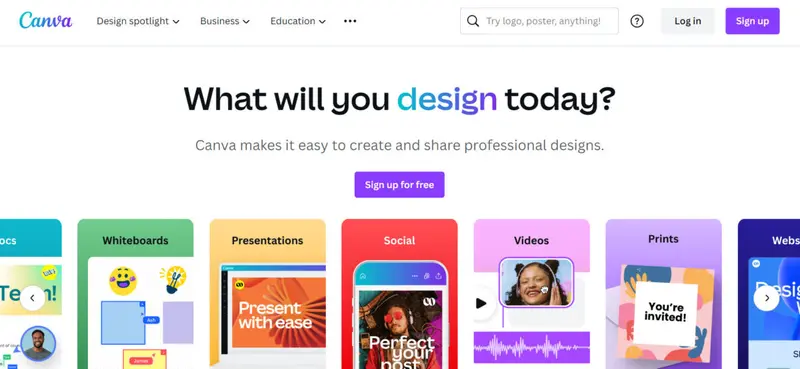
Canva offers a wide range of images and templates you can customize to make your posts pop. It has custom color palettes and font pairing options that make it easy to create beautiful content.
Canva Key Features:
- Thousands of templates to choose from
- 100+ design types including social media posts, presentations, letters, and more
- Hundreds of thousands of stock photos and graphics
Canva Pricing:
Canva offers a really nice free plan. Paid plans start at 119.99 per year.
9. Sked Social
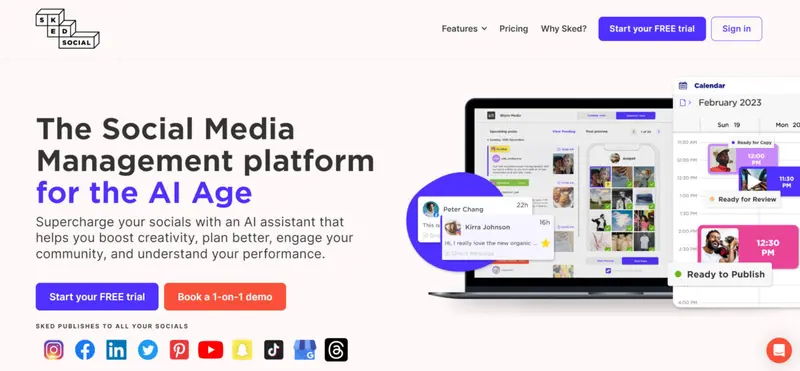
Sked Social is a social media management tool that lets you visually plan, schedule, and analyze Instagram posts and stories so you can better engage with your followers and convert more customers. It lets you upload bulk content to your Instagram account and has a simple, easy to use interface.
Sked Social Key Features:
- Schedule and automatically post everywhere
- Multiple accounts and unlimited users
- 60+ filters, cropping tools, stickers, texts, and overlays
- Quick scheduling tools
- Social media post templates to auto-fill hashtags and mentions
Sked Social Pricing:
Sked Social offers a 7-day free trial. Pricing starts at $25/month (billed annually).
10. SOCi
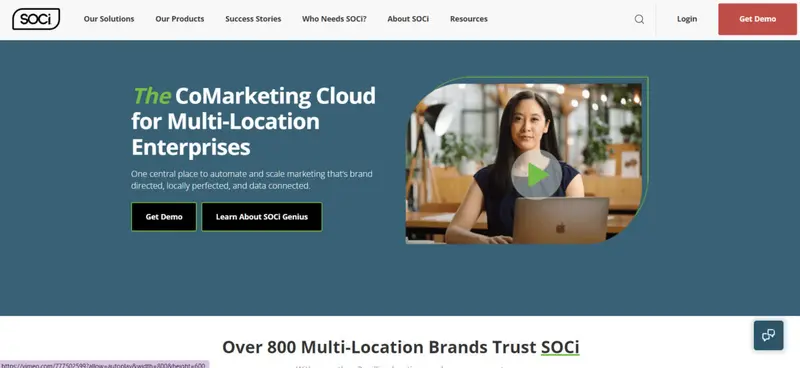
SOCi is a social media management tool for multi-location marketers that helps you manage your local presence. It even allows you to create, host, and share libraries of branded content across multiple locations to keep branding consistent.
SOCi offers location grouping, scheduling, and approvals to help you share your content to multiple pages simultaneously during the times of highest local engagement.
SOCi Key Features:
- Maintain accurate & consistent information across 100s to 1000s of business listings and networks
- Notifications and send real-time responses for every engagement on every social platform across all business locations
- SOCi SmartBot™ can instantly deploy conversational chatbots across thousands of local Facebook Messenger accounts
SOCi Pricing:
Read More11. Google’s Campaign URL Builder
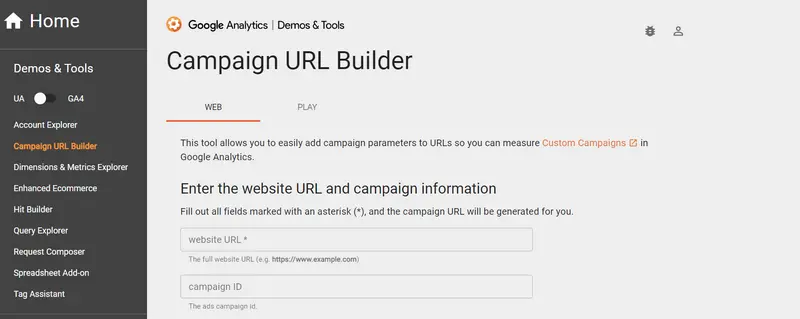
If you’re a brand or influencer who regularly collaborates with other creators on social media, Google’s Campaign URL Builder gives you an easy way to set up UTM tracking links so you can keep track of how much traffic you’re sending their way, or vice versa.
You just fill in your parameters (source, medium, campaign, term, and content) and it will create a URL complete with UTM tracking that you can share with your marketing partners.
Google’s Campaign URL Builder Key Features:
- Keep campaign data organized
- Track custom campaign performance
- Easily find out which campaigns are performing and which aren’t
Google’s Campaign URL Builder Pricing:
Free!
12. Socialoomph
SocialOomph is a social media management tool for individuals and teams. You can manage your own and client social media posts and easily partition client data using the team feature and tags.
One of the cooler features of SocialOomph is the ability to use self-destructing posts. You can set time-sensitive points to delete after a period of time which is great to keep from confusing followers with outdated info.
SocialOomph Key Features:
- Authorize teams to work on selected social profiles and blogs
- Schedule posts to publish at a specific date and time
- Set up automated publishing limits so you don’t post too much
- Automatically create social and blog posts from RSS feed entries
SocialOomph Pricing:
Read More
13. Revive Old Post
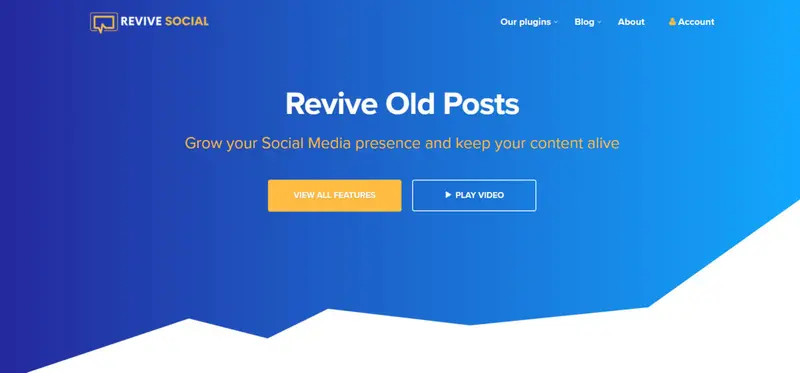
Revive Old Post makes it easy to repurpose or revive older content. It lets you share new and old content so you can promote whatever you want. Plus, it can fetch pictures from blog posts automatically and then attach them to your social media shares.
Revive Old Post allows for custom social media scheduling tools, so you can specify the time between each share, the days before sharing, and the number of posts you want to share.
Revive Old Post Key Features:
Read More14. Wistia
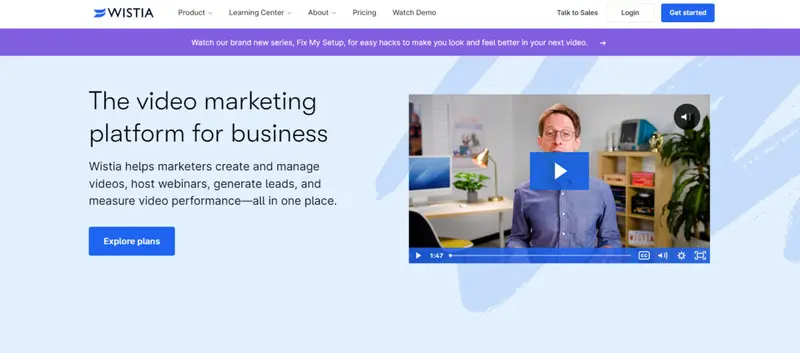
Wistia is a social media management tool with the features you need to build your brand with video. It helps you keep your videos and playlists organized and includes a recording and video editing tool called Soapbox.
Wistia Key Features:
- Deliver your videos to anyone, anywhere
- Customize the video player to match your brand
- Add CTAs, email gates, Annotation Links, and more
- Ad-free
- Use viewer data to reach new audiences and retarget existing viewers with ads on Facebook, Instagram, and Google
Wistia Pricing:
Wistia plans start from $19 up to $319 with an option for customization.
15. Semrush

Semrush is an SEO tool, so you may be wondering how it made our list of the best social media management tools.
Simple.
It has 30+ features for digital marketing, including a social media toolkit that can help you uncover the social strategies used by your competitors, find your best-performing content, schedule and post to social networks, and more.
Semrush Key Features:
- Benchmark your social performance
- Post booster to increase your Facebook reach
- Built-in image editor, link shortener, and UTM builder
Semrush Pricing:
Semrush pricing starts at $108.33/month (when billed annually).
16. e-clincher
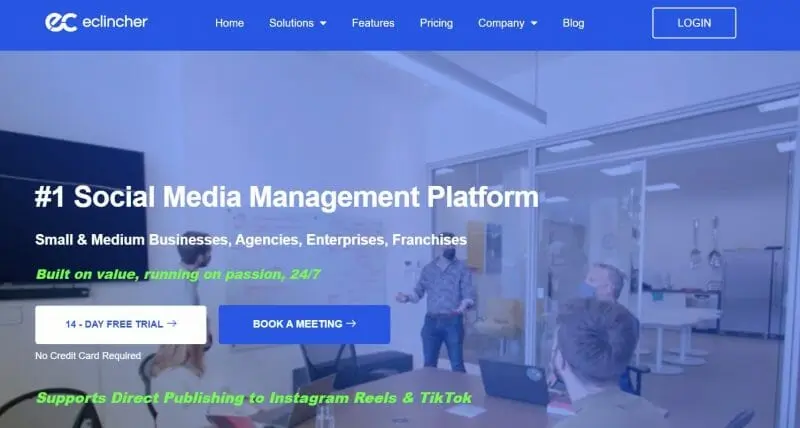
eClincher is easy to use while still offering advanced publishing, social inbox, analytics, and collaboration tools that are perfect for businesses, brands, and agencies.
It includes a content scheduler that allows for auto-posting using smart queues to share social updates based on categories and segments.
eClincher Key Features:
- Easily connect all of your social media accounts and third-party tools
- Schedule your posts to multiple social networks, profiles, and pages
- Publish posts automatically using smart queues
- Automatically post with RSS feeds
- Social inbox lets you see all of your social interactions in one place
- Fully customized analytics dashboard
eClincher Pricing:
eClincher pricing starts at $65/month.
17. Flick

Flick is an advanced social media scheduling tool, designed to offer swift, reliable, and contemporary features for boosting your online influence. The interface is sleek, offering a significant edge over outdated scheduling tools. Whether you’re an Instagram influencer or a business on Facebook, Flick simplifies the process of planning and scheduling posts.
Flick Key Features:
Read More18. Statusbrew
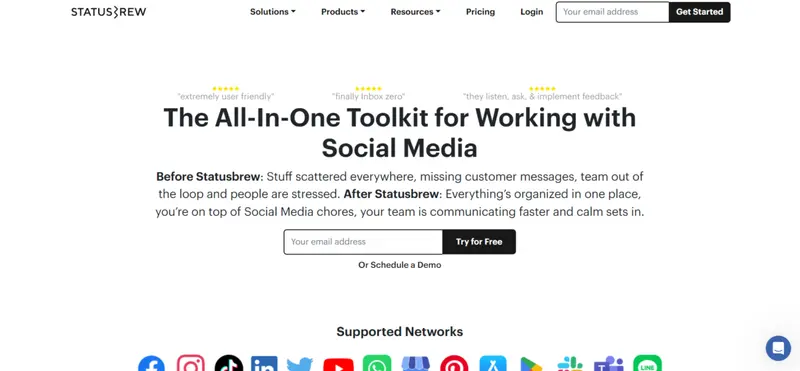
Statusbrew stands as a comprehensive social media marketing platform, tailored especially for agencies. It’s geared towards efficient client management, with dedicated workspaces for each, ensuring organized and transparent operations. From publishing to monitoring, Statusbrew addresses every facet of social media management.
Statusbrew Key Features:
Read MoreWhich Is the Best Social Media Management Tool for You?
Not all social media management tools are right for every business. The tools on this list offer a well-rounded selection of tools with different features and price points so you’re sure to find a tool—or tools!—that makes your business better and your social media easier to manage.
Are there more social media management tools out there? Absolutely! The best social media management tool for you is the one that offers the features you need at a price that works for your budget.
Looking for more free tools? Check out our list of free social media management tools!
Factors to Consider When Choosing a Social Media Management Tool
Different businesses have varied needs. Here are some factors to consider:
- Budget: How much are you willing to invest?
- Platform Integration: Does it support all the platforms you use?
- Ease of Use: Is the interface user-friendly?
- Analytics: Does it provide detailed insights and reports?
- Collaboration Features: Can multiple team members use it simultaneously?
- Outbound Link: Link to a guide or article that provides tips on selecting the right tool based on business needs
The Evolution of Social Media Management Tools
Over the years, the best social media management tools have evolved from simple scheduling platforms to comprehensive solutions offering analytics, collaboration features, and more. Understanding this evolution can help businesses appreciate the advanced functionalities these tools now offer. For instance, some brands now provides an integrated social media management and intelligence tool aiding both brand and agency operations. It supports managing social conversations while also uncovering actionable insights, which is crucial for adapting to the evolving digital landscape.
Moreover, platforms like Buffer and Hootsuite have become essential for boosting engagement and measuring ROI from social media activities, respectively. These tools offer an all-in-one space for content scheduling, running ads, and analyzing performance, catering to the needs of small businesses and firms alike.
By evaluating the array of features and functionalities offered by various social media management tools, businesses can better align their social media strategies with their overall business objectives, ensuring a cohesive and effective online presence.
About the Author: Werner Geyser
Werner Geyser stands out as a leading authority when it comes to identifying and leveraging the best social media management tools. With a rich background in social media marketing and a keen eye for digital strategy, he brings years of hands-on experience to the table. Werner's deep understanding of social media scheduling ensures that content not only reaches its target audience but also resonates profoundly, making him a go-to expert in curating tools and strategies for optimal social media management.
His expertise has been instrumental in crafting successful campaigns for renowned brands such as Refersion, Pacvue, Rainmakers, and Helium10. These collaborations have further cemented his reputation as a trusted voice in the industry, especially when it comes to recommending the best tools for social media management.
As the digital landscape continues to evolve, driven by AI and emerging technologies, Werner stays ahead of the curve. His insights into social media scheduling technologies position him at the forefront, empowering marketers to navigate the dynamic world of social media with the best tools and strategies at their disposal.


