
Remote work has its perks. One of the benefits, and arguably the biggest one, is that in most cases you’ll find yourself “going” to fewer meetings. And, if you do have the odd meeting, you can only show up in a collar shirt with unbrushed teeth. We won’t judge.
While you might not have to decide on a place to meet (one less thing to worry about too), finding a time that suits everyone can be problematic, especially if your team is scattered across the globe and you need to work out time zone differences.
In fact, even if you still have to go to the office, getting everyone together in one room at the same time can be challenging. The back-and-forth communication can end up taking just as long as the actual meeting itself.
Meet group scheduling tools. In short, a group scheduling tool will help you to reduce the number of emails you need to send just to agree on a time (and place) to meet.
Depending on the tool, you might even be able to take advantage of payment processing. This way, you can use it to sell a service like virtual fitness group classes or collect upfront payments for in-person appointments.
Whether you simply need it for the odd meeting or two or searching for a more sophisticated way to streamline recurring meetings, here are 20 of the most popular group scheduling tools that you can check out. Some of them are completely free, while others include a basic free plan. So, you won’t be able to use your budget as an excuse why you “couldn’t” find a time to meet. As a matter of fact, you might just find that you actually like meetings.
Top 20 Group Scheduling Software Tools:
20 Top Group Scheduling Software Tools:
1. HubSpot Meetings
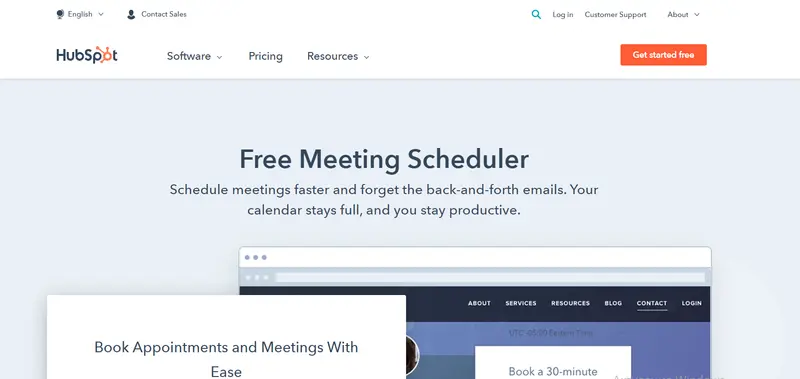
For a free solution, you can check out HubSpot’s meeting scheduler. It integrates with Gmail, G Suite, Outlook, and Office 365 for Windows. So, all you need to do is link it with your Office 365 or Google calendar and you can sync your availability automatically.
While it’s basic, you can customize the length of your meeting. Plus, you can also have various meeting lengths.
The group meeting links feature makes it a great tool for organizing internal meetings among team members. Though, it also allows you to add prospects automatically to your HubSpot contacts database, making it a great sales tool too.
Key features include:
Read More2. Calendly
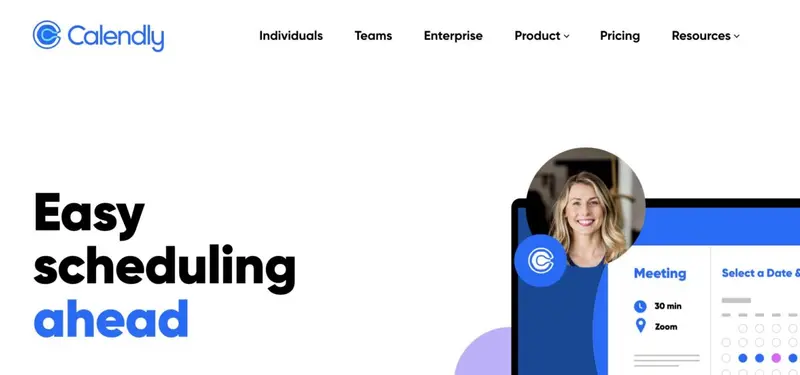
With more than 10 million users across the globe, Calendly is probably the most well-known group scheduling tool on our list. In fact, you’ve probably used Calendly at least once before (especially if you needed to book a demo with a software solution, something which we often do).
Founded in 2013, it’s trusted by big brands like eBay, Lyft, and L’Oréal to simplify their scheduling. It will only share times by taking into account your availability across all of your calendars. Then, when your invitee selects a slot for the meeting, it gets confirmed right away. Though, rest assured that if you should reschedule, that too is straightforward and fast.
Key features include:
Read More3. Doodle
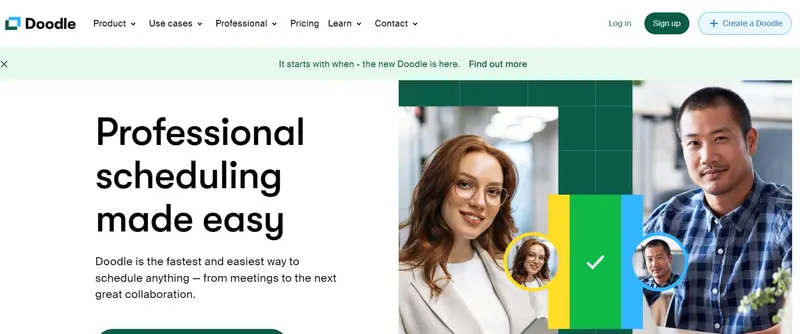
In the traditional sense of the word, it’s not a good idea to admit to your boss that you’re doodling during meetings. Unless, of course, you’re using Doodle to schedule meetings like a boss.
Used by more than 70,000 companies, with Doodle you can start to book appointments in just five minutes. To give you an idea of its popularity, according to the company website, they schedule nearly 80,000 meetings per day.
One of the features that deserve a special mention is the ability to add a custom logo and branding. This will give your meeting an even more professional look.
Key features include:
Read More4. Bookeo
Launched in 2010, Bookeo is one of the older software solutions on our list. Whether you’re a one-man show or a global business, their advanced, yet intuitive, online booking system and scheduling platform can help you to process and manage bookings with ease. In fact, to date they’ve processed more than 60 million bookings.
Read More5. CalendarHero
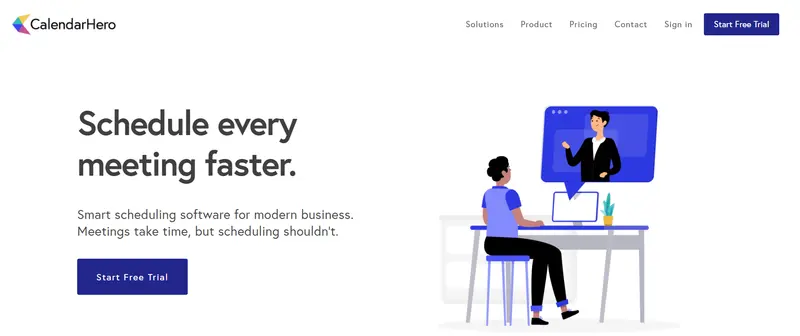
CalendarHero (formerly called Zoom.ai) offers intelligent meeting scheduling automation. Using their web scheduler, personal scheduling links, and their automated assistant, they help their clients to organize 1:1, group, or video meetings automatically. To limit double-bookings, you can sync unlimited calendars from iCloud, Google, Outlook, Exchange, and Office 365.
For added convenience, they have a number of smart time settings. It can, for example, automatically identify time zones, create buffers between meetings, and include a minimum notice period before a meeting can be scheduled.
Read More6. Cogsworth
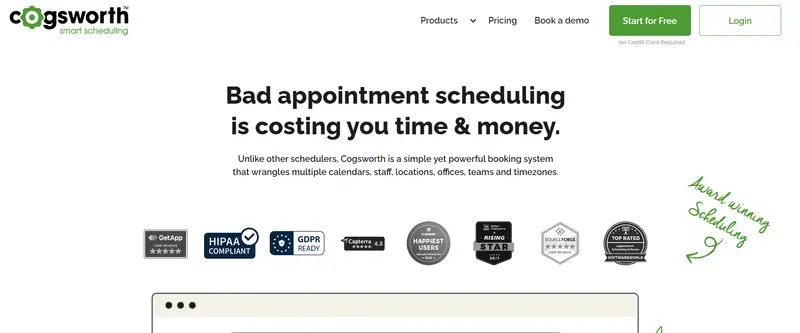
Cogsworth is a calendar web app that lets you sync your Google, Google Workplace, G Suite, Office 365, Outlook, Apple, or iCloud calendar to their app. As part of their paid plan, you can sync two calendars to their app, but they also have an add-on feature that lets you sync more calendar connections.
It offers a decent selection of integrations. Not only does it integrate with Google Meet, Microsoft Teams, and Zoom to create unique video meeting links, but it also offers integration with Stripe and PayPal allowing you to collect customer payments before appointments.
Key features include:
Read More7. MeetFox
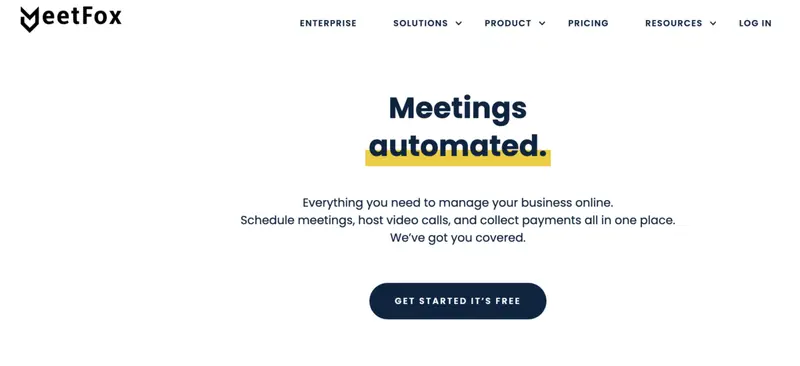
Based in New York, MeetFox describes itself as more than a productivity app. Instead, its goal is to be a tool to help you meet new people and keep in touch with your network. With regards to meetings specifically, you can use it to schedule meetings, manage your calendar, and collect payment (if you wish to use it for booking appointments).
Following a rather successful year in 2021, it was acquired recently by Sendinblue, one of the leading comprehensive digital marketing platforms. So, watch this space… It will be interesting to see which new features they will add.
Key features include:
Read More8. YouCanBookMe
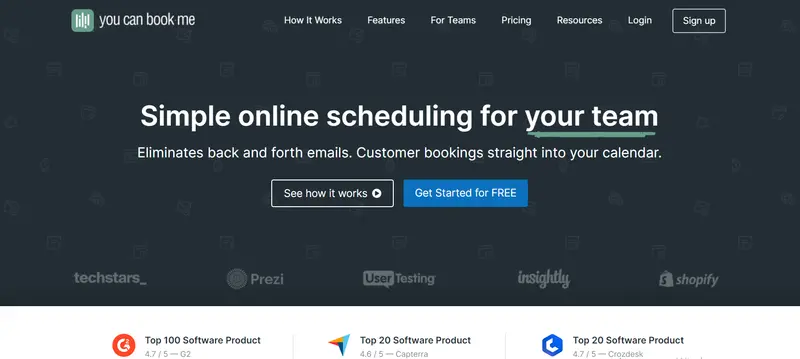
While YouCanBookMe was officially launched in 2011, the team behind the software has been offering scheduling solutions since 2008. Trusted by thousands of customers, to date they’ve scheduled more than 72 million bookings.
With it, you can organize face-to-face meetings or virtual meetings via Microsoft Teams, Zoom, or Google Meet. All you need to do is link your Microsoft or Google calendar, create a booking page (you have total control over the style), and share your newly created booking page (you can do this via a CRM, email, help desk or embed it into your business site). Their software will take care of any differences in time zones.
Key features include:
Read More9. Calendar
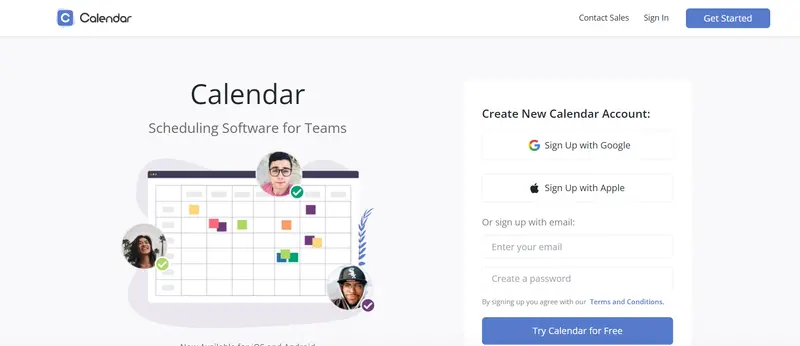
Calendar’s scheduling software solution for teams is trusted by more than 80,000 businesses including big brands like Samsung, BMW, and Amazon. All you need to do is create time slots for your online meetings or events and share your customized customer links with your team members or target audience. Any scheduled meeting via the app will then automatically display on your calendar. It connects with a number of other calendars, including Microsoft Calendar and Google Calendar.
Key features include:
- Calendar analytics
- Unified online calendar
- Time zone recognition
- Intuitive multi-person scheduling
Cost: It offers a basic Free plan and two paid options with pricing starting at $8 per user per month.
10. Arrangr

Arrangr is an intuitive tool that helps you to identify the best time slots for virtual or face-to-face, individual or group meetings. For in-person meetings, it can even recommend meeting spots.
You can use it on your mobile device or desktop and it plugs into all the main calendars (Microsoft, Apple, and Google). In addition to connecting it to your calendar, you can also link it with productivity apps like Slack and HubSpot as well as video conferencing tools like Zoom and Skype.
Key features include:
Read More11. Mixmax
Mixmax offers a variety of use cases and features, one of which is easy group scheduling. With it, you can book meetings with visibility into your team’s schedules and create a poll to find out which topics should be discussed before the meeting.
If you’re searching for a tool to set up meetings with clients and leads, it also offers one-click meeting request emails. With this feature, you can include your availability into an email by adding a clickable date and time.
Key features include:
- Automated follow-ups
- Meeting confirmation tracking
- Calendar invitations
- Meeting notifications and reminders
Cost: It offers a Free plan, three paid plans, and custom pricing for enterprise clients. Pricing starts at $9 per user per month.
12. Acuity Scheduling

Acuity Scheduling is a Squarespace company that describes itself as your 24/7 online personal assistant for your schedule. Its software lets you automate client bookings, cancellations, and reminders. Your clients will be able to view your real-time availability and self-schedule an appointment via a customized scheduling page.
Unlike many of the other group scheduling tools on our list, it also offers integration with Square and PayPal (and not just Stripe). So, you can also use it to schedule group classes and accept online payments.
Key features include:
- Branded and customized booking confirmations
- Automated reminders
- Auto-adjust for time zones
- Intake forms
- Video conferencing integrations
Cost: After a free 7-day trial, pricing starts at $15 per month.
13. Boomerang
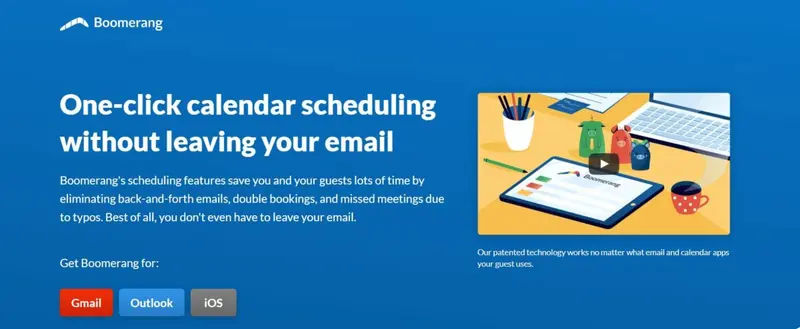
Boomerang (previously called Baydin) is a productivity software solution that offers one-click scheduling as one of its features. Its scheduling features use email which means that it’s compatible with Gmail, Google Calendar, iCloud, iPhone, Apple Mail, and Outlook.
In short, it uses a patented technology that they’ve affectionately dubbed the Magic Live Calendar. You can use this tech to embed a live, interactive calendar into emails. So, whenever a recipient opens an email, there will be an up-to-date version of your calendar (changes that have since occurred after you’ve sent the email will be reflected in the calendar recipients see).
Key features include:
Read More14. FreeBusy

Trusted by well-known global brands like Adobe and Microsoft, FreeBusy is a great group scheduling tool for enterprise clients.Their AI-scheduling assistant will gather the availability from all your calendars (it integrates with the most popular calendars, including Zoho and Salesforce) to make scheduling faster and easier. In addition to multiple calendar integrations, it also has a number of web conferencing integrations, including Zoom, Skype, Microsoft Teams, and join.me. While it doesn’t currently have integration with Slack, a bot for Slack that will help you to coordinate and schedule team meetings directly via Slack is in the pipeline.
Key features include:
Read More15. 24sessions

If you’re searching for a scheduling tool to help you with customers, you can check out 24sessions, a video-first platform for customer engagement. It offers a booking system and integrations with your CRM and calendar. As all the video calls happen on their own domain and are only accessible via a temporary access link, your customers can enjoy peace of mind knowing everything is secure.
Key features include:
- Instant video call
- Chat escalation
- Screen sharing and document sharing
- Speech-to-text transcription
Cost: Pricing is available upon request.
16. ScheduleOnce by OnceHub
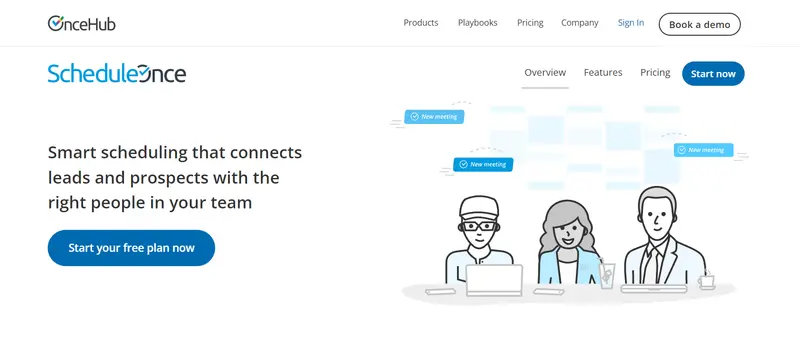
ScheduleOnce by OnceHub lets you add smart scheduling to your website allowing leads and customers to schedule a meeting quickly and easily. You can connect it with your iCloud, Google Workspace, Outlook, Exchange, or Microsoft Office 365 calendars. This way, they can choose the time that’s most convenient for them to chat to someone on your team. It also offers integration with Zoom, Microsoft Teams, and Google Meet if you prefer to make use of video links.
Read More17. WhenIsGood
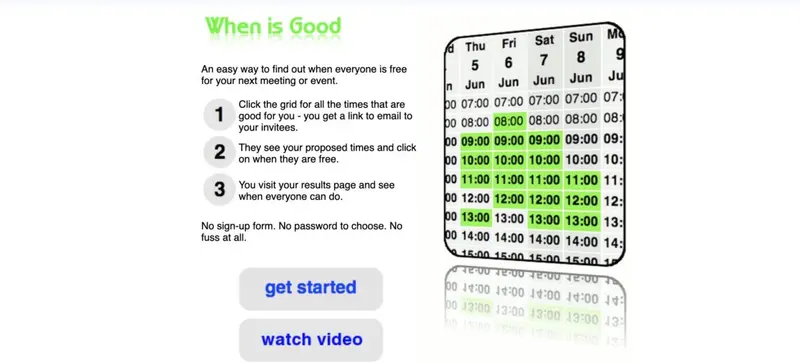
WhenIsGood is brought to you by the creators of YouCanBookMe. As a matter of fact, they first developed WhenIsGood so be prepared that it’s very basic and not at all feature-rich. Also, you’ll need to look past the very dated interface which is not good.
Read More18. Meetin.gs
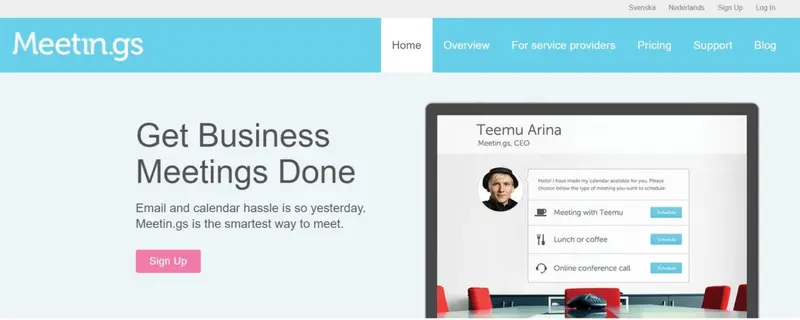
With Meetin.gs, others can select a suitable time on your intuitive meeting scheduler that syncs with your calendar. And, if you have different types of meetings planned like a workshop or a teleconference, you can create multiple schedulers.
One of the main attractions of Meetin.gs is that there are various ways in which you can share your meeting schedulers. You can make it private, create a “Schedule” button that you share on your site, or create and share your own personal Meet Me URL.
Key features include:
- Automatic meeting reminders and follow-ups
- Integration with Skype, Google Hangouts, and Microsoft Lync
Cost: Pricing starts at $12 per month per organizer.
19. When2meet
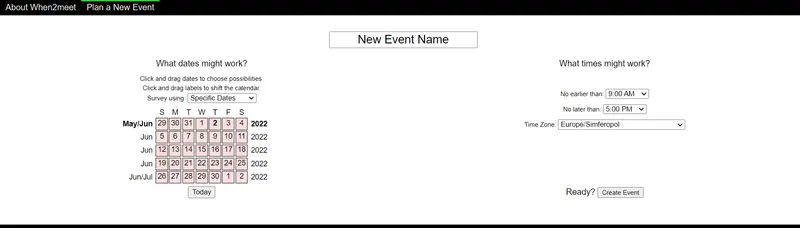
When2meet is very similar to WhenIsGood. It’s very basic (even more so than WhenIsGood). Also, its interface is not pretty (even less modern than WhenIsGood). Though, if you don’t want to pay anything and you don’t want to share any personal details like your email address, this is a possible solution. With When2meet you can invite people to your event by emailing them, sending them a Facebook message or simply directing them to the generated link.
Read More20. Rallly
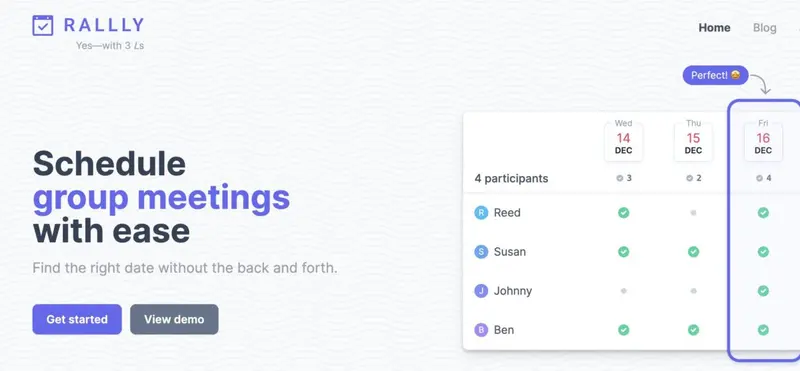
If your needs are very basic, you can check out Rallly. It’s an open-source meeting scheduler and, while basic, its website design is much more attractive than some of the other basic tools on our list. It’s also a great choice if you mostly work on the go via a mobile device. Thanks to its mobile-friendly design, it will look and function great on mobile devices.
Key features include:
- Automatic time zone detection
- Mobile-friendly design
- Email notifications
Cost: Free
Wrapping Things Up
Efficient team communication remains one of the most common challenges that business owners face. The easiest solution to reduce the number of back-and-forth emails to find out employee availability is to invest in an online meeting scheduling tool. While some meeting scheduling tools offer a wide range of additional features, ease of use should be one of your top priorities. This should trump advanced features.
Remember, it will be used by your entire team and possibly external stakeholders too. So, keep in mind their software prowess. After all, the goal is to save time and if it’s difficult to set up and use, it will defeat the purpose.
Also consider security, especially if you’ll be using it to book appointments. The last thing you want to do is to risk revealing the personal information of your contact list.


