
Social media teams are publishing more often, across more platforms, with higher expectations for speed, consistency, and performance. Yet many brands still rely on spreadsheets, scattered reminders, or disconnected tools to manage their content. As algorithms increasingly reward consistency and strategic timing, the way social content is planned has become just as important as the content itself.
Two questions arise:
- How do you maintain a steady publishing rhythm without burning out your team?
- And how do you coordinate campaigns, approvals, and performance tracking when social media is no longer a single-channel effort?
In 2026, social media calendars have evolved far beyond simple scheduling. They now combine automation, collaboration, AI-assisted planning, analytics, and cross-channel visibility into a single system.
This guide breaks down 19 of the best social media calendar tools for 2026, highlighting where each excels, who they are best suited for, and how they fit into modern social workflows.
You will also find a free template to help you start planning immediately.
- Top Social Media Calendar Tools for 2026
- 1. Brandwatch Social Media Management
- 2. Planable
- 3. Sendible
- 4. Hootsuite
- 5. PromoRepublic
- 6. CoSchedule
- 7. Buffer
- 8. Trello
- 9. Hopper HQ
- 10. SocialBee
- 11. Missinglettr
- 12. Story Chief
- What Are the Benefits of Using a Social Media Content Calendar?
- Things to Consider When Choosing a Social Media Calendar
- Free Social Media Calendar Template
- Building a Smarter Social Media Strategy Starts With the Right Calendar
- Frequently Asked Questions
Top Social Media Calendar Tools for 2026
1. Brandwatch Social Media Management
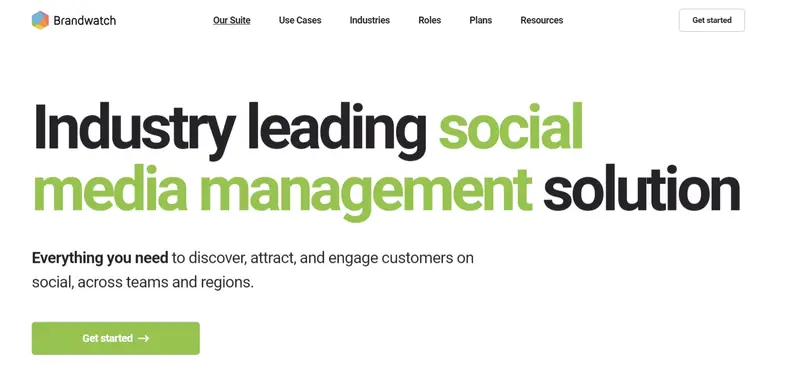
Best For: Mid to Large-sized Businesses managing high-volume, multi-channel content calendars across teams and regions.
Calendar Strength: Unified, campaign-level social media calendar designed for long-term planning, cross-channel visibility, and structured rollouts.
Collaboration Level: Advanced, with role-based permissions, approval workflows, internal notes, and external stakeholder review links.
Supported Channels: Facebook, Instagram, LinkedIn, Twitter, WhatsApp, and YouTube.
Brandwatch approaches social media calendars as a strategic planning system, not just a scheduling grid. Its unified calendar gives teams a clear, visual overview of all planned and published content across channels, making it easier to coordinate daily posts, seasonal campaigns, and long-term initiatives in one place.
Read More
2. Planable
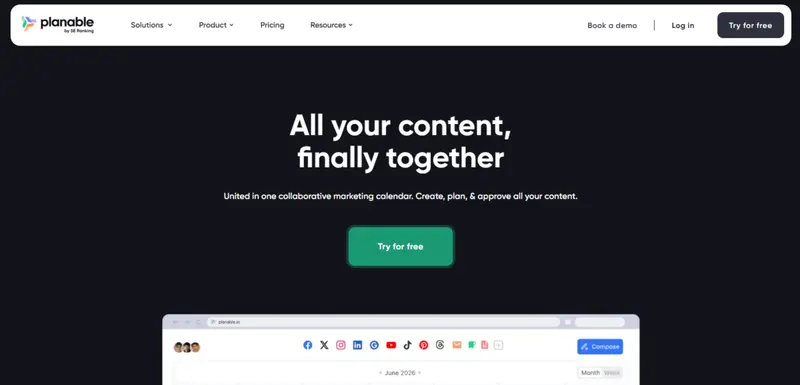
Best For: Agencies, multi-brand teams, and content-driven marketing teams that need a collaborative, approval-focused social media calendar.
Calendar Strength: Unified, highly visual content calendar designed for planning, collaboration, and approvals across multiple content types, not just social posts.
Collaboration Level: Advanced, with real-time commenting, internal and client feedback layers, role-based permissions, and customizable approval workflows.
Supported Channels: Facebook, Instagram, Threads, LinkedIn, Pinterest, TikTok, Twitter (X), YouTube, Google My Business (Google Business Profile)
Planable approaches the social media calendar as a collaborative workspace rather than a simple scheduling tool. Its calendar acts as the central hub where teams create, review, approve, and publish content, making it especially valuable for workflows that involve multiple stakeholders.
Read More
3. Sendible
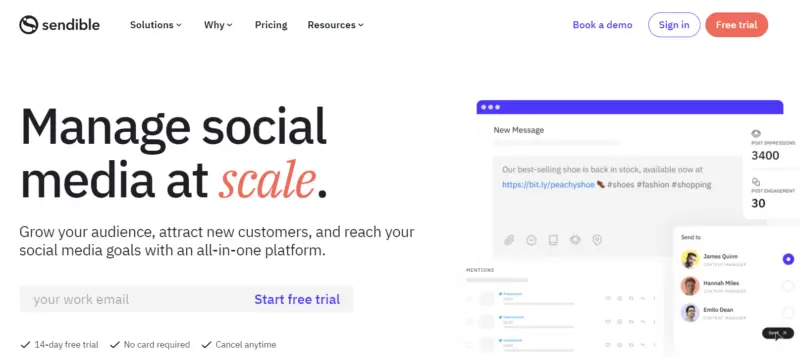
Best For: Businesses of all sizes and agencies that need a scalable, structured social media calendar to manage high posting volume across clients and channels.
Calendar Strength: Flexible, color-coded content calendar with bulk scheduling, evergreen queues, and campaign organization.
Collaboration Level: Strong, with approval workflows, role-based permissions, and client-facing review options.
Supported Channels: LinkedIn, Facebook, Instagram, Twitter, TikTok, YouTube, Google Business, Threads, Bluesky, and more.
Sendible is built around efficiency and scale, making its social media calendar especially well-suited for agencies and teams managing multiple accounts at once. The calendar provides a clear overview of scheduled posts across platforms, with the ability to organize content into color-coded campaigns for easier planning and reporting.
Read More
4. Hootsuite
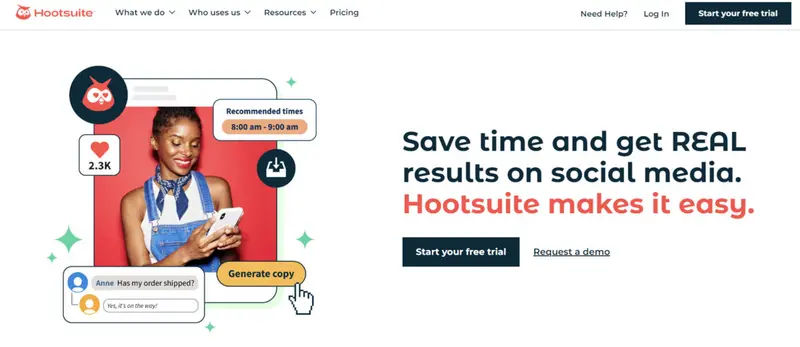
Best For: Small, Medium, and Large Businesses that need an advanced, centralized social media calendar with approvals, AI support, and cross-channel visibility.
Calendar Strength: Robust. Unified calendar and list views covering organic and paid posts, bulk scheduling up to 350 posts, campaign planning, drag-and-drop editing, and crisis pause controls.
Collaboration Level: Enterprise-grade, with custom approval workflows, task assignments, shared calendars, and Whiteboard for brainstorming.
Supported Channels: Facebook, Instagram, LinkedIn, TikTok, X (Twitter), Pinterest, YouTube, Threads, and Bluesky.
Read More
5. PromoRepublic

Best For: Multi-location brands, franchises, and SMBs that want a content calendar prefilled with ideas, templates, and holidays to reduce planning friction.
Calendar Strength: Strong. Visual editorial calendar with built-in holidays, smart time slots, post ideas, and drag-and-drop scheduling across multiple profiles.
Collaboration Level: High. Role-based permissions, approval workflows, brand controls, and localization at scale.
Supported Channels: Facebook, Instagram, LinkedIn, X (Twitter), Pinterest.
Read More6. CoSchedule
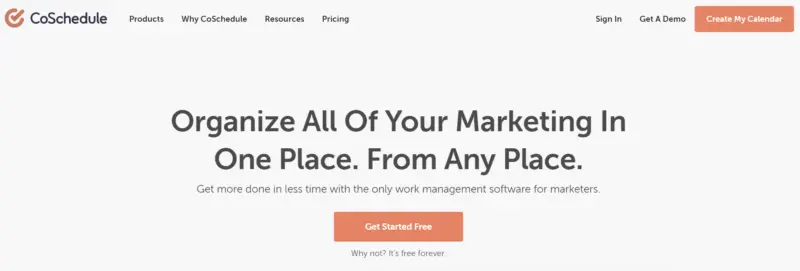
Best For: Professional marketers, marketing teams, and marketing agencies that want a single calendar for social media plus blogs, email, events, and campaigns.
Calendar Strength: Very strong. Unified marketing calendar that combines social posts, content, campaigns, and tasks.
Collaboration Level: Medium to high, depending on plan. Supports approvals, comments, client calendars, and role-based views.
Supported Channels: LinkedIn, Facebook, Instagram, X (Twitter), TikTok, Pinterest, YouTube, Threads, Google Business Profile, Bluesky, Mastodon.
CoSchedule stands out by treating social media as part of a broader marketing calendar rather than a standalone function. Instead of focusing only on post scheduling, it lets teams plan social content alongside blog posts, email campaigns, events, and even podcasts, all in one timeline.
Read More
7. Buffer
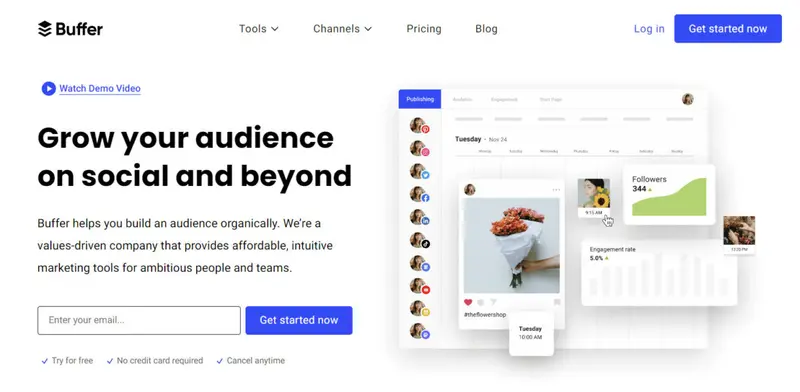
Best For: Publishers, mid-stage startup teams, non-profits, higher education, sports teams, e-commerce, solopreneurs, and businesses that want a clean, affordable social media and multi-channel scheduling tool without operational complexity.
Calendar Strength: Medium. Buffer offers a clear list and calendar view that makes it easy to see what is scheduled, what is in draft, and what has already been published. It prioritizes simplicity over advanced campaign mapping.
Collaboration Level: Low to medium. Teams can manage drafts, approvals, and basic workflows, but Buffer is intentionally lightweight compared to enterprise platforms with multi-layer approvals.
Supported Channels: LinkedIn, Instagram, Facebook, X, Threads, TikTok, Pinterest, YouTube, Google Business Profile, Bluesky, Mastodon.
Read More
8. Trello
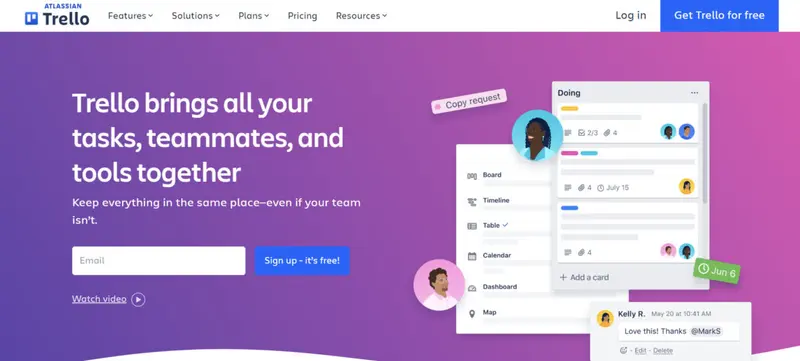
Best For: Small teams, creators, and marketers who want a simple, visual way to organize social media ideas and posting schedules without heavy automation or analytics.
Calendar Strength: Medium. Trello’s Calendar View offers a clear, date-driven overview of upcoming tasks and posts, but it functions as a planning layer rather than a full social publishing calendar.
Collaboration Level: Medium. Collaboration is card-based, with shared boards, comments, labels, checklists, and member assignments supporting lightweight teamwork.
Supported Channels: Not native. Trello does not publish directly to social networks and relies on integrations or manual posting workflows.
Read More9. Hopper HQ
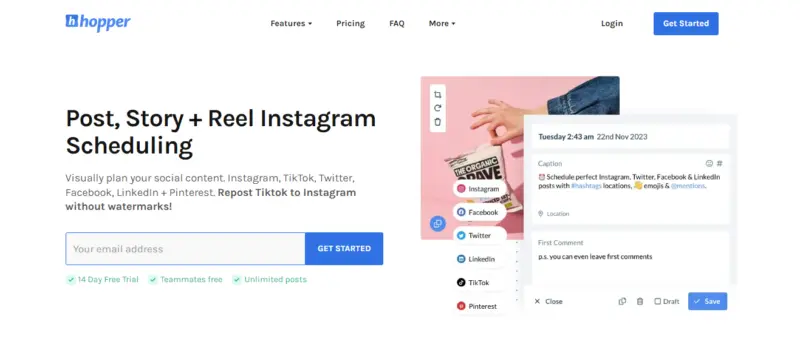
Best For: Founders, creators, and small teams that want a clean, visual social media calendar without enterprise complexity or steep learning curves.
Calendar Strength: High. Hopper HQ is built around a visual, drag-and-drop posting calendar and grid planner that makes it easy to see what’s publishing across platforms at a glance.
Collaboration Level: Low to medium. Basic team access is supported, but collaboration is intentionally lightweight compared to agency or enterprise tools.
Supported Channels: Instagram, Facebook, LinkedIn, TikTok, X (Twitter), Pinterest, YouTube Shorts, Instagram Reels, and Instagram Stories.
Read More10. SocialBee
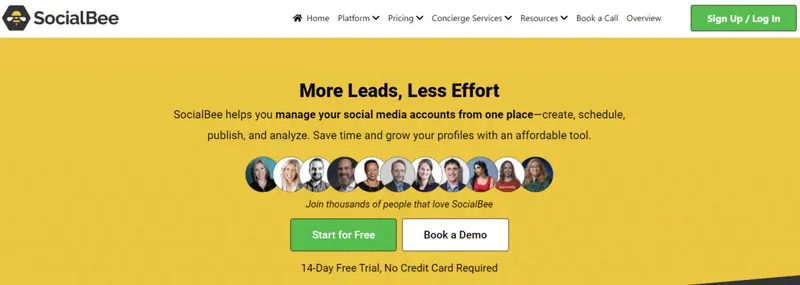
Best For: Content-heavy brands, solopreneurs, and small teams that rely on evergreen posting, content categorization, and long-term scheduling efficiency.
Calendar Strength: High. SocialBee’s calendar is tightly integrated with its category-based posting system, giving users a strategic, structured view of how content is distributed over time.
Collaboration Level: Medium. Supports team workflows with drafts, internal notes, and review-friendly scheduling, without the complexity of enterprise approval layers.
Supported Channels: Instagram, Facebook, LinkedIn, X (Twitter), TikTok, Pinterest, Google Business Profile, YouTube, plus extended support via Universal Posting for platforms like Quora, Telegram, WhatsApp, Mastodon, and Facebook Groups.
Read More11. Missinglettr
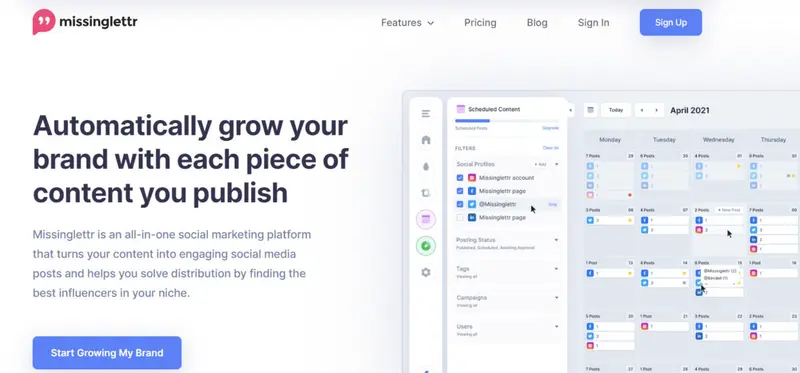
Best For: Content-driven brands, bloggers, SaaS teams, and marketers who want to automate long-term social promotion from existing blog content.
Calendar Strength: Medium to High. The calendar prioritizes campaign visibility and balance over granular, post-by-post manual planning.
Collaboration Level: Low to Medium. Supports notes and shared visibility, but is not designed for complex multi-step approval workflows.
Supported Channels: LinkedIn, X (Twitter), Facebook, Instagram, plus curated content feeds and campaign-based distribution.
Missinglettr approaches social media calendars from a content automation-first perspective. Rather than focusing on manual scheduling, its calendar is built to visualize and manage automated drip campaigns, curated posts, and one-off updates in a single unified timeline.
Read More12. Story Chief
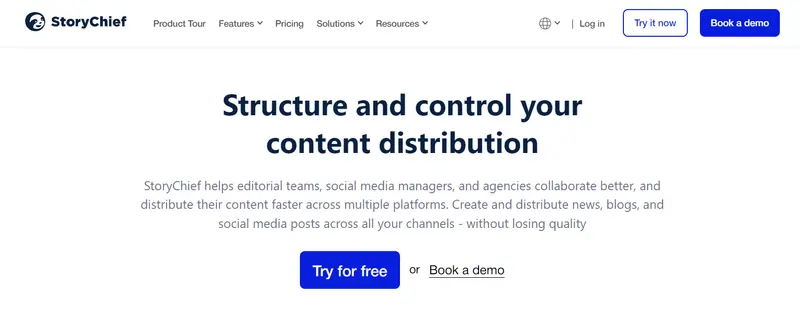
Best For: B2B marketing teams, agencies, and content-led companies that manage blogs, social media, and multi-channel campaigns from a single workflow.
Calendar Strength: High. The calendar functions as a central command center for content planning, publishing, and performance tracking across channels.
Collaboration Level: High. Built-in approvals, task assignments, editorial briefs, and feedback loops support structured team collaboration at scale.
Supported Channels: WordPress, Webflow, Shopify, Drupal, Contentful, SharePoint, Wix, LinkedIn, Facebook, Instagram, Threads, TikTok, Pinterest, X, Google Business Profile, email tools, and 1000+ integrations.
Read MoreWhat Are the Benefits of Using a Social Media Content Calendar?
Social media calendars have moved far beyond simple scheduling grids. In 2026, they function as planning, collaboration, optimization, and accountability systems. Here is a practical breakdown of the key benefits of teams using social calendars.
It Saves Time by Automating Content Planning and Publishing
Modern calendars reduce daily decision fatigue by centralizing ideation, scheduling, and publishing. Tools like Buffer and SocialBee use AI-assisted drafting, post recycling, and best-time recommendations to minimize manual work.
Instead of creating posts one by one, teams can batch content, reuse evergreen assets, and schedule weeks or months ahead. This removes the constant pressure of figuring out what to post each day and shifts focus toward higher-impact strategy and creative work.
It Helps You Maintain a Consistent Posting Cadence Across Channels
Consistency directly affects reach, engagement, and algorithmic visibility. A content calendar ensures posts go live even when teams are busy or understaffed. Visual planners like Hopper HQ and SocialPilot make it easy to see gaps in your schedule, rebalance content types, and maintain steady output across platforms.
With drag-and-drop rescheduling and multi-view calendars, missed days and uneven posting patterns become far less common.
It Provides Analytics to Continuously Improve Content Performance
Most advanced calendars now connect publishing with performance insights. Platforms such as Sprout Social and Brandwatch surface engagement trends directly alongside scheduled content.
This allows teams to identify which formats, topics, and posting times perform best, then immediately adjust future plans. Instead of reviewing analytics in isolation, performance data becomes part of the planning workflow itself.
It Makes ROI Tracking More Accurate and Actionable
When content, timing, and channels are documented in one system, attribution becomes clearer. Calendars help teams connect engagement spikes, traffic, or conversions back to specific posts and campaigns.
Tools with campaign tagging and reporting, such as StoryChief and Missinglettr, make it easier to evaluate which content efforts actually drive results. This clarity supports smarter decisions about what to scale, pause, or retire.
It Improves Planning, Forecasting, and Budget Control
A mapped calendar reveals how resources are allocated over time. Teams can spot content-heavy periods, campaign overlaps, or underutilized channels well in advance. Platforms like CoSchedule and Monday.com allow marketers to align publishing schedules with launches, events, and paid campaigns.
This visibility makes it easier to justify spend, allocate effort efficiently, and avoid reactive last-minute work.
It Enables Smoother Collaboration Across Teams and Stakeholders
Calendars act as a shared source of truth. With internal notes, approvals, and role-based access, teams avoid scattered feedback and misalignment. Client-friendly tools such as SocialPilot and editorial platforms like StoryChief allow stakeholders to review upcoming content directly in the calendar.
This reduces email back-and-forth, speeds up approvals, and ensures everyone works from the same plan, regardless of time zone or role.
Taken together, these benefits explain why social media calendars are no longer optional. They are foundational systems for scaling content operations with consistency, accountability, and measurable impact.
Things to Consider When Choosing a Social Media Calendar
A social media calendar is more than a visual planning tool. It becomes the operational backbone of your content strategy, shaping how efficiently you plan, publish, measure, and collaborate. Choosing the right one requires looking beyond surface-level scheduling features and focusing on how the tool supports your long-term marketing goals.
Here are the key factors to evaluate before committing to a social media calendar.
Automation Capabilities
Automation determines how much manual work you eliminate. Look for calendars that support recurring posts, content recycling, auto-publishing, and rule-based scheduling. These features are especially valuable if you publish at high volume or maintain consistent posting patterns across multiple platforms.
Scheduling Flexibility
A strong calendar should allow you to schedule content well in advance while still remaining flexible. The ability to reschedule posts quickly, adjust publishing times, and manage time-sensitive content ensures your strategy can adapt without disrupting your entire plan.
Usability and Learning Curve
If a tool is difficult to navigate, it will slow your team down rather than speed them up. An effective social media calendar should be intuitive, visually clear, and easy to adopt, even for non-technical users. A clean interface and logical workflows reduce errors and improve consistency.
Feature Depth and Scalability
Not all calendars are built for the same level of complexity. Consider whether the tool supports the workflows you need today and the ones you may need later, such as approvals, content tagging, bulk actions, or integrations. Scalability matters if your team, channels, or output grows over time.
Analytics and Performance Visibility
Data access should match your decision-making needs. Some teams require high-level engagement trends, while others need deeper insights into post-level performance and audience behavior. The right calendar makes performance data easy to interpret and connect back to your planning decisions.
Support and Reliability
Even the best tools encounter issues. Reliable customer support, clear documentation, and responsive assistance can make a significant difference when problems arise. This is particularly important for teams managing client accounts or time-sensitive campaigns.
Pricing Structure and Value
Pricing should align with both your budget and usage. Free plans can work for basic needs, while paid tiers often unlock automation, collaboration, and analytics. Evaluate whether the cost reflects the value delivered and whether the pricing model supports growth without sudden limitations.
Selecting the right social media calendar is ultimately about fit. The best option is the one that complements your workflow, reduces friction, and helps your content strategy operate with clarity and consistency.
Free Social Media Calendar Template
Not every business will have the resources to invest in a social media calendar tool. However, you can use Excel sheets to maintain an organized calendar for your social media posts.
For this, following a template will help you ensure that you keep everything uniform for every team member to understand and follow.
You can use this sample template from Small Business Trends for free and customize it per your unique requirements:
Clients | Services | Notable Clients |
1. Hootsuite | Comprehensive social media management, scheduling, and analytics. | Marketo, Accor Hotels, Virgin Pulse. |
2. WWF (World Wildlife Fund) | Regular social media updates focusing on environmental awareness, wildlife protection, and fundraising events. | Coca-Cola (partner for water preservation initiatives), IKEA (partner for sustainable cotton production). |
3. Marques Brownlee (MKBHD) | Tech influencer offering reviews, updates, and insights on latest gadgets across multiple social media platforms. | Worked with Google, Tesla, and Samsung for product reviews. |
4. Shopify | Regular social media posts promoting their ecommerce platform, sharing success stories, and providing ecommerce tips. | Collaborated with businesses like Partake Foods, Gymshark, and Kylie Cosmetics. |
5. Gary Vaynerchuk (GaryVee) | Business and motivational content across multiple social media platforms. | Collaborated with brands like Puma, K-Swiss, and VaynerMedia. |
Building a Smarter Social Media Strategy Starts With the Right Calendar
A well-chosen social media calendar does more than organize posts. It creates structure, consistency, and clarity across your entire content operation. From planning campaigns and maintaining posting momentum to improving collaboration and measuring results, the right calendar turns scattered efforts into a repeatable system.
As social platforms continue to demand higher frequency, faster turnaround, and stronger performance accountability, relying on spreadsheets or ad hoc scheduling is no longer sustainable.
Whether you are managing a solo brand, a growing marketing team, or multiple client accounts, investing in a purpose-built social media calendar gives you control over both execution and outcomes.
Ultimately, the best calendar is the one that fits your workflow, scales with your goals, and allows you to focus less on logistics and more on creating content that actually resonates.
Frequently Asked Questions
Do I still need a social media calendar if I already use scheduling tools?
Yes, because a calendar defines strategy, not just execution. Scheduling tools publish posts, but a calendar helps you plan themes, balance formats, and avoid gaps using structured content calendar ideas that map variety across weeks and months.
Are free social media calendar templates good enough for growing brands?
They can be, especially for early-stage teams. Well-designed free content calendar templates help standardize workflows and establish posting discipline before investing in advanced tools.
How do evergreen calendars fit into a 2026 social strategy?
Evergreen calendars reduce burnout by recycling high-performing themes year-round. Many brands now rely on evergreen influencer calendars to maintain consistency without constant ideation.
Should holiday-based content still matter in algorithm-driven feeds?
Yes, seasonal relevance still drives engagement spikes. Planning around social media holiday calendars helps brands align timely content with cultural moments audiences already care about.
How do brands plan content around product launches more effectively?
They often use structured countdowns to build anticipation. A product drop countdown calendar helps coordinate teasers, reminders, and launch-day assets without overwhelming followers.
What is group scheduling, and when does it matter most?
Group scheduling is critical for teams managing multiple accounts or regions. Using group scheduling workflows ensures coordinated publishing without conflicting messages or duplicated effort.
Can I build an effective calendar without paid software?
Absolutely. Many marketers start by following a clear framework for creating a social media content calendar that defines goals, cadence, formats, and ownership before scaling tools.
How do teams handle approvals and version control in shared calendars?
Spreadsheets remain popular for this reason. A Google Sheets content calendar with approvals and version tracking gives teams transparency and accountability without complex software.


