
If social media networks had their way, we’d be constantly signing into each platform individually, managing our posts and interactions directly through their native apps. While these networks would prefer us to operate this way, it’s incredibly time-consuming and inefficient for those involved in social media marketing—especially considering there are now 4.95 billion active social media users worldwide.
Without built-in scheduling tools, marketers would struggle to keep up with the demands of engaging such a vast audience. Social media posting apps are essential for making bulk posting manageable, allowing the industry to thrive and evolve to its current level.
- What Are Social Media Posting Apps?
- Best Social Media Posting Apps for 2024:
- 1. Sendible
- 2. PromoRepublic
- 3. CoSchedule
- 4. Buffer
- 5. Meet Edgar
- Why Do You Need A Social Media Posting App?
- Do These Apps Come With a Social Media Posting Calendar?
- When to Post on a Social Media Platform?
- Conclusion
- Frequently Asked Questions
What Are Social Media Posting Apps?
Social media posting apps are tools designed to help you manage your social media presence more effectively. They allow you to schedule posts, engage with your audience, and analyze performance across various platforms from a single interface. Here are some key features and benefits of using these apps:
Key Features of Social Media Posting Software
- Scheduling and Automation: You can plan and schedule your posts in advance, ensuring consistent content delivery without the need to manually post each time. This is particularly useful for managing multiple accounts on different platforms, such as Facebook, Instagram, LinkedIn, and TikTok.
- Content Calendar: Most apps provide a visual content calendar that helps you organize and track your posts. This feature allows you to see upcoming content at a glance, preventing overlaps or gaps in your posting schedule.
- Analytics and Reporting: These tools often include analytics features that allow you to monitor the performance of your posts. You can gain insights into engagement metrics, audience demographics, and the overall effectiveness of your social media strategy.
- Collaboration Tools: If you work in a team, many social media management apps offer collaboration features. This allows team members to share feedback, make edits, and approve posts before they go live, streamlining the content creation process.
- Multi-Platform Management: You can manage multiple social media accounts from a single app, which saves time and helps maintain a cohesive brand presence across platforms.
Best Social Media Posting Apps for 2024:
1. Sendible
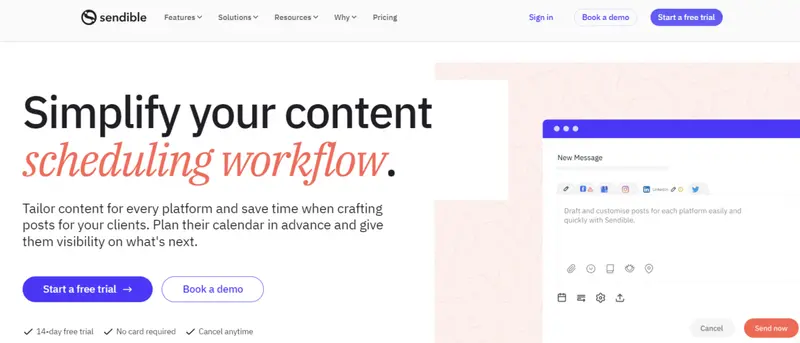
Best for: Agencies and marketers who value efficient multi-platform scheduling with a robust set of integrations, a focus on visually tailored content, and tools for bulk planning and content discovery.
If you’re looking for a tool that simplifies the complexity of managing multiple social media accounts, Sendible is worth your attention. With its robust features tailored to streamline social media posting, Sendible has become a go-to solution for over 30,000 marketers.
Read More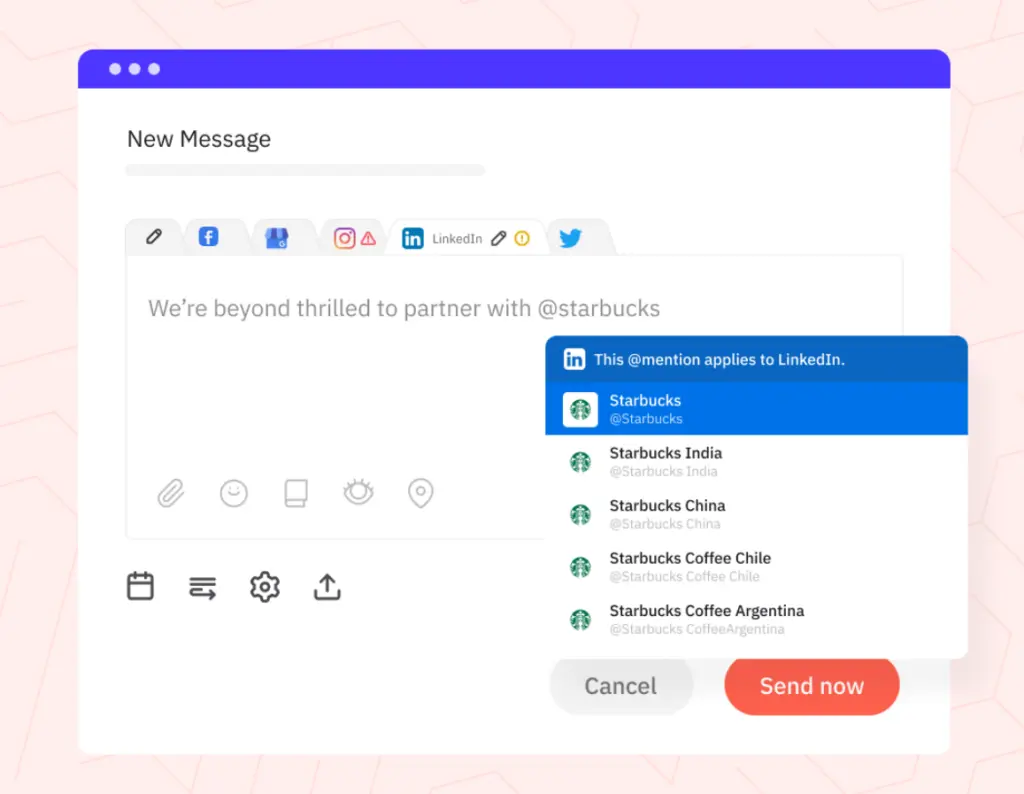

2. PromoRepublic
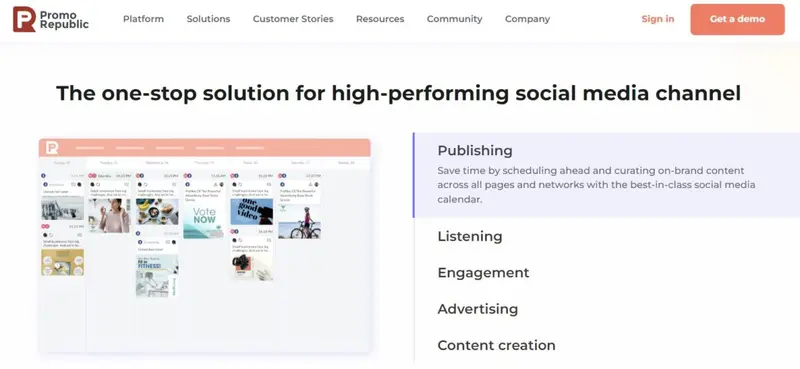
Best for: Multi-location brands, marketing agencies, and small business owners seeking a comprehensive tool that blends Canva-like design features with efficient social media management, especially for crafting and scheduling visually compelling content on platforms like Instagram and Pinterest.
PromoRepublic’s principal point of difference is its powerful design feature. Not only can you create and schedule posts in PromoRepublic, but you can also do much of the design work in the app, without having to open a specialist graphics program.
You can use PromoRepublic to schedule and share posts with all the major social networks, including importantly for such a visual app, Instagram, and Pinterest.
Read More3. CoSchedule
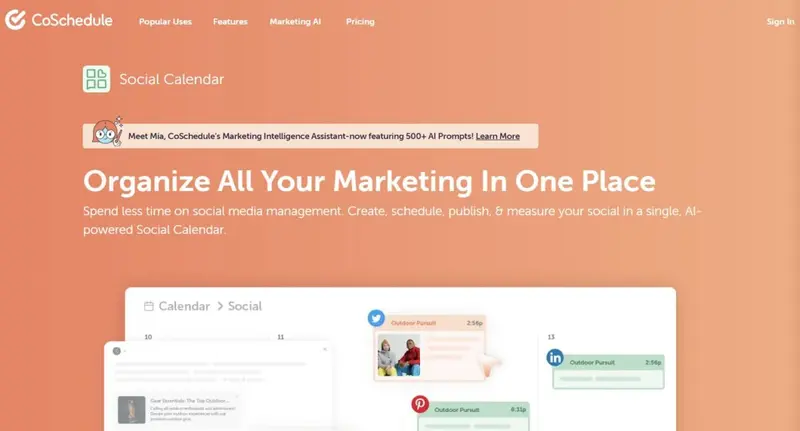
Best for: marketers seeking a comprehensive work management platform that integrates content scheduling, agile marketing coordination, headline optimization, and professional development opportunities.
CoSchedule caters to businesses of all sizes. However, it particularly focuses on organizations that run a blog or at least a frequently-changing website. It offers an Editorial Calendar for solopreneurs, bloggers, startups, and small businesses. This blog and social media editorial calendar is a cut-down version of its full product.
CoSchedule’s Marketing Suite comprises four parts:
- Content Organizer
- Work Organizer
- Social Organizer
- Asset Organizer
There are further add-ons, in the form of an Agency Toolkit and a Marketing Academy.
Read More
4. Buffer
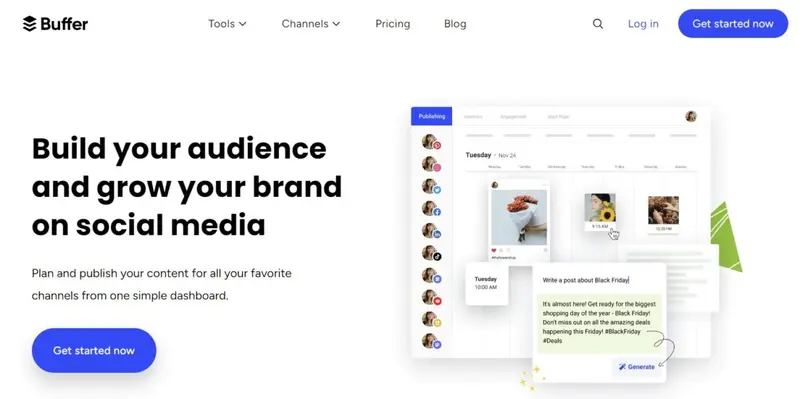
Best for: Brands and teams seeking to organically grow their audience through intuitive scheduling, automated reporting, and efficient team collaboration.
Like Hootsuite, Buffer splits its product into components. Its core app is Buffer Publish, where you create and schedule your posts. If you have higher needs, you could consider subscribing to Buffer Reply (their engagement tool), or Buffer Analyze (their detailed reporting tool).
Once you hook up your social accounts, you can easily create new posts within the app. The higher plans also make it extremely easy to add content from other sources, such as your favorite blog.
Read More
5. Meet Edgar
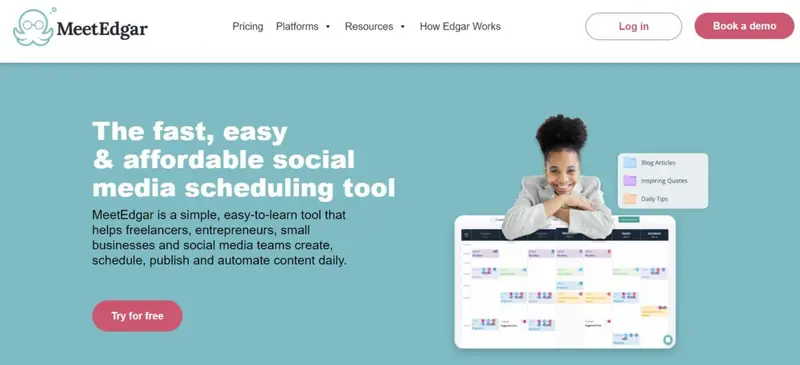
Best for: Businesses and solopreneurs seeking automated evergreen content resharing, with a self-replenishing content library that ensures a consistent online presence and analytical insights for content performance.
Technically, this social media posting app is called Edgar. When we come to use it, we “Meet Edgar.”
Meet Edgar has a single plan that allows you to connect to 25 social profiles
You can use Meet Edgar to schedule different categories of posts across your social networks.
Once you connect your social accounts to Edgar, you create a weekly recurring schedule. You can decide on the category of post you wish to share in any slot, or you can tell Edgar to select posts randomly.
Read More
Why Do You Need A Social Media Posting App?
Here are the key reasons why you need a social media posting app for your business:
1. Saves Time
A social media posting app allows you to schedule content in advance, rather than manually posting each update throughout the day. This saves significant time that can be better spent on other aspects of your business.
2. Consistent Posting
By scheduling posts ahead of time, you can ensure a consistent posting cadence even when you're busy or away. This helps maintain an active presence and engagement with your audience.
3. Optimized Posting Times
Posting apps analyze your audience's activity patterns and suggest optimal times to share content. This helps maximize visibility and engagement, even if those peak times are inconvenient for you personally.
4. Manage Multiple Accounts
Social media posting apps allow you to manage all your profiles (Facebook, X (Twitter), Instagram, etc.) from a single dashboard. This eliminates the need to constantly log in and out of different platforms.
5. Maintain Brand Consistency
Scheduling tools make it easier to maintain a consistent brand voice, visuals, and messaging across all your social channels. This builds recognition and trust with your audience.
6. Analyze Performance
Most posting apps provide analytics on your content's performance, such as reach, engagement, and clicks. This data helps you refine your strategy and create more effective posts.
7. Collaborate with Teams
Social media posting apps facilitate teamwork by allowing multiple users to contribute content, schedule posts, and monitor performance from a shared dashboard.
A social media posting app is an essential tool for businesses looking to save time, post consistently, optimize their content strategy, and ultimately drive better results from their social media marketing efforts.
Do These Apps Come With a Social Media Posting Calendar?
Yes, many of the best social media posting apps come equipped with a built-in social media posting calendar. This feature is essential for managing and scheduling content across multiple platforms efficiently.
Apps like Sprout Social, Brandwatch, and Loomly offer robust calendars that not only display scheduled posts but also allow for easy planning, editing, and collaboration. These calendars help you stay organized and ensure that your content strategy is implemented without a hitch.
When to Post on a Social Media Platform?
The best time to post on a social media platform varies depending on the platform itself and your target audience. Factors such as the day of the week, time of day, and even the type of content can all influence engagement rates. For a more detailed breakdown, check out the following resources:
- Best Times to Post on Instagram
- Best Times to Post on Facebook
- Best Times to Publish YouTube Videos
- Best Times to Post Instagram Reels
- Best Times to Post on TikTok
- Best Times to Post on LinkedIn
Conclusion
As social media continues to evolve, having the right posting app is crucial for effectively managing your online presence. The best social media posting apps for 2024 offer a range of features designed to streamline content creation, scheduling, and analytics, allowing businesses and individuals to engage their audiences more effectively.
Whether you need robust analytics, a user-friendly interface, or specific tools for particular platforms, there are options available to meet your unique needs. By selecting the right app, you can enhance your social media strategy, save time, and ultimately drive better results for your brand.
To help you better understand these apps, it's essential to look at each specific feature separately. Luckily, we have guides outlining the best tools specializing in each of these functionalities:
- Best Social Media Posting and Scheduling Tools for 2024
- 20 Social Media Calendar Tools for 2024 (+ Free Template)
- Top 7 Social Media Analytics Software
- Top 10 Tools for Brand Collaborations With Influencers
- Top 11 Multi-Platform Social Media Posting Tools in 2024
Frequently Asked Questions
What app can you use to post on all social media?
The best social media posting apps for 2024:
- Brandwatch
- Loomly
- Sendible
- AgooraPulse
- Hootsuite
- CoSchedule
- Sprout Social
What is the best app to use for social media?
These are the complete list of top social media apps and sites to use in 2024:
- TikTok
- Snapchat
- YouTube
Which app is best for making post?
The best app for free graphic design for social media:
- Canva
- Adobe Express
- Pablo by Buffer
- Desygner
- Snappa
Can I use social media posting apps for free?
Many social media posting apps offer free plans with limited features. For example, Later and Buffer provide free versions that allow users to schedule a certain number of posts per month.
Are social media posting apps suitable for businesses of all sizes?
Yes, social media posting apps cater to businesses of all sizes. They offer various pricing plans and features that can be tailored to meet the needs of small businesses, agencies, and large enterprises.
What features should I look for in a social media posting app?
Key features to consider include scheduling capabilities, analytics and reporting, user-friendly interface, customization options, and integration with other marketing tools. These features can significantly enhance your social media management efforts.
Comparing Social Media Tools
To help you better understand these apps, it's essential to look at each specific feature separately. Luckily, we have guides outlining the best tools specializing in each of these functionalities:
- Best Social Media Posting and Scheduling Tools for 2024
- 20 Social Media Calendar Tools for 2024 (+ Free Template)
- Top 7 Social Media Analytics Software
- Top 10 Tools for Brand Collaborations With Influencers
- Top 11 Multi-Platform Social Media Posting Tools in 2024
- 46 Social Media Marketing Tools To Try In 2024
- 12 FREE Influencer Marketing Tools to Find Influencers
- 16 Social Media Video Marketing Tools (Most Are Free!)


