
How do you stay consistent on LinkedIn without spending hours posting manually? And which scheduling tools actually help you grow visibility without risking your account?
LinkedIn has evolved into one of the most important platforms for professionals, brands, and B2B marketers. With more than one billion users spread across over 200 countries and regions, competition for attention is higher than ever.
At the same time, engagement remains strong. Roughly 4 in 10 active users interact with LinkedIn pages every week through likes, comments, shares, or clicks, making consistent posting a real growth lever rather than a vanity metric.
As content volume increases, manual posting no longer scales. In 2026, successful LinkedIn strategies rely on scheduling tools that support native publishing, collaboration, analytics, and compliant automation. From solo creators building thought leadership to teams managing multiple company pages, the right tool can save time while improving reach and consistency.
This guide breaks down the 13 best LinkedIn scheduling tools for 2026, helping you choose the option that fits your workflow, goals, and budget.
- Top LinkedIn Scheduling Tools Compared
- 1. Brandwatch Social Media Management
- 2. Sendible
- 3. PromoRepublic
- 4. Meet Edgar
- 5. Meet Alfred
- 6. Quuu
- 7. SocialBee
- What to Look for in a LinkedIn Scheduling Tool
- LinkedIn Scheduling Tools Comparison at a Glance
- A Few More Things to Consider When Choosing a LinkedIn Scheduling Tool
- Choosing the Right LinkedIn Scheduling Tool for 2026
- Frequently Asked Questions
Top LinkedIn Scheduling Tools Compared
Now it's time to dive into our in-depth look at 13 of the best LinkedIn scheduling tools around. These tools will help you automate your publishing so you can scale your LinkedIn content marketing efforts while still having time to make those oh-so-important connections on the platform.
1. Brandwatch Social Media Management
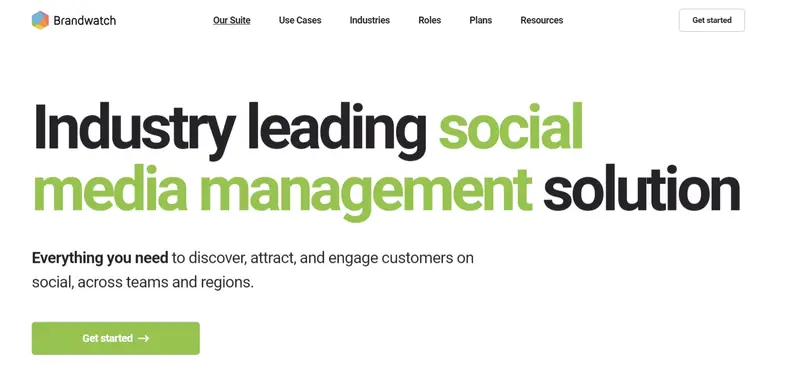
Best For: Mid to Large-sized Businesses
Primary Focus: A data-driven social media management platform that supports LinkedIn publishing alongside deep audience intelligence and performance measurement.
Pricing: Custom pricing designed for mid-market and enterprise teams rather than solo creators.
LinkedIn Scheduling: Supports scheduled posting to LinkedIn company pages with shared calendars, approval workflows, and campaign planning.
Brandwatch is not a lightweight LinkedIn scheduler. It is built for organizations that treat LinkedIn as a strategic channel for brand visibility, employer branding, and thought leadership at scale. LinkedIn scheduling is handled through a centralized calendar, making it easy for teams to plan, approve, and publish content consistently across multiple company pages.
Read More
2. Sendible
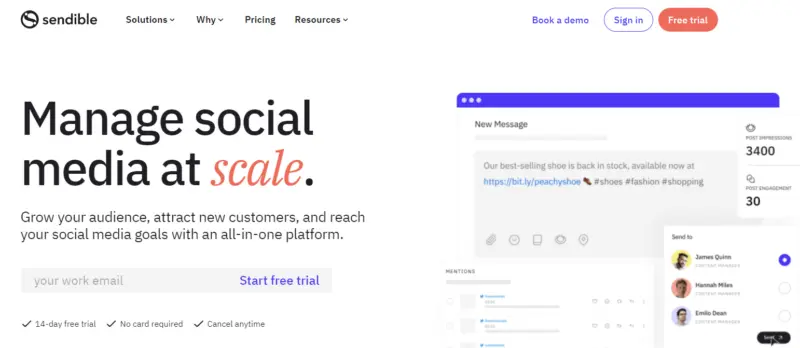
Best For: Agencies and B2B teams coordinating LinkedIn Company Pages and personal-profile publishing, especially when content needs approval.
Primary Focus: LinkedIn scheduling within a shared publishing workflow, with PDF document posts, scheduled first comments, and team review.
Pricing: Core starts at $35 per month with monthly billing. Assignments and approvals begin on Plus at $99; custom branded reports start on Premium at $199. All plans include unlimited users, and a 14-day trial is available without a credit card.
LinkedIn Scheduling: Supports personal profiles and Company Pages, including image posts, native video, and PDFs displayed as document carousels. Bulk scheduling and post previews are available, with format-specific restrictions.
Read More
3. PromoRepublic
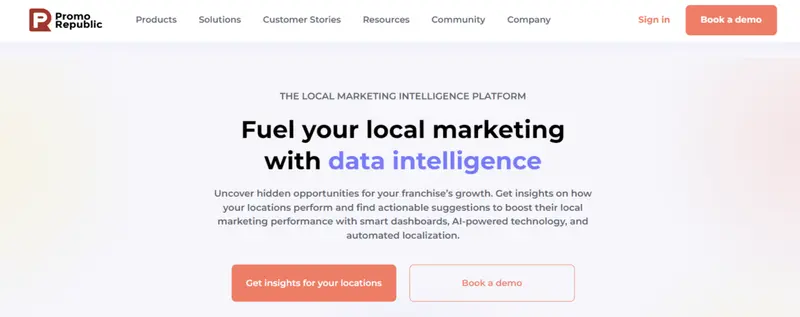
Best For: Small businesses, franchises, and agencies
Primary Focus: A design-forward social media management platform that blends content creation, scheduling, and collaboration, with strong support for LinkedIn.
Pricing: Plans start at $49 per month, with agency and multi-location options available.
LinkedIn Scheduling: Supports scheduling and publishing to LinkedIn business pages, with centralized calendars and AI-assisted timing recommendations.
PromoRepublic stands out as a LinkedIn scheduling tool by combining post design and publishing in one workflow. Instead of relying on external tools for visuals, users can design branded LinkedIn posts directly inside the platform using templates, fonts, banners, and image editing tools.
This makes it especially useful for businesses that need polished visuals without a dedicated design team.
Read More4. Meet Edgar
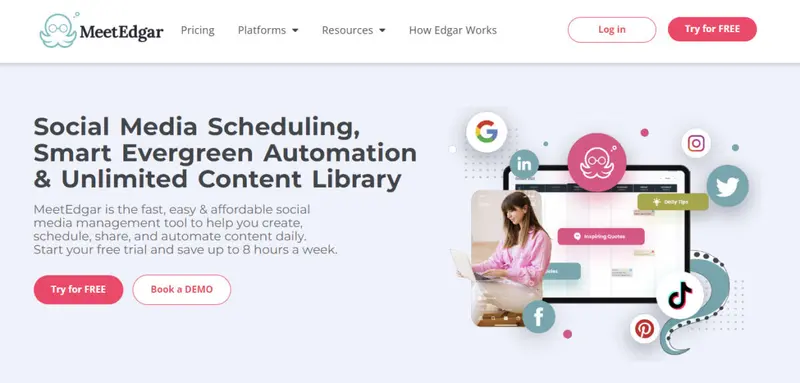
Best For: Businesses of all sizes
Primary Focus: An automation-first scheduling tool designed to continuously recycle and repurpose content across social platforms, including LinkedIn.
Pricing: Plans start at $24.91 per month, with a higher tier unlocking additional features and flexibility.
LinkedIn Scheduling: Supports scheduled posting to LinkedIn profiles and pages using recurring time slots and content categories.
MeetEdgar approaches LinkedIn scheduling differently from most tools on this list. Instead of focusing on inbox management, collaboration, or analytics depth, it centers on evergreen automation.
Users create a library of LinkedIn posts, organize them into categories, and assign those categories to repeating weekly schedules. Once set up, content is automatically reshared without ongoing manual scheduling.
Read More
5. Meet Alfred
Best For: Sales teams, founders, and B2B marketers
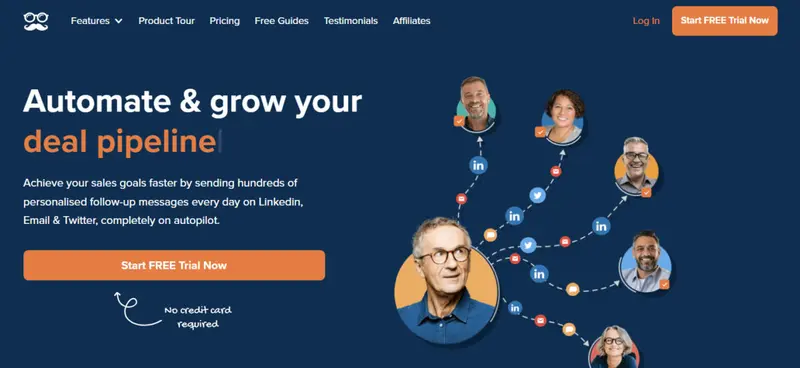
Primary Focus: A LinkedIn-centric automation platform that blends content scheduling with multichannel lead generation and follow-up campaigns.
Pricing: Plans start at $39 per month, with higher tiers built for teams and enterprise outreach.
LinkedIn Scheduling: Supports planning and scheduling LinkedIn posts alongside automated connection requests, messages, and follow-ups.
Meet Alfred is fundamentally different from traditional LinkedIn scheduling tools. While it does support content planning and post scheduling, its real strength lies in combining publishing with outbound LinkedIn automation.
The platform is designed for users who see LinkedIn as a revenue and lead generation channel rather than just a content distribution platform.
Read More6. Quuu
Best For: LinkedIn professionals and small teams who want to stay active by sharing curated, high-quality industry content with minimal effort.
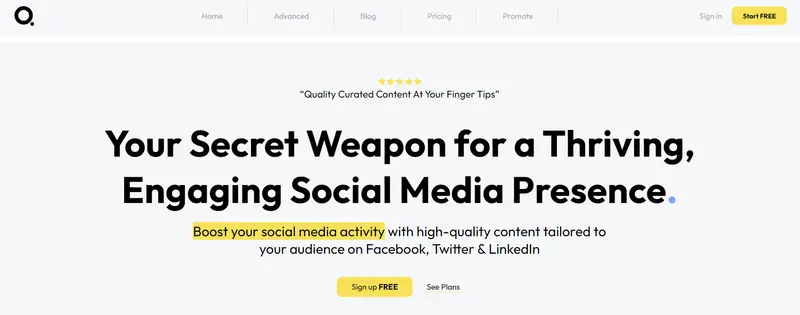
Primary Focus: A content curation and promotion platform that helps users discover and schedule pre-vetted articles and insights across LinkedIn and other networks.
Pricing: Plans start at $19.79 per month when billed annually, making it one of the most affordable tools on this list.
LinkedIn Scheduling: Supports scheduling curated content to LinkedIn, either directly or through integrations with third-party scheduling tools.
Read More7. SocialBee
Best For: Creators, small teams, and growing businesses
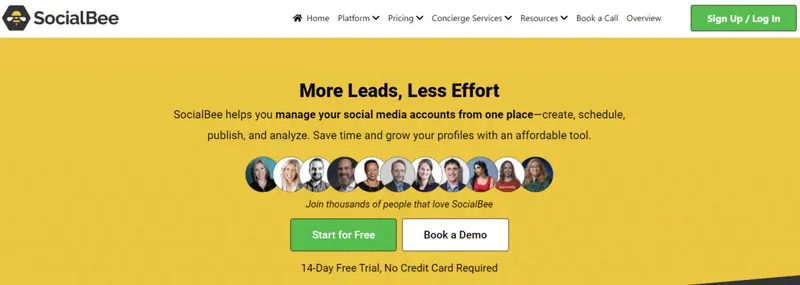
Primary Focus: An all-in-one social media management platform that combines LinkedIn scheduling, content categorization, AI-assisted creation, and engagement management.
Pricing: Plans start at $29 per month, with higher tiers supporting larger teams and posting volumes.
LinkedIn Scheduling: Supports scheduling text, image, and video posts to LinkedIn pages and profiles, including first-comment scheduling and recurring content.
SocialBee is built around the idea that consistency drives LinkedIn growth. Instead of one-off scheduling, it encourages users to organize posts into categories and automate publishing through custom schedules. This makes it especially effective for thought leadership, educational content, and evergreen posts that can be reused over time.
Read MoreWhat to Look for in a LinkedIn Scheduling Tool
Not all LinkedIn scheduling tools are built with the same priorities. Some focus on automation at scale, others on collaboration, content quality, or sales outreach. Before choosing a tool, it’s important to understand what actually matters for LinkedIn in 2026, and what can quietly put your account at risk.
Below are the most important criteria to evaluate, with examples of where different tools excel.
Respects LinkedIn’s Platform Rules
The most important requirement is that a tool does not attempt to manipulate or game the LinkedIn algorithm. LinkedIn actively restricts automation that mimics human behavior, sends mass interactions, or artificially boosts engagement. Tools designed primarily for content scheduling and native publishing are generally safer than those built for aggressive outreach.
For example, platforms like Sprout Social, Agorapulse, and Loomly focus on compliant scheduling, engagement management, and analytics rather than algorithm manipulation. By contrast, outreach-heavy tools require more careful use and are best suited to sales workflows rather than content-first strategies.
Ease of Use and Workflow Fit
A LinkedIn scheduling tool should match how you actually work. If it feels complicated, slow, or cluttered, it will quickly be abandoned.
Visual planners like Later and collaboration-first tools like HeyOrca work well for teams that plan content visually or need approvals. Automation-focused tools like MeetEdgar or SocialBee are better for creators who want recurring, evergreen posting without daily manual work.
Always test the interface through a trial if available, and pay attention to how many clicks it takes to schedule, edit, or approve a LinkedIn post.
Support, Reliability, and Long-Term Use
Scheduling tools become part of your daily workflow, so reliable support matters more than flashy features. When posts fail, accounts disconnect, or permissions break, fast answers save time and stress.
Tools like Sendible and Sprout Social are known for structured onboarding and responsive support, which is especially important for agencies and teams managing multiple LinkedIn accounts.
In short, the best LinkedIn scheduling tool is not the one with the most features, but the one that fits your goals, respects LinkedIn’s rules, and reliably supports your workflow over time.
LinkedIn Scheduling Tools Comparison at a Glance
The table below helps you quickly compare the LinkedIn scheduling tools covered in this guide. It highlights pricing, core LinkedIn capabilities, workflow strengths, and who each platform is best suited for, so you can shortlist tools that match your goals.
|
Tool |
Pricing (Starting Tier) | LinkedIn Support | Scheduling Type | Collaboration & Approvals | Content Creation Support | Analytics Depth | Inbox & Engagement | Automation Risk Level |
Ideal User Type |
| Brandwatch | Custom | Company pages | Calendar, campaigns | Strong | Limited | Advanced | Yes | Low | Enterprise teams, agencies |
| Sendible | $29/month | Profiles and pages | Calendar, queues, bulk | Strong | Canva integration | Medium | Yes | Low | Agencies, consultants |
| Loomly | $26/month | Company pages | Calendar-based | Strong | Post ideas, guidance | Medium | Limited | Low | Marketing teams |
| PromoRepublic | $49/month | Company pages | Calendar, AI timing | Strong | Built-in design tools | Medium | No | Low | SMBs, franchises |
| Agorapulse | $49/month | Company pages | Calendar, queues, bulk | Strong | Limited | Medium to advanced | Yes | Low | Agencies, brands |
| HeyOrca | $59/month | Profiles and pages | Visual calendar | Very strong | Media libraries | Basic | No | Low | Agencies, client teams |
| MeetEdgar | $24.91/month | Profiles and pages | Evergreen queues | Limited | Post variations | Basic | No | Low | Solo creators, SMBs |
| Meet Alfred | $39/month | Profiles | Campaign-based | Medium | Templates | Basic | No | Medium | Sales teams |
| Sprout Social | $199/month | Company pages | Calendar, queues | Strong | Limited | Advanced | Yes | Low | Mid to large companies |
| Quuu | $19.79/month | Profiles | Scheduled curation | Limited | Curated content | None | No | Low | Professionals, SMBs |
| SocialPilot | $25/month | Company pages | Calendar, bulk | Medium | Content discovery | Medium | Limited | Low | SMBs, agencies |
| Later | $18.75/month | Profiles and pages | Visual calendar | Limited | Media editing | Basic | No | Low | Creators, small teams |
| SocialBee | $29/month | Profiles and pages | Categories, evergreen | Medium | AI content, Canva | Medium | Yes | Low | Creators, SMBs |
A Few More Things to Consider When Choosing a LinkedIn Scheduling Tool
Beyond core features like scheduling and analytics, choosing the right LinkedIn scheduling tool comes down to how well it fits your posting habits, goals, and resources. Asking the right questions upfront can help you avoid paying for features you will never use or choosing a tool that limits you as you grow.
How frequently do you plan to post on LinkedIn?
Posting volume matters more than it seems. If you publish occasionally, a simple visual planner may be enough. But if you post daily or manage multiple LinkedIn pages, you need a tool that can handle scale reliably.
Platforms like SocialPilot and MeetEdgar are better suited for high volume or evergreen posting, while tools like Later work well for lower frequency, visually planned content.
Do you need more than basic scheduling?
Some tools stop at publishing, while others support the entire content lifecycle. If you want help with post ideas, AI-assisted captions, or content reuse, tools such as SocialBee or PromoRepublic add value beyond scheduling alone.
For teams that care about approvals, workflows, and collaboration, platforms like HeyOrca and Loomly are better long-term fits.
Do you manage more than just LinkedIn?
If LinkedIn is part of a broader social strategy, choosing a multi-platform tool can save time. Tools such as Sendible and Agorapulse allow you to schedule, monitor, and report across multiple networks from one dashboard, reducing context switching.
What is your realistic budget?
Pricing varies widely, and a higher cost does not always mean a better fit. Enterprise tools like Sprout Social make sense only if you use their advanced analytics and inbox features. If not, mid-range or creator-focused tools may deliver better value.
The best LinkedIn scheduling tool is the one that aligns with how often you post, how you work, and how much complexity you actually need.
Choosing the Right LinkedIn Scheduling Tool for 2026
The best LinkedIn scheduling tool is not the one with the longest feature list, but the one that fits how you actually work. Some teams need collaboration and approvals, others prioritize analytics and inbox management, while many creators simply want reliable, compliant scheduling that saves time.
As this guide shows, LinkedIn tools now range from visual planners and evergreen automation platforms to enterprise-grade analytics suites and sales-driven automation tools. Each serves a different purpose, and choosing correctly comes down to posting frequency, team size, content strategy, and budget.
If LinkedIn is central to your brand, sales, or thought leadership strategy in 2026, investing in the right scheduling tool can improve consistency, reduce friction, and protect your account from risky automation.
Use the comparisons and reviews in this article to narrow your options, test a few tools, and commit to the one that supports your workflow long term.
Frequently Asked Questions
Are LinkedIn scheduling tools safe to use in 2026?
Yes, as long as they rely on native publishing and avoid aggressive automation, which is why many brands stick to approved LinkedIn posting tools that focus on scheduling rather than manipulation.
Can AI help write better LinkedIn posts, not just schedule them?
It can. Many creators now pair schedulers with AI post generators for LinkedIn to speed up ideation while keeping tone and structure aligned with the platform.
What metrics matter most when evaluating scheduled LinkedIn posts?
Beyond likes and comments, serious teams track profile visits, follower growth, and clicks using advanced LinkedIn post analytics to understand real business impact.
Do LinkedIn scheduling tools work for influencer or creator campaigns?
They do, especially in B2B contexts where coordinated posting supports initiatives like LinkedIn influencer gifting, helping brands time announcements and creator content effectively.
How does scheduling fit into a broader LinkedIn marketing strategy?
Scheduling supports consistency, but performance still depends on fundamentals such as positioning, timing, and execution outlined in proven LinkedIn marketing tips.
Can schedulers help improve post engagement on LinkedIn?
Indirectly, yes. Tools that allow drafts and previews make it easier to refine strong openings, including effective LinkedIn post hooks that stop the scroll.
Should hashtags be planned in advance when scheduling LinkedIn posts?
Absolutely. Preparing them ahead of time helps avoid last-minute mistakes and aligns posts with best practices from a solid LinkedIn hashtags guide.
Is it better to optimize your profile before using a scheduling tool?
Yes. Scheduled content performs better when paired with a strong profile, especially when headlines follow patterns seen in high-performing LinkedIn headline examples.


