
Managing an X (Twitter) presence in 2026 means navigating faster news cycles, shorter content half-lives, and audience expectations that shift by the hour. Brands are asking the same questions:
- 1. Sendible
- 2. Planable
- 3. Brandwatch Social Media Management
- 4. PromoRepublic
- 5. Hootsuite
- 6. CoSchedule
- 7. Meet Edgar
- 8. Post Planner
- 9. SocialBee
- 10. RecurPost
- 11. Fedica
- Which X (Twitter) Scheduler Best Fits Your Brand?
- Innovative Features to Boost Your Twitter Strategy: AI & Advanced Analytics
- The X Scheduler Advantage That Keeps Your Brand Moving
- Frequently Asked Questions
- How do we post consistently without burning out?
- How do we hit peak engagement windows when timing varies by region, niche, and algorithmic signals?
- How do we maintain quality while scaling output across multiple accounts?
One trend is impossible to ignore. More than 57.6% of marketers now plan to increase their investment in AI and automation, reflecting a clear shift toward tools that streamline creation, scheduling, and optimization at scale.
Teams using automation publish more often, respond faster, and grow stronger communities over time.
This guide breaks down the top X schedulers built for 2026. Whether you need bulk workflows, evergreen automation, or enterprise governance, these tools help you keep the content rolling with confidence and consistency.
1. Sendible
Best For: Businesses of all sizes and agencies
Pricing: Plans start from $29 per month with unlimited scheduling on entry tiers and expanded collaboration, analytics, and account limits on higher plans
Demo: Yes, 14-day free trial
Key X (Twitter) Scheduling Features: Bulk Tweet scheduling, optimal-time posting suggestions, approval-based publishing workflows
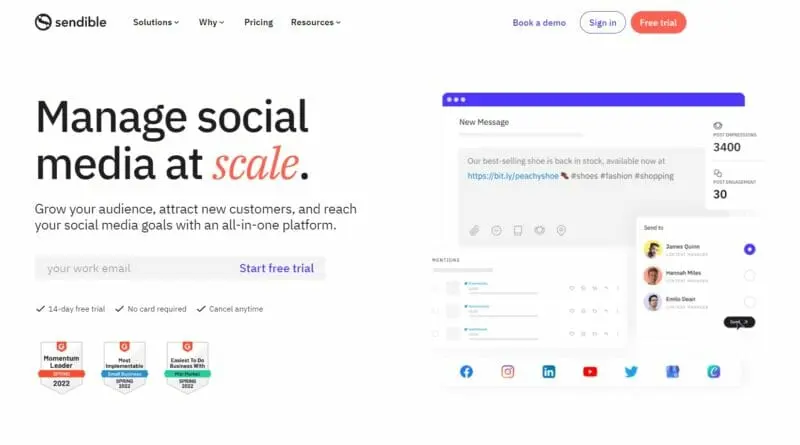
Sendible is a powerful multi-platform scheduler built for marketers who need a reliable, scalable workflow for X. It centralizes publishing, collaboration, and analytics, making it easy to manage complex content pipelines across brands or clients.
With bulk scheduling, hashtag and link optimization, and detailed reporting tools, it helps teams improve consistency, save time, and boost engagement on X.
Read More
2. Planable
Best For: Any size brand or agency
Pricing: Plans start from $33 per user per month, with unlimited Twitter publishing on the Pro plan and a free tier offering limited scheduling
Demo: Yes, free plan and free trial available
Key X (Twitter) Scheduling Features: Drag-and-drop calendar, recurring Tweet scheduling, bulk CSV scheduling
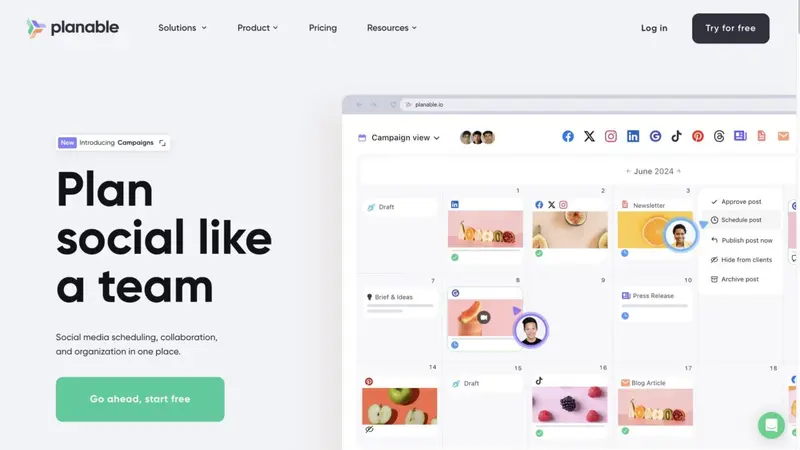
Planable is built for teams that need a visual, collaborative environment to plan and schedule Twitter content with precision. It provides pixel-perfect Tweet previews, calendar planning, recurring posts, and real-time collaboration tools that streamline multi-brand workflows.
With a clean interface and powerful approval layers, Planable helps marketers keep content organized, consistent, and ready for publication across X and other major social platforms.
Read More
3. Brandwatch Social Media Management
Best For: Mid-market and enterprise teams (and agencies) that need calendar-driven X scheduling with approvals, bulk planning, and post-level performance tracking
Pricing: Quote-based (standard to enterprise plans available)
Demo: Yes
Key X (Twitter) Scheduling Features: Calendar-based scheduling with timezone control, best-time posting recommendations, CSV bulk scheduling, approval-based publishing workflows
Brandwatch is a calendar-first social publishing platform designed for teams that run structured content pipelines—exactly the kind of workflow that makes X scheduling feel predictable instead of chaotic.
It combines planning, scheduling, approvals, and post performance tracking into one flow, so you can build a reliable cadence on X, iterate faster, and reduce the operational overhead that usually comes with higher-volume posting.
Read More
4. PromoRepublic
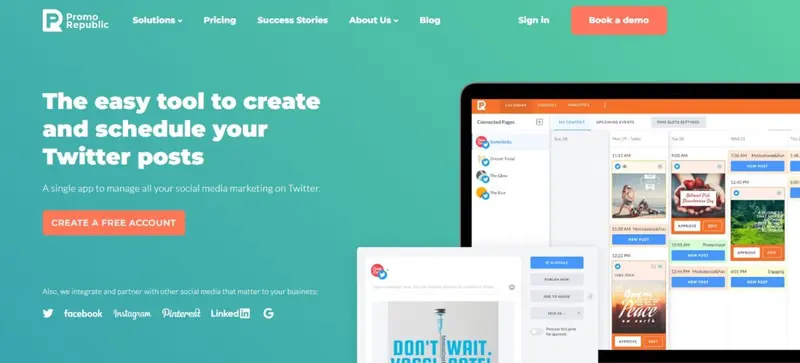
Best For: Franchises, multi-location brands, and agencies
Pricing: Upon request
Demo: Yes, free trial available
Key X (Twitter) Scheduling Features: Smart time slots for optimal posting, repeating Tweet schedules, 6000+ ready-made templates for fast content creation
PromoRepublic is an X scheduler tailored for brands that need consistent, scalable content across many locations or client accounts. It simplifies X scheduling through automated posting, reusable templates, visual calendars, and collaboration tools.
With built-in creative assets and performance tracking, PromoRepublic helps teams maintain a steady publishing cadence while reducing manual work and supporting large-scale execution.
Read More5. Hootsuite
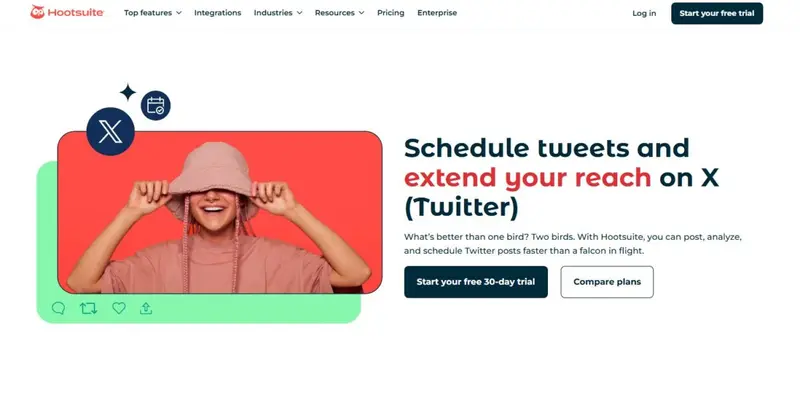
Best For: Large teams, enterprises, and high-volume social managers
Pricing: Plans start from $99 per month with advanced features including social listening, trend insights, and team workflows
Demo: Yes, free trial available
Key X (Twitter) Scheduling Features: Best Time to Publish recommendations, AI-driven post generation, unified scheduling across all networks
Hootsuite is a long-standing social media management platform built for teams that need deep analytics, trend insights, and reliable publishing workflows across X and other major networks.
Its scheduling environment includes AI-generated post ideas, preview tools, and data-backed timing recommendations that optimize Tweet performance. The platform also offers robust inbox management and competitive analysis to help brands grow faster on X.
Read More6. CoSchedule
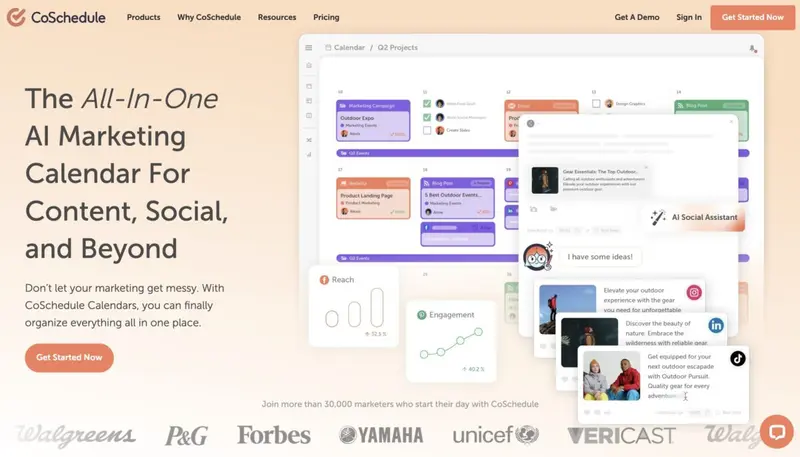
Best For: Marketers and teams
Pricing: Free plan available. Paid plans start from $19 per month, with advanced automation and ReQueue available in higher tiers.
Demo: Yes, free demo and trial options available
Key X (Twitter) Scheduling Features: Best Time scheduling, ReQueue automation for recurring posts, CSV bulk upload for social messages
CoSchedule is a unified marketing calendar that lets teams plan, schedule, and organize Twitter (X) posts alongside all other marketing activities. It supports image, GIF, and video uploads; Best Time scheduling; ReQueue recycling; and streamlined workflows inside a visual calendar.
Read More7. Meet Edgar
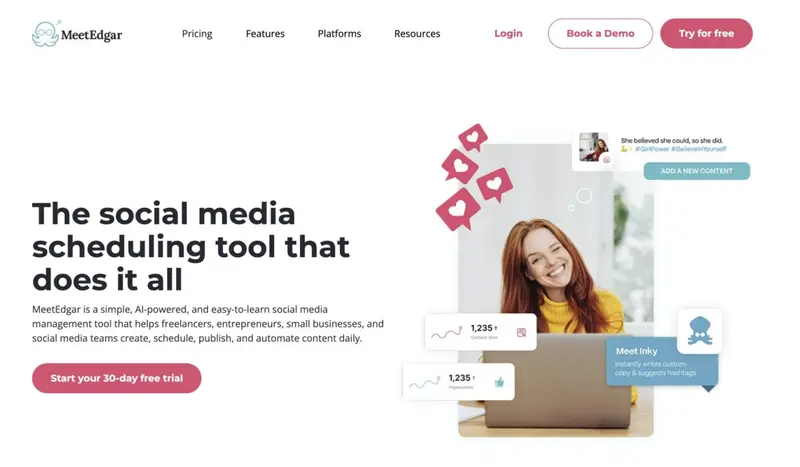
Best For: Solo creators, small businesses, and entrepreneurs
Pricing: Plans start from $24 per month with an unlimited content library and automated scheduling features
Demo: Yes, free trial and demo available
Key X (Twitter) Scheduling Features: Evergreen recycling via a bottomless content library, multi-variation Tweet creation, automated weekly posting slots
MeetEdgar is a lightweight but automation-heavy X (Twitter) scheduler built for creators and small teams who want to publish consistently on X without daily manual posting. I
Read More8. Post Planner
Best For: Small businesses, creators, and social managers
Pricing: Free plan available. Paid plans start from $7 per month with higher tiers offering unlimited posting, AI tools, and multi-network scheduling
Demo: Yes, free trial available
Key X (Twitter) Scheduling Features: Bulk scheduling for dozens of Tweets, scheduled retweets and quote Tweets, AI-generated captions and hashtags
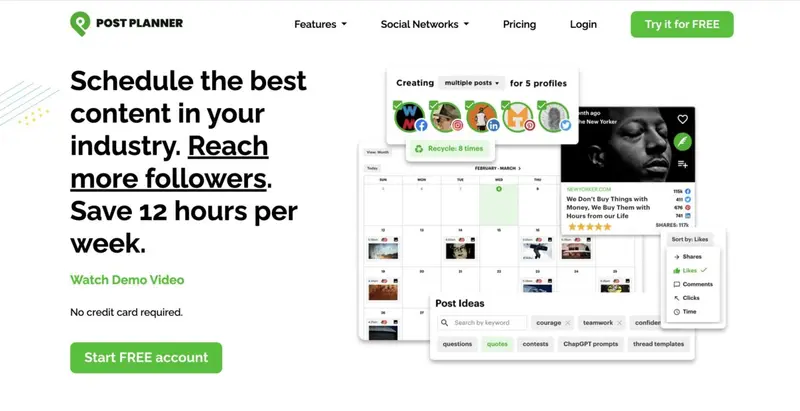
Post Planner is a high-speed X scheduler built for users who want to grow their X presence through consistent posting and engagement-driven content selection. Its core differentiator is content quality: Post Planner surfaces top-performing posts, videos, and articles from across the web so users can publish proven, high-engagement ideas.
Read More9. SocialBee
Best For: SMBs, agencies, and multi-platform social teams
Pricing: Plans start from $24 per month, with higher tiers offering multi-user workspaces, advanced analytics, and expanded posting automation
Demo: Yes, 14-day free trial available
Key X (Twitter) Scheduling Features: Category-based posting queues, evergreen Tweet resharing, AI tweet and hashtag generation
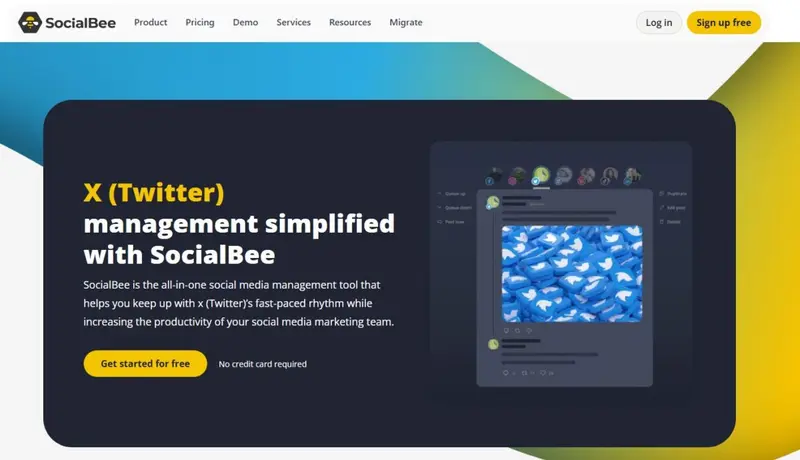
SocialBee positions itself as a category-driven social scheduling system that helps brands maintain a consistent and diverse posting rhythm on X. Its core value lies in structured planning: users can organize content into categories, activate evergreen queues, integrate RSS feeds, and generate Tweets with built-in AI.
Read More10. RecurPost
Best For: Creators, freelancers, and agencies
Pricing: Plans start from $9 per month, with higher tiers offering multi-client workspaces, white-label reporting, and expanded automation
Demo: Yes, 14-day free trial available
Key X (Twitter) Scheduling Features: Thread scheduling, evergreen queues, bulk uploading, AI tweet and variation generation
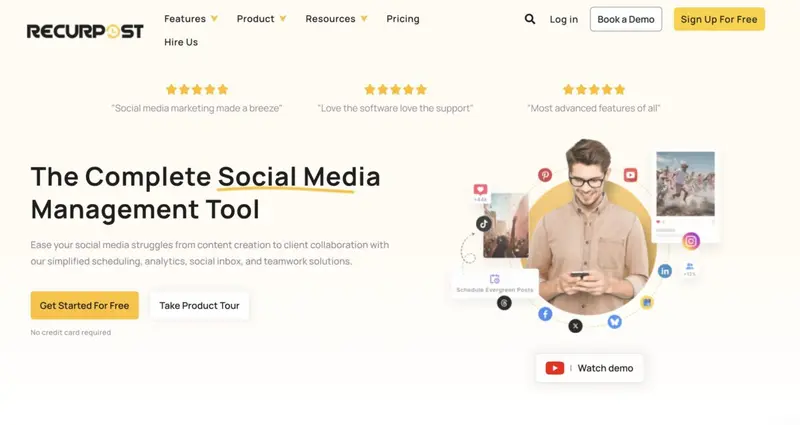
RecurPost focuses heavily on long-form automation for X, giving users a way to build full content pipelines that publish themselves. Designed for creators and agencies who want to “set it and forget it,” the platform allows scheduling entire threads, generating Tweet variations with AI, bulk uploading campaigns, and recycling evergreen posts while remaining compliant with X repeat-content rules.
Read More11. Fedica
Best For: Brands, analysts, and social teams
Pricing: Pricing begins with a free plan, with premium tiers unlocking advanced scheduling, demographic analytics, pipelines, polls, and thread automation
Demo: Yes; Free plan available
Key X (Twitter) Scheduling Features: Thread scheduling, polls and tagged-media posts, geo-optimized posting times, RSS auto-publishing workflows
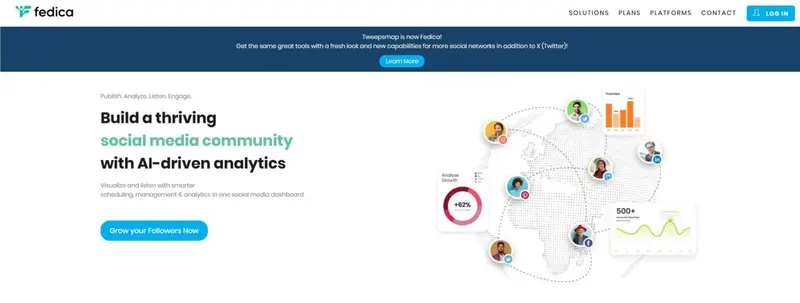
Fedica is built for marketers who want both powerful scheduling and deep intelligence behind every X post. It combines flexible automation tools — including PowerSchedule control, thread scheduling, pipelines, RSS-driven auto-posting, and audience-based timing suggestions — with one of the strongest analytics engines available.
Read MoreWhich X (Twitter) Scheduler Best Fits Your Brand?
Choosing the right X scheduler depends on how your team works, how quickly you publish, and how much automation or collaboration your workflows require.
Below are the clearest scenarios to help match your brand with the scheduler built for its needs.
- High-volume scheduling with deep approval workflows → Sendible
- Visual team collaboration and pixel-perfect planning → Planable
- Enterprise-grade analytics, optimal timing, and CRM-style engagement → Sprout Social
- Frictionless scheduling with X polls, threads, and creator-friendly workflows → Loomly
- Audience engagement, unified inbox management, and ROI-driven reporting → Agorapulse
- Template-driven, multi-location publishing with consistent brand governance → PromoRepublic
- Hands-off evergreen automation and multi-variation Tweet recycling → MeetEdgar
- High-speed bulk posting with retweets, viral content sourcing, and AI writing → Post Planner
- Unified marketing calendar with ReQueue automation for long-term planning → CoSchedule
|
Tool |
Best for | Starting Price* | Demo / Trial | Key X (Twitter) Scheduling Offering |
Use For |
| Sendible | Businesses of all sizes & agencies | $29/month | 14-day free trial | Bulk scheduling · Optimal-time posting · Approval workflows · Link/UTM tracking | High-volume, multi-account publishing with team approvals |
| Planable | Any size brand or agency needing visual planning | $33/user/month | Free plan + trial | Drag-and-drop calendar · Recurring posts · CSV bulk scheduling · Post previews | Clean, collaborative scheduling with strong editorial control |
| Sprout Social | Mid-to-large brands and enterprises | $199/month | 30-day free trial | ViralPost timing engine · Bulk CSV imports (350+ posts) · Unified publishing calendar · Smart inbox | Enterprise-level scheduling + analytics + engagement management |
| Loomly | Creators, small teams, marketing freelancers | $32/month | 15-day free trial | X poll & thread scheduling · Visual calendar · Content ideas · Post previews | Simple, intuitive scheduling with poll & content innovation support |
| Agorapulse | Mid-sized agencies or businesses needing engagement tools | $79/month | 30-day free trial | Thread scheduling · Bulk imports · Unified inbox for mentions/DMs · ROI reporting | Scheduling plus deep engagement and performance tracking |
| PromoRepublic | Franchises, multi-location brands, large networks | Custom/quote-based | Free trial available | Smart time slots · Repeating tweet schedules · 6,000+ templates · Multi-location workflows | Consistent, brand-safe content distribution across many locations |
| Hootsuite | Large teams, enterprises, high-volume social managers | $99/month | Free trial available | AI post generation (OwlyWriter) · “Best-Time to Publish” · Multi-network scheduling · Unified inbox + listening | Cross-platform publishing with AI-driven content and timing intelligence |
| CoSchedule | Marketers needing integrated content + social calendar | $19/month | Free demo / plan | Best-Time scheduling · ReQueue evergreen automation · CSV bulk uploads · Unified marketing calendar | Coordinated content and social publishing across channels |
| MeetEdgar | Solo creators, small businesses, entrepreneurs | $24/month | Free trial available | Evergreen content library · Recurring scheduled posts · Multi-variation tweets · Automated weekly slots | “Set-and-forget” evergreen workflow with minimal manual input |
| Post Planner | Small teams, content-heavy users wanting fast output | $7/month | Free trial available | Bulk scheduling · Scheduled retweets/quote-tweets · AI caption & hashtag generator · Content curation | Rapid content posting with AI-assisted creation and high frequency |
*Prices refer to the lowest publicly listed plan at time of writing; actual pricing may vary depending on plan configuration, number of accounts, or additional features.
Innovative Features to Boost Your Twitter Strategy: AI & Advanced Analytics
Advanced features like AI-powered content creation and detailed analytics can transform your Twitter strategy by automating content generation and providing insights into audience engagement. These tools not only save time but also help ensure that your content is optimized to reach and engage your followers at the right times.
For instance, Hootsuite offers AI-driven features like OwlyWriter, which generates captions and post ideas to streamline content creation. This saves teams time and allows them to focus on strategy rather than spending time crafting individual tweets. Similarly, SocialPilot utilizes its AI Pilot to generate viral-worthy tweet content quickly, further simplifying the process for users.
Analytics play a crucial role in measuring engagement and fine-tuning your strategy. Hootsuite also provides detailed engagement analytics, which can help you track how your content performs. This enables users to adjust their content based on data-driven insights.
These innovative features are essential because they not only streamline the scheduling process but also improve the overall effectiveness of your Twitter strategy, boosting engagement and ensuring content resonates with your audience.
The X Scheduler Advantage That Keeps Your Brand Moving
Choosing the right X (Twitter) scheduler isn’t just about posting on time — it’s about building a system that supports consistency, creativity, and growth at scale. The tools in this guide offer everything from evergreen automation and bulk scheduling to enterprise-grade analytics and team workflows, giving every brand a path to streamline their publishing pipeline.
Whether you're a solo creator or managing dozens of accounts, the right platform will help you stay visible, run smarter campaigns, and keep your feed active without the daily scramble. With your scheduling foundation in place, you’re set to show up with clarity, momentum, and impact on X all year long.
Frequently Asked Questions
How can brands decide whether they need a dedicated X scheduler or a broader social media toolkit?
Teams that manage multiple platforms often benefit from a unified environment, especially when planning campaigns or analyzing performance across networks. Exploring social media tools can help marketers understand whether a full-suite workflow or an X-focused scheduler is the more efficient investment.
What types of posts tend to perform best on X in 2025?
High-frequency platforms like X reward variety and brevity. Brands often see stronger engagement when mixing short insights, visuals, polls, and conversational threads. Reviewing types of social posts that hold audience attention can help shape a balanced Tweet calendar.
How can brands generate fresh Tweet ideas without relying on manual brainstorming?
Many teams use inspiration sources and creative frameworks to keep content flowing. Curated lists of social media post ideas can spark new angles for threads, polls, and commentary posts that naturally fit X’s rapid-fire format.
Are there best practices that apply universally across social platforms, including X?
Yes. Consistency, clarity, mobile-first formatting, and audience-centric messaging translate well across networks. Brands looking to tighten strategy can reference platform-agnostic social media best practices to ensure their X content aligns with broader standards.
How can marketers ensure their paid and organic Twitter strategies complement one another?
Partnership-led campaigns often require performance alignment across ads, creators, and organic messaging. Reviewing Twitter’s approved ecosystem of marketing partners can help teams build more coordinated workflows.
What free tools can small businesses use before upgrading to premium schedulers?
Startups and solo creators often begin with lightweight solutions to test posting frequency and workflow habits. Many explore curated lists of free social media scheduling tools before committing to enterprise-level automation.
How can creators estimate potential earnings from strong X engagement?
Before negotiating brand deals or setting campaign expectations, creators often use calculators to understand how reach and engagement translate into value. Tools like a Twitter money calculator can provide quick directional insights.
Which trends are shaping how brands schedule and optimize X content in 2025?
Automation, AI-assisted ideation, and multi-format publishing are becoming standard expectations for modern scheduling workflows. Reviewing emerging social media marketing trends can help brands adapt their X strategy to what audiences respond to now.


